
Your Business Email Isn’t Getting Through? Start With SPF, DKIM and DMARC
A practical domain-email checklist for Kenyan and global businesses: inventory every sender, configure authentication, make opt-outs work and monitor the right delivery signals.
UniqueTechCamp Editorial
Digital Services Team • UniqueTechCamp Engineering Unit
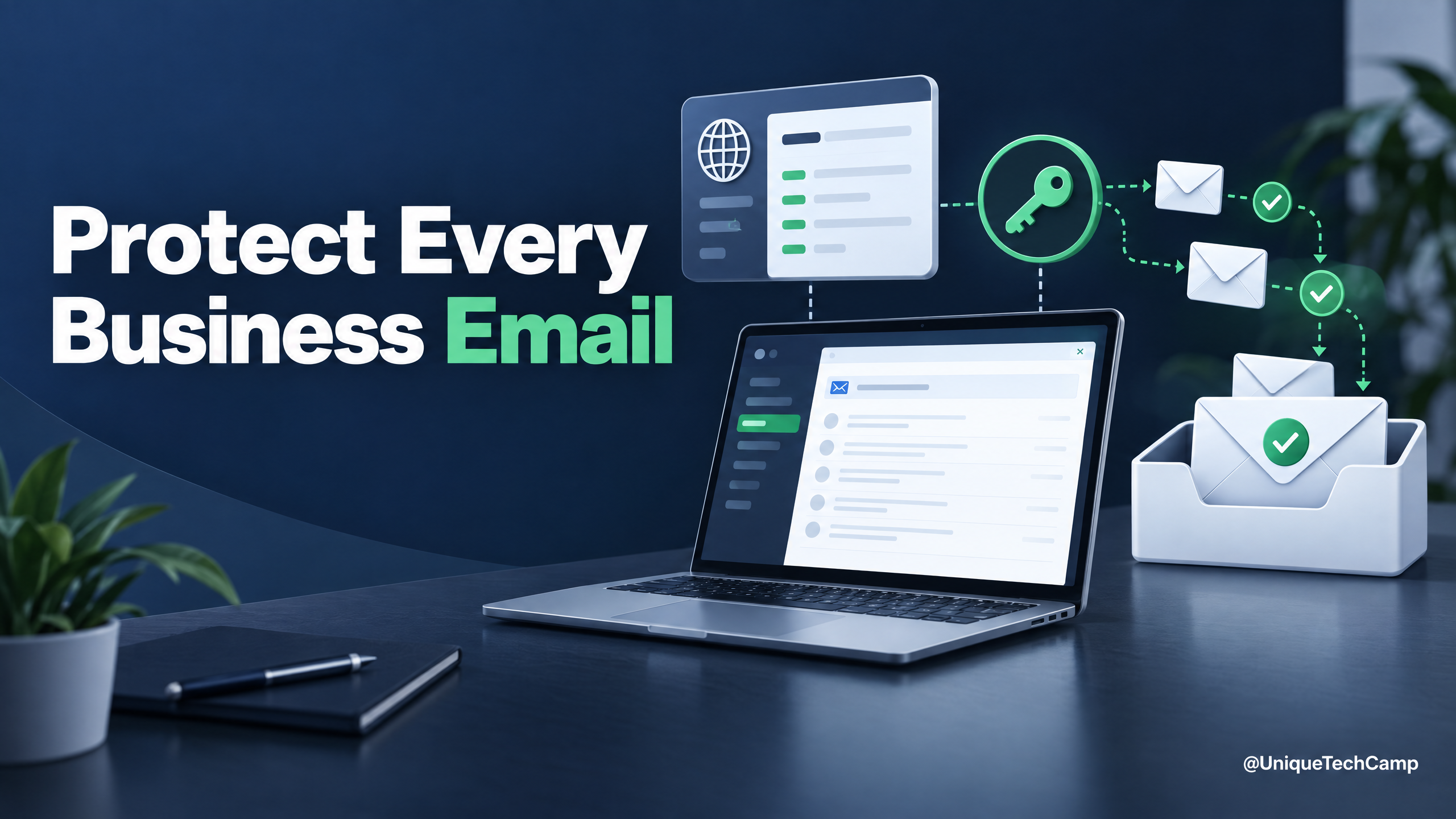
When a quotation, invoice or campaign message never reaches the recipient, the problem may be larger than a typo. Businesses often send from several places: a staff mailbox, a website, a CRM, a newsletter tool and a billing platform. If the domain’s email settings do not recognise every legitimate sender, recipients’ providers have less evidence that those messages are genuine.
Google’s Email Sender Guidelines require all senders to Gmail personal accounts to use SPF or DKIM, and senders who send 5,000 or more messages a day to Gmail accounts to use SPF, DKIM and DMARC. Yahoo’s Sender Best Practices set their own requirements, including SPF and DKIM plus a valid DMARC policy for bulk senders. These are provider-specific rules, so check the current guidance for the services and volume you actually use.
1. Make an inventory before editing DNS
List every system that sends mail using your domain: Google Workspace or Microsoft 365, website forms, CRM, invoice software, event tools and marketing platforms. Ask each vendor which sending domain and authentication method it uses. Keep this inventory with the person who manages DNS; changing records before you know all senders can break legitimate mail.
2. Give SPF, DKIM and DMARC distinct jobs
SPF identifies which sending services are authorised for a domain. DKIM adds a signature that receiving systems can verify. DMARC checks whether SPF or DKIM aligns with the domain shown in the visible “From” address and tells receivers how to handle messages that fail. For Gmail bulk senders, DMARC must be published and pass; Yahoo’s bulk-sender guidance accepts a policy as lenient as p=none while still requiring a valid policy. That makes monitoring a sensible first step before tightening a policy.
Ask each provider for its exact DNS record values. Publish one SPF record that includes the approved senders, enable DKIM signing in each service, and add a DMARC record with a monitored reporting address. Verify results by sending test messages to accounts you control and checking the authentication results in the received message headers. If the visible From domain and the authenticated domain do not align, ask the provider to explain how its sending setup handles alignment.
3. Treat permission and unsubscribe as part of delivery
Authentication tells a provider more about who sent a message; it does not make an unwanted campaign welcome. Send marketing only to people who asked for it, describe the expected content and frequency, and remove addresses that bounce or opt out. For Gmail senders above its bulk threshold, marketing and subscribed messages need one-click unsubscribe support. Yahoo also calls for an easy unsubscribe process and says requests should be honoured within two days. Keep the opt-out visible in the message body and make sure the sending platform actually suppresses the address.
4. Watch signals, not just “sent” counts
Review bounces, complaint reports, unsubscribes, authentication results and replies from qualified prospects. Google’s guidelines say to keep spam rates reported in Postmaster Tools below 0.10% and avoid reaching 0.30% or higher; they also caution that open rates are not a reliable indicator of deliverability. Use Google Postmaster Tools where available, and Yahoo’s complaint feedback options if your sending setup is eligible. Compare campaign performance with the same audience and purpose rather than changing several things at once.
Correct authentication improves trust signals, but it cannot guarantee inbox placement. Reputation, recipient expectations, message content, list quality and provider filtering still matter. Start by documenting every sender, make one controlled DNS change at a time, and re-test both staff mail and website notifications after each change.
5. Read the message headers before changing records
A DNS checker can confirm that a record exists, but it cannot show what happened to a particular message. Begin with a real message that failed to arrive, plus a comparable message that did arrive. In the received headers, record the results for SPF, DKIM and DMARC, the domains used for each check, and any stated reason for failure. Keep the original headers intact: forwarding a message or copying only its visible content can remove the evidence needed for diagnosis.
The address a reader sees is not the only sender identity involved in delivery. SPF commonly evaluates the envelope MAIL FROM domain, while DKIM identifies the domain in the signature. DMARC then checks whether an authenticated identifier aligns with the domain in the visible From field. The IETF DMARC specification describes this alignment step and the receiver’s sequence of policy discovery, SPF and DKIM checks, alignment checks and policy application. This explains why an SPF pass on its own is not proof that the visible sender is authenticated.
6. Build records around the real sending architecture
Draw the outbound path before asking a provider for a final record. Include employee mailboxes, website notifications, customer relationship management systems, payment and invoicing tools, support desks, event platforms, recruitment tools and any service that sends with your domain in its envelope or visible From address. For each system, note the service owner, sending domain, purpose, expected volume, whether it supports DKIM, and who can change its settings. Mark old providers for removal only after you have confirmed that no active workflow depends on them.
For teams with several sending paths, UniqueTechCamp can help turn the sender inventory into a practical review plan before any DNS changes.
SPF is a DNS TXT record, not a list that should be assembled by copying every hostname a vendor mentions. The IETF SPF standard specifies one SPF record for an owner name and warns that DNS information used during evaluation must be kept within receiver limits. In practice, consolidate the services that genuinely send for the domain, remove obsolete includes, and ask the responsible providers to explain any nested includes. Do not publish a second competing SPF record when a change to the existing record is required; multiple SPF records can produce a permanent error rather than authorising more senders.
Keep subdomains in scope. A marketing platform might use news.example.org, while a website uses example.org and a transactional service uses notify.example.org. Treat each sending identity as a separate item to verify, and ask whether the provider signs with your domain or with its own. A record that is correct for one path does not automatically authenticate every other path.
7. Treat DKIM keys and selectors as changeable credentials
DKIM is a signature over selected message data; it is not a guarantee that every part of a message will remain unchanged. The receiving system retrieves a public key using the signing domain and selector, then verifies the signature. The IETF DKIM standard explains that the selector is part of the public-key lookup and that a missing or revoked key causes verification to fail.
Ask each sending service how it creates, publishes and rotates keys. Record the selector, signing domain and owner of the DNS entry without storing private keys in a shared document. When rotating, publish the replacement key first, confirm that the provider is signing with it, and remove the old key only when messages bearing the old selector can no longer be in transit. If a vendor signs with its own domain, the signature may verify while still failing DMARC alignment with your visible From domain; ask for a custom signing domain or an equivalent aligned configuration where the service supports one.
Forwarding and message modification deserve a separate test. A forwarder can alter content or transport details, which may affect SPF or DKIM. Microsoft’s email authentication overview explains that server-based forwarding can break SPF and that message modification can affect authentication, while ARC may preserve authentication information when a trusted intermediary seals it. Do not weaken DMARC merely because one forwarding route is difficult; identify the route, test it, and discuss an appropriate forwarding or ARC arrangement with the provider.
8. Use DMARC reports as an inventory and change-control tool
A DMARC record can request reports about messages that claim to use your domain. Reports are evidence about observed traffic, not a complete list of every sender, so interpret them alongside application logs and provider dashboards. Group findings by source, purpose, authenticated domain and alignment result. Unknown sources deserve investigation, but an unfamiliar reporting source is not automatically malicious: it may be a legitimate SaaS service, a forwarding path or a system that was never documented.
Start with a monitoring policy while you identify legitimate traffic, then make policy changes through a recorded, reversible process. For each change, write down the date, the DNS record, the sending systems expected to pass, the test recipients, and what would trigger a rollback. A quarantine or reject action affects messages that fail DMARC; it does not repair an incorrectly configured legitimate sender. Continue checking reports after every provider onboarding, domain migration, website change or marketing-platform switch.
Keep reporting addresses under control. Confirm that the mailbox or reporting service is monitored, restrict access to reports because they can reveal message metadata, and define how long the organisation will retain them. If a third-party service receives reports for a domain outside the service’s own domain, follow that service’s authorisation instructions rather than adding an unverified destination. The aim is useful visibility without creating a new data-handling problem.
9. Separate authentication failures from delivery failures
Authentication is one part of the decision made by a receiving provider. A message can pass SPF, DKIM and DMARC and still be delayed, placed in spam or rejected for other reasons. Conversely, a failed check may be tolerated in one context and treated more strictly in another. Compare the receiving provider’s SMTP response, bounce category, authentication results, complaint signals and recipient context instead of treating an inbox placement result as a single universal verdict.
Use controlled tests that reflect real traffic: a staff reply, a password or invoice notification, a website form acknowledgement and a subscribed campaign message. Send each from its actual system, to addresses at the relevant providers, and inspect the headers at the destination. Test a normal message and a forwarded message where forwarding is part of the workflow. Do not send repeated tests to people who have not requested them, and do not use a purchased list to measure delivery.
For campaigns, protect the distinction between transactional and promotional mail. Give recipients a clear reason for each subscription, keep the sending identity recognisable, and ensure an opt-out suppresses future promotional messages across every system that shares that subscription. Google’s current sender guidance recommends authentication, permission-based sending and an easy unsubscribe route; for senders above its stated threshold, it specifies the relevant one-click unsubscribe headers. Treat those requirements as provider guidance that must be rechecked, not as a universal promise of inbox placement.
10. Keep a small, owned runbook
- Before launch: name the domain owner, DNS administrator, sending-system owners and person responsible for reports.
- Before a DNS edit: export or record the current values, identify dependencies, and agree how the change will be checked.
- After a DNS edit: allow for DNS caching, send representative tests, inspect headers and compare reports with the expected traffic.
- During an incident: preserve the failed message and SMTP response, identify the affected sender and recipient provider, and change one relevant variable at a time.
- During an offboarding: remove a service from application settings and SPF only after confirming that no active mail stream still uses it.
Review the runbook whenever a vendor, domain, forwarding rule or message type changes. The practical goal is not to collect impressive DNS records; it is to make every legitimate sending path explainable, aligned where required and observable over time. That discipline gives a business a defensible way to investigate missing mail without rewriting its existing configuration by guesswork.
When a message fails, ask four questions in order: which system sent it, which domain appeared in the envelope, which domain signed it, and which domain appeared in the visible From field? Then compare those answers with the provider’s stated failure reason. A missing DNS record, an expired key, a non-aligned service domain and a forwarding rewrite require different remedies. Capture the message ID and timestamp, but redact recipient data before sharing evidence outside the organisation. Escalate to the sending vendor with the headers and exact SMTP response, rather than describing the symptom only as “not delivered”. This short evidence trail makes support conversations faster and prevents an emergency change from hiding the original cause.
If your domain sends from several platforms, a short technical review can prevent one tool from silently undermining another. UniqueTechCamp can help map the website-to-inbox journey as part of a broader website and client-acquisition review.
Need this built for your business?
For help mapping your sending systems and planning a careful rollout, visit UniqueTechCamp or book an appointment .
Deploy An Autonomous AI Lead Gen System Today
We engineer high-converting web applications with integrated 24/7 WhatsApp qualification bots and multi-channel follow-up drips.
Related Strategy Articles

From Product Inquiry to Paid Order: A WhatsApp + M-Pesa Journey for Kenyan Retailers
WhatsApp M-Pesa order flow for Kenyan retailers: check stock, confirm the order, verify payment and fulfil delivery with clear hand-offs.

Before You Add Another Lead Form: A Kenyan Business’s Website Privacy Checklist
A practical checklist for collecting enquiries on a Kenyan business website: ask only for what you need, explain why, separate replies from marketing and plan how information is stored and removed.

WhatsApp Sales Automation in Africa: From Casual Chats to High-Ticket Closings
In emerging markets, commerce moves on WhatsApp. Learn how integrating official WhatsApp API automation with your web storefront yields a 98% message open rate and eliminates sales delays.

UniqueTechCamp Desk
Online • Reply < 5 mins