
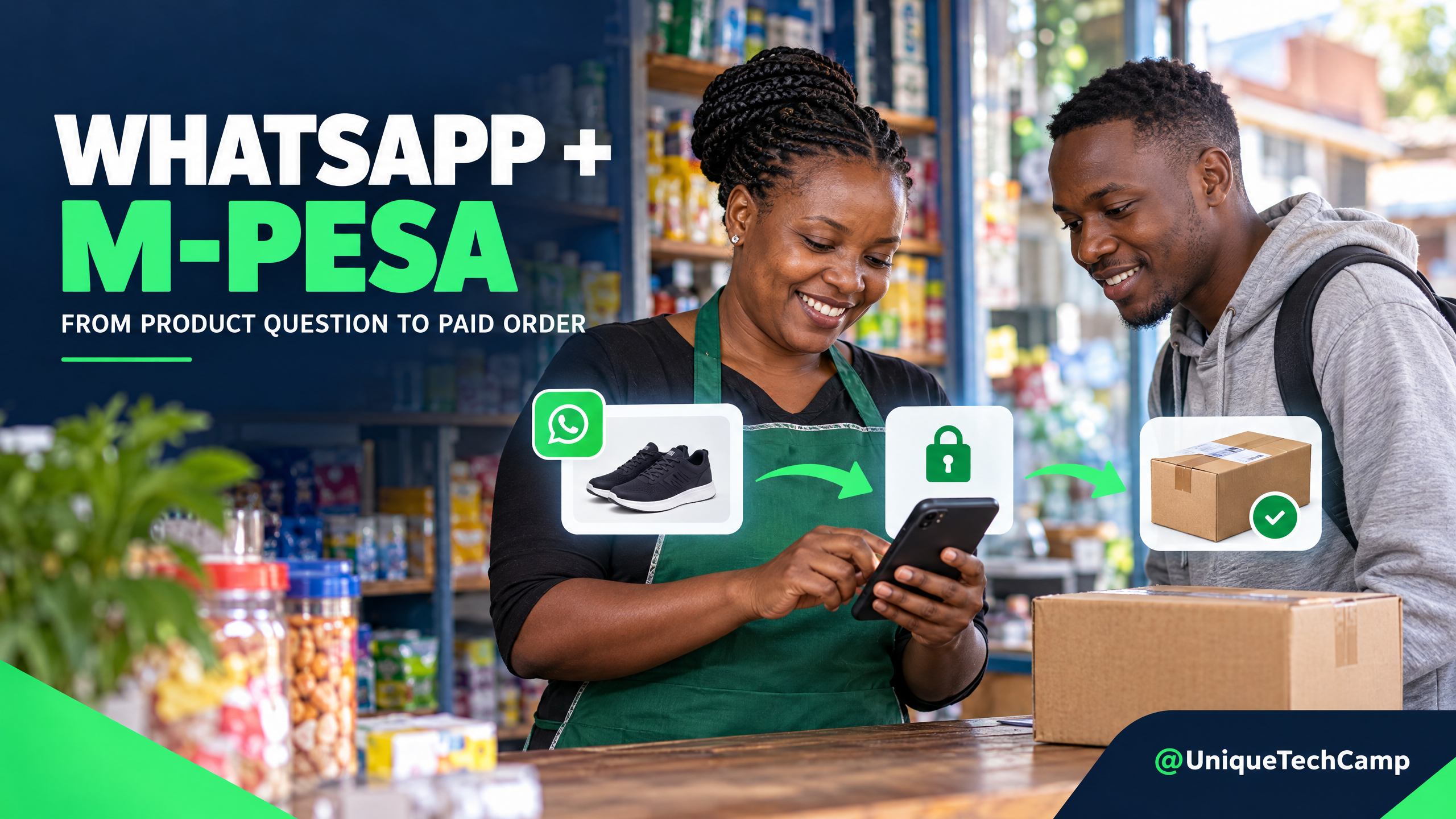
A customer asks on WhatsApp whether a product is available. Your team confirms the colour, checks a shelf, sends a payment number, then waits for a screenshot. The money may arrive while another staff member is packing the item. The delivery address sits in a chat that nobody else can find. None of those steps is complicated alone, but together they make it easy to promise stock you do not have or dispatch before a payment is confirmed.
A more reliable journey connects the conversation to an order record, the order to a verified M-Pesa payment state, and that state to fulfilment. The point is not to automate every chat. It is to make each hand-off visible, keep a person available for exceptions and give the customer one clear next step.
Start with the order, not the bot
Before choosing software, define what counts as an order. For a retailer, that normally means a specific stock-keeping unit (SKU), variant, quantity, agreed price, customer contact, delivery or collection choice and a unique order reference. Decide which system owns each fact. Your catalogue or inventory tool should be the source for stock and price; a chat assistant should not invent either.
Also choose the channel deliberately. A small shop can pilot a human-run process using the WhatsApp Business app and its existing M-Pesa Till or PayBill. That may be enough to learn where customers get stuck. If you need many staff to share one queue, automatically create orders, trigger payment prompts or update stock, you may need the WhatsApp Business Platform, an order system and a Safaricom Daraja integration. They are different levels of work, with different ongoing costs and operating duties.
A practical WhatsApp-to-M-Pesa workflow
1. Capture a complete product question
Ask for the smallest amount of detail that lets the team answer correctly: product or SKU, variant, quantity and the customer's delivery area or collection preference. If the message is vague, ask one short clarifying question. Do not make a customer repeat details already in the conversation; copy them into the order record once an order is proposed.
When an assistant answers catalogue questions, connect it to an approved product source and set a fallback. If it cannot confirm a variant or current stock, it should say that a staff member will check. Keep an audit trail of which catalogue record supplied the answer. A language model that guesses availability can turn a quick reply into an avoidable refund or complaint.
2. Check stock and price at the time of the offer
Check the requested variant and quantity against the stock source before sending an offer. Decide whether the item can be reserved and for how long. If two people can sell the last item at once, your process needs a temporary reservation or a staff confirmation rather than a promise based on an old spreadsheet.
Show any substitution as a choice, not an automatic swap. Record who approved the change and the customer's response. If the price has changed, send the revised amount and wait for the customer to accept it before creating a payment request.
3. Send one concise order summary
Before taking payment, send an order summary that the customer can check: item, variant, quantity, current item price, delivery fee if applicable, total, delivery or collection details and the expected next step. Use a unique, short order reference that your team can search in the order register. Confirm any delivery-zone surcharge or collection deadline before the customer pays.
Ask the customer to confirm the summary. That confirmation is the point at which the request becomes an order awaiting payment. It is not yet a paid order and it is not permission for unrelated promotional messages. If a staff member changes an item, amount or address later, save the revised summary and confirmation.
4. Choose a payment route that matches your operation
A manual pilot can direct a customer to the business's approved Till or PayBill and ask them to use the order reference where the product supports it. Staff then verify the payment in the business account or statement and update the order. This is simple to start, but it requires clear ownership of the checking queue and can be slow when volume rises.
For an integrated checkout, Safaricom describes M-Pesa Express, also called STK Push, as a merchant-initiated customer-to-business request. Your server sends the agreed amount and destination; the customer receives a prompt on the M-Pesa-registered handset and authorises it there. The Safaricom M-Pesa Express documentation explains the request and callback flow. A successful initial API response means the request was accepted for processing. It does not mean that the customer has paid.
 explains the request and callback flow. A successful initial API response means the request was accepted for processing. It does not mean that the customer has paid.
5. Treat the callback as a state change, then verify it
The Daraja operation is asynchronous. Keep the order in a pending state until your callback handler receives the final result. Safaricom's sample callback uses a result code of zero for success and non-zero codes for failure or cancellation. On a successful response, match the callback's checkout or merchant request identifier to the order, then compare the returned amount with the amount expected. Store the receipt reference needed for reconciliation and update the order only once.
Make the callback handler safe to receive a repeated notification. A duplicate callback should not create a second order, send duplicate dispatch instructions or mark a refund as a new sale. If the callback is late or missing, keep the order pending and give staff a way to check the merchant account. Do not fulfil based on a phone screenshot or a message displayed on the customer's handset. Safaricom's Business Till guidance tells Till operators not to rely on messages shown on another person's handset and points them to their own business app or statement to verify a transaction.
Never ask a customer to send an M-Pesa PIN in WhatsApp. The customer enters it only in the official prompt on their own phone. Your checkout should not collect, log or expose that PIN.
6. Make payment failures easy to recover from
Give each order a small set of clear states, such as awaiting confirmation, awaiting payment, payment pending, paid, cancelled, refund review, packing, dispatched and delivered. Store the time and reason for a change. Staff should be able to distinguish a customer-cancelled prompt from a network delay and a confirmed payment from a request that was only accepted.
Write a short response for the common exceptions: the prompt timed out; the customer used a different number; the payment amount does not match; the order was cancelled after payment; the same receipt appears twice; or stock changed while payment was pending. Route money discrepancies and refund requests to a named person. Do not tell the customer to pay again until the business has checked whether the first transaction completed.
7. Send useful updates and provide a human hand-off
After payment is verified, send a clear confirmation with the order reference and the next step. Later updates can report that the item is being packed, has been handed to a rider or is ready for collection. Keep a person responsible for address problems, substitutions, missed deliveries, returns and complaints. A bot can collect context, but it should not make a promise that staff cannot honour.
WhatsApp platform rules and costs changed this week. Meta's developer pricing page says that, effective 1 October 2026, delivered service messages and utility messages sent during an open customer-service window are now charged per message; the rate depends on message category and recipient market. User-to-business messages are not charged by Meta. Check the current Meta WhatsApp Business Platform rate card for the live market and category price before forecasting cost. Meta notes that qualifying free-entry-point messages and a limited service-message tier may apply; do not assume every order update is free.
Within the 24-hour service window, staff or an approved automation can respond without a template, but the delivered service messages now count under the updated pricing. Outside that window, use an approved template. A delivery update should be useful and requested; it should not be disguised as a promotion. The WhatsApp Business Messaging Policy requires appropriate permissions, respect for opt-outs and a clear escalation path when automation is used. Its opt-in guidance says the business name and purpose should be clear, and users should understand the kinds of messages they will receive.
8. Keep customer and payment data to what the journey needs
An order workflow may need a name, phone number, delivery details, selected products, payment state and receipt reference. It generally does not need a copy of the customer's M-Pesa PIN, unrelated chat history or a permanent screenshot of the transaction. Limit access to the people who fulfil or reconcile orders, use separate staff accounts where available and define when old records should be archived or deleted.
Kenya's Data Protection Act requires lawful, fair and transparent processing for specified purposes and limits personal data to what is necessary. It also sets conditions for commercial use of personal data. A number supplied to deliver an order should not silently become a marketing list. Explain who will see the order information and why; keep promotional opt-in distinct, record it and honour a request to stop. Read the Data Protection Act on Kenya Law and the ODPC Personal Data Protection Handbook with the person responsible for privacy or legal review; this workflow guide is not a substitute for advice on your business's obligations.
Price the whole operating path, not only the integration
A realistic estimate separates setup from the cost of running the flow. For WhatsApp, count delivered business-to-customer messages by category and use the current Kenya rate card. Include any provider's platform charge, number hosting, automation or AI usage, and the work of monitoring quality and handling escalations. The user-initiated messages do not incur Meta's per-message charge, but each delivered outbound message may have a category-specific cost under the current rules.
For M-Pesa, confirm the applicable tariff for the exact product, Till or PayBill arrangement and settlement flow with Safaricom. Do not copy a generic fee from an old blog post or assume the API integration itself has one universal transaction price. Add the build and testing work, hosting, support, catalogue or inventory maintenance, staff time, packaging, delivery, payment reconciliation, refunds and the cost of failed or duplicate orders. If a third-party AI service is involved, include its charge separately from WhatsApp delivery and any business-solution-provider fees.
Use your own pilot data to forecast: orders proposed, messages delivered by category, payments initiated and completed, stock mismatches, failed prompts, human minutes per exception, deliveries completed and returns. Compare the actual cost and workload with the value of orders fulfilled, not with chat volume. Set a review period and agree what result would justify keeping, changing or stopping the automation.
For one implementation example, the Orthobest Care Hub portfolio entry describes an e-commerce workflow using M-Pesa STK Push and WhatsApp sizing support. Treat it as an example of the stated implementation, not independent evidence that the same outcome will occur for another retailer.
If you are testing an AI assistant for catalogue questions or order-status hand-offs, a UniqueTechCamp AI Solutions Desk is one route for discussing the workflow and its boundaries. Keep stock promises, payment decisions, refunds and unusual delivery cases tied to an accountable human or an authoritative system.
Measure whether orders are getting safer and clearer
Choose a small set of measures before launch. Track how many product enquiries become customer-approved order summaries, how many summaries reach verified payment, and how many paid orders are fulfilled without a stock or address exception. Record cancellation, failed-payment, duplicate-callback, refund and delivery issues as separate reasons rather than hiding them inside one conversion rate.
Use consistent definitions and dates. For example, count a paid order only after matching the callback or business-account record to the expected order and amount. Review a sample of conversations with the team to learn whether questions are answered accurately and whether customers can reach a person. A short pilot should show where the work moved, what it cost and which failure modes remain. It cannot prove that every retailer will see the same sales result.
Frequently asked questions
Is an STK Push acceptance response proof that the customer has paid?
No. It confirms that the request was accepted for processing. Wait for the final callback, match it to the order and check its result and amount before marking the order paid or beginning fulfilment.
Do I need an API to start taking WhatsApp orders?
No. A small retailer can first test the order summary and staff-verification process with the WhatsApp Business app and an existing merchant payment method. An API-based platform is a separate choice for shared queues, automation, payment callbacks or system updates. The simplest route that your staff can operate safely is the right pilot.
Are WhatsApp order updates still free?
Not always. Meta's pricing update effective 1 October 2026 charges for delivered service messages and utility messages sent within the customer-service window, with the rate depending on message category and recipient market. Check the current rate card and any qualifying free tier or entry-point window before estimating your own costs.
Should I ask the customer for a payment screenshot or PIN?
No. Never ask for an M-Pesa PIN. Use the official Safaricom prompt for customer authorisation and verify payment through the callback or the business account. A screenshot from the customer's handset is not the payment record your fulfilment process should rely on.
Need this built for your business?
Bring one real product, its stock source, delivery zones, current Till or PayBill setup and the order exceptions your team handles most often. Start with the UniqueTechCamp AI Solutions Desk to scope an automation boundary, then book a consultation with the team. For the payment connection itself, review the existing M-Pesa Integration service . Ask for a one-page pilot flow before committing to a broader build.


UniqueTechCamp Desk
Online • Reply < 5 mins