
Why A Static Website Is Costing You Clients: The Era of AI Lead Qualification Engines
Most business websites function like static digital brochures that leak 95% of their traffic. Discover how pairing your website with an autonomous AI qualification engine transforms cold visitors into booked sales calls.
Lawrence Otieno
Founder & Principal Solutions Architect • UniqueTechCamp Engineering Unit
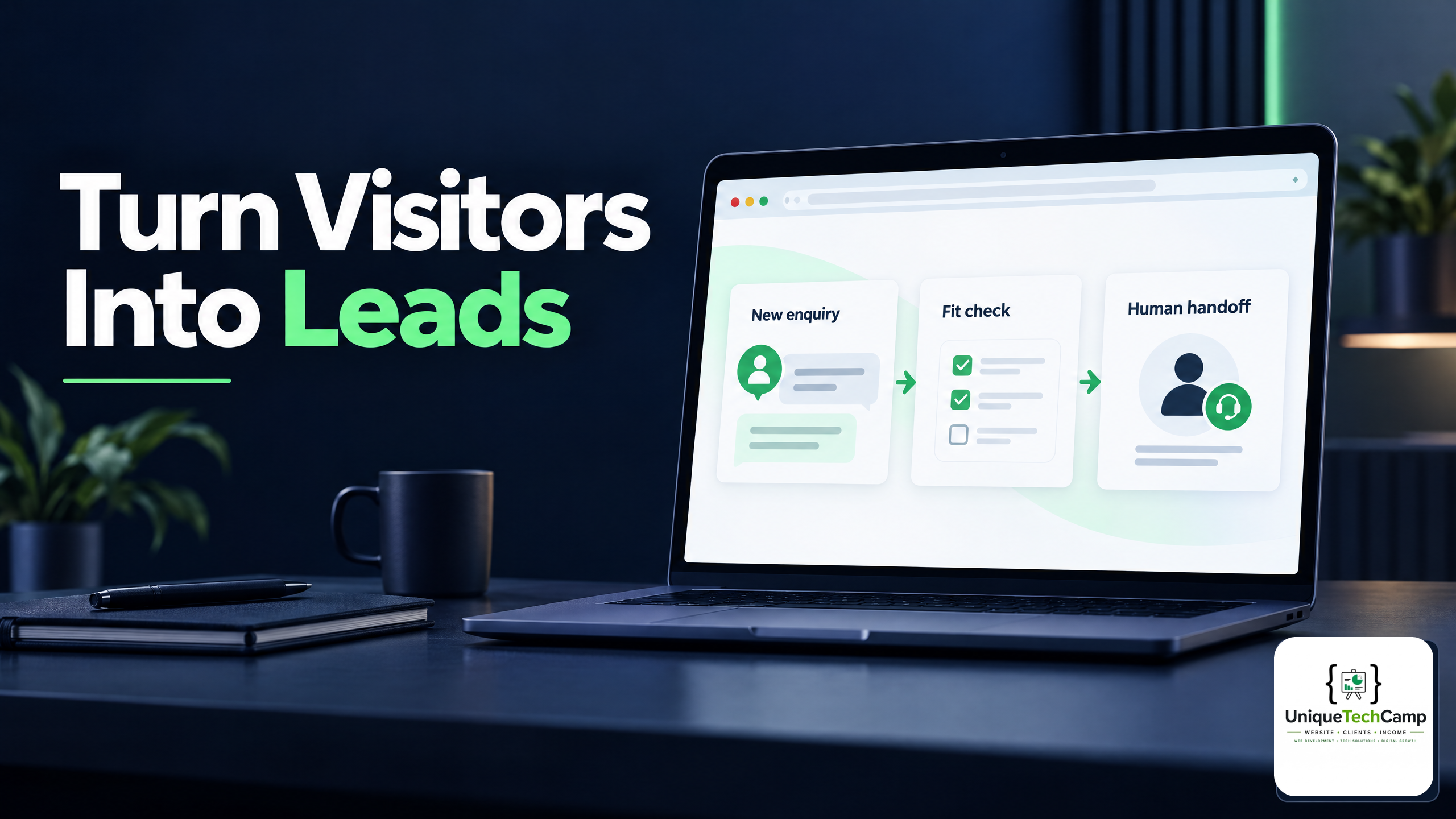
For over a decade, businesses operated under a simple premise: build a clean website, list your phone number and contact form, and wait for the phone to ring. In 2026, that playbook is officially obsolete.
The 95% Traffic Leak Problem
When high-intent prospects search for your services—whether you are a clinic, a furniture retailer, a real estate developer, or an engineering firm—they expect instant answers. If your website simply displays an email address or an unmonitored contact form, over 95% of those visitors will bounce to your competitor who responds within seconds.
"A website without an automated qualification and follow-up system is not an asset; it is an expensive digital placeholder."
What Is An AI Client Acquisition Engine?
At UniqueTechCamp, we architect websites as the high-speed frontend of an intelligent client capture pipeline. Here is what happens when a prospect lands on an AI-powered website:
- Instant 24/7 Engagement: The conversational bot greets the visitor based on the exact page they are viewing (e.g., pricing, dental implants, luxury sofas).
- Autonomous Qualification: The AI asks targeted screening questions: What is your timeline? What is your budget range? What specific challenges are you looking to resolve?
- Zero Friction Booking: Qualified buyers can book a physical or virtual appointment directly into your calendar.
- Multi-Channel Follow-Up: If a user leaves their phone number but drops off before booking, an automated WhatsApp sequence engages them within 10 minutes with helpful guidance.
Make the engine useful before making it clever
An AI layer is not automatically an improvement. Its job is to remove avoidable waiting and organise a conversation, not to imitate a salesperson or make a decision that belongs to a person. Start by defining the visitor’s next useful step: answering a service question, requesting a callback, checking whether a service is suitable, or choosing an appointment window. If the site cannot explain that step plainly, adding a chatbot will only add another interface to an unclear journey.
Keep the first interaction narrow. A visitor should be able to ask what the service includes, what information is needed, and what happens next without being forced through a long interrogation. Qualification should collect only information that changes the route or helps a member of staff prepare. A question about a budget range may be useful for a quotation workflow; a question that nobody uses should be removed. This makes the exchange shorter and gives the business a defensible reason for collecting each answer.
Design a clear hand-off, not a black box
Qualification is triage, not a verdict. A lead can be marked as ready for a call because it has supplied a timeframe and a relevant need, but that label should never be treated as proof that the person is suitable, creditworthy, safe to treat, or certain to buy. The system should show the answers and the reason for the route it selected, so a human can correct an error rather than accepting an unexplained score.
Set an explicit boundary for high-impact situations. A clinic may use an assistant to collect appointment preferences, but it should not present a generated answer as a diagnosis. A financial or legal service may use a form to identify the subject of an enquiry, but it should not turn a short conversation into personalised professional advice. When the request is urgent, sensitive, ambiguous, or outside the approved knowledge, the safest response is a plainly worded hand-off with an appropriate contact route.
The hand-off also needs an owner. Decide who receives an alert, during which hours, and what happens when nobody responds. Tell the visitor whether the next step is immediate, subject to business hours, or a later callback. Avoid language that implies a person is watching every conversation if that is not true. A modest, accurate promise is more useful than a confident message the operation cannot keep.
Privacy is part of the conversion path
A visitor may disclose a name, phone number, health detail, location, budget, or project brief while trying to get help. Those details are not merely fuel for a marketing workflow. Before collecting them, explain who is collecting them, why they are needed, how they will be used, and how the visitor can contact the organisation about their information. The ICO guidance on automated decision-making and profiling explains relevant transparency, human-review, and data-minimisation safeguards.
Keep consent and service delivery distinct. A person may need to provide a telephone number to arrange a callback, but that does not automatically mean they have agreed to unrelated promotional messages. If a follow-up channel is optional, make it optional. Record what the person agreed to, avoid preselected choices where they would mislead, and provide a straightforward way to stop marketing contact.
Data minimisation should shape the conversation. Do not ask for a full address when a region is enough to confirm coverage. Do not request an identity document in a general enquiry. Do not place sensitive details into a prompt or transcript merely because the software can accept them. Limit staff access, define retention periods, and check the settings of every connected calendar, CRM, messaging service, analytics tool, and model provider. A lead engine is a chain of processors and interfaces; the weakest link can expose the whole conversation.
Be equally careful with automated profiling. A ranking can influence which people receive a prompt response and which people wait. Test whether the questions, language, routing rules, and data sources create unfair exclusions. Give staff a way to review a low-confidence or disputed outcome, and make it easy for a person to ask for human help. Automation should make access clearer, not quietly make the service available only to people who describe themselves in the system’s preferred words.
Build accessibility into every question
A fast exchange is not useful if a visitor cannot operate it. A chat window should work with a keyboard, remain usable when text is enlarged, expose its labels and status messages to assistive technology, and avoid trapping focus. A conventional form should remain available when the chat script fails or when a visitor prefers not to converse with software. The W3C Web Content Accessibility Guidelines (WCAG) 2.2 includes requirements covering programmatically determinable information and relationships, identifiable input purposes, error identification, labels and instructions, and predictable changes of context.
Use real labels rather than relying on placeholder text. Say why a field is needed, accept answers in formats people commonly use, and explain errors in words rather than colour alone. Do not time out a conversation without warning or discard answers when the visitor goes back to correct one. If a bot asks one question at a time, make the current question and the response control clear to a screen reader as well as to a sighted user.
Offer an escape hatch. Some people need a phone call, email, a downloadable form, an interpreter, or extra time. The alternative route should not be hidden behind the assistant. Test the complete journey on a phone, with a keyboard, with zoom, and with a screen reader; test failed network requests and an unavailable calendar too. Accessibility is not an optional polish layer added after the conversion experiment. It is part of whether the proposed improvement is available to the people the website is meant to serve.
Use trustworthy controls and measurable questions
Before launch, write the permitted answers and the situations that require escalation. Give the assistant a small, reviewable knowledge base with an owner and a review date. Record when content changes, especially opening hours, service areas, eligibility rules, prices, and appointment availability. If the model cannot find an approved answer, it should say so and offer a human route instead of inventing one.
Protect the system like any other customer-facing application. Separate test and production data, restrict administrative access, rotate credentials, validate webhooks, and log important actions without unnecessarily copying entire conversations. Treat instructions arriving from a visitor, a document, or an external webpage as untrusted input. A prompt injection or a misconfigured integration must not be able to reveal hidden instructions, send an unauthorised message, change a booking, or export a contact list.
These controls are easier to organise when they are treated as a lifecycle rather than a launch checklist. The NIST AI Risk Management Framework is a voluntary framework intended to help organisations incorporate trustworthiness considerations into the design, development, use, and evaluation of AI systems. Its risk-management approach is a useful prompt to map what the system does, measure how it behaves, manage identified risks, and govern the people and processes around it.
Choose measures that describe the journey rather than promising a result in advance. Track the proportion of conversations that reach a clear next step, unanswered questions, hand-offs, booking attempts, successful bookings, opt-outs, errors, and complaints. Compare those measures with a defined baseline and record the period and traffic source. A higher number of conversations is not automatically better if they are irrelevant, intrusive, or costly for staff to resolve. Nor does a booked meeting prove that a system caused revenue. Review quality and downstream outcomes with the people who handle the leads.
A practical operating rhythm
Start with one service and one well-understood journey. Review real questions, remove fields that do not change a decision, and prepare approved answers for the requests that occur most often. Run the assistant alongside the existing contact route for a controlled period, with a visible human fallback. Ask staff where the summaries are useful and where they omit context, and ask visitors whether the exchange was understandable and respectful.
Then inspect the exceptions. Look for repeated requests for a human, abandoned questions, contradictory answers, inaccessible controls, messages sent outside the stated hours, and routes that depend on an integration being available. Sample transcripts under an appropriate privacy process, redact what is not needed, and turn recurring failures into changes to content, routing, training data, or the interface. Keep a rollback plan so a faulty prompt or integration can be disabled without taking the whole website offline.
Give every metric a definition that two people can apply in the same way. For example, decide whether a “qualified” lead means that required fields are complete, that a person has requested a specific service, or simply that the conversation reached a human queue. Keep those meanings separate from commercial outcomes. Review a sample of routed conversations at regular intervals, compare the automated route with the human assessment, and note where the system asked for information unnecessarily or misunderstood a visitor’s wording.
Finally, tell visitors when they are interacting with automation and provide a simple route to a person. A short explanation can cover what the assistant can do, what it cannot do, and whether the conversation may be retained. Make that notice easy to find rather than hiding it in a dense policy. Trust is not created by claiming that an engine is autonomous; it is created when the visitor can understand the exchange, correct it, leave it, and still reach the organisation.
Document the decision points in plain language for the team that maintains the site. They should know which answers trigger a booking link, which answers trigger a human review, and which requests must be declined or redirected. Keep a dated change record for prompts, routing rules, integrations, and approved content. When a problem is reported, that record helps the team identify whether the cause was new source material, a changed service rule, a failed connection, or an interpretation that was never approved.
A static page can still be the right foundation. Reliable information, a clear service explanation, an accessible form, and a monitored inbox may serve a small operation better than an elaborate assistant. The meaningful distinction is not static versus AI. It is whether the website gives a visitor an honest, usable path to an answer and whether the organisation can deliver the next step it invites. Add automation where it reduces avoidable friction, keep people responsible for judgement, and let evidence—not the label “AI”—decide whether the engine is earning its place.
Turning Visitors Into Predictable Income
When you shift your perspective from buying a static/generic "website" to deploying an integrated "Customer Growth Engine", your digital presence stops being a cost center and becomes your most profitable, indefatigable sales rep.
Deploy An Autonomous AI Lead Gen System Today
We engineer high-converting web applications with integrated 24/7 WhatsApp qualification bots and multi-channel follow-up drips.
Related Strategy Articles
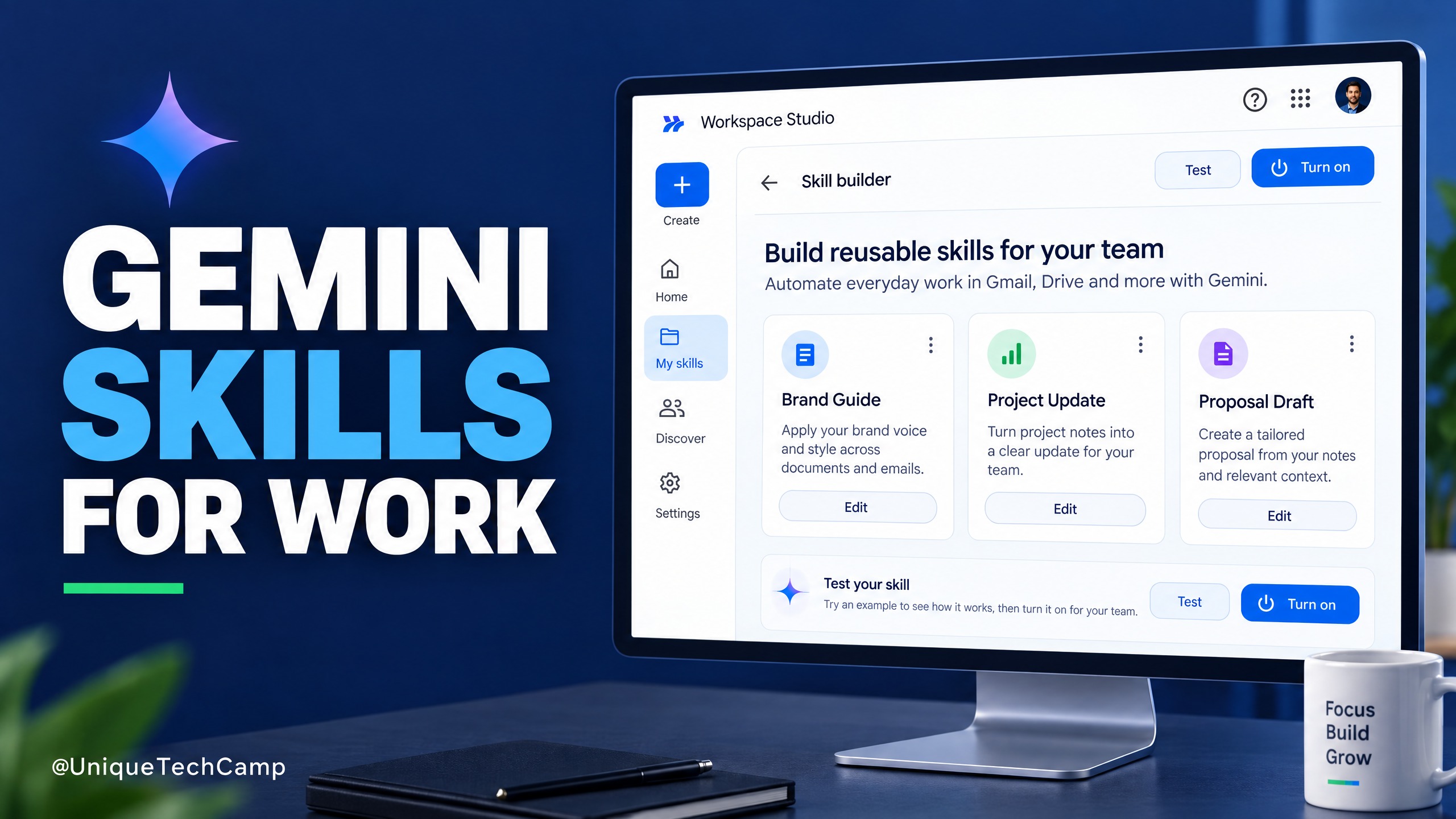
Google Workspace Skills: A Practical Guide for SMEs
Google Workspace Skills let teams reuse custom instructions across supported Workspace apps. This practical guide explains the rollout, eligibility checks, a safe pilot workflow and what to measure before expanding.
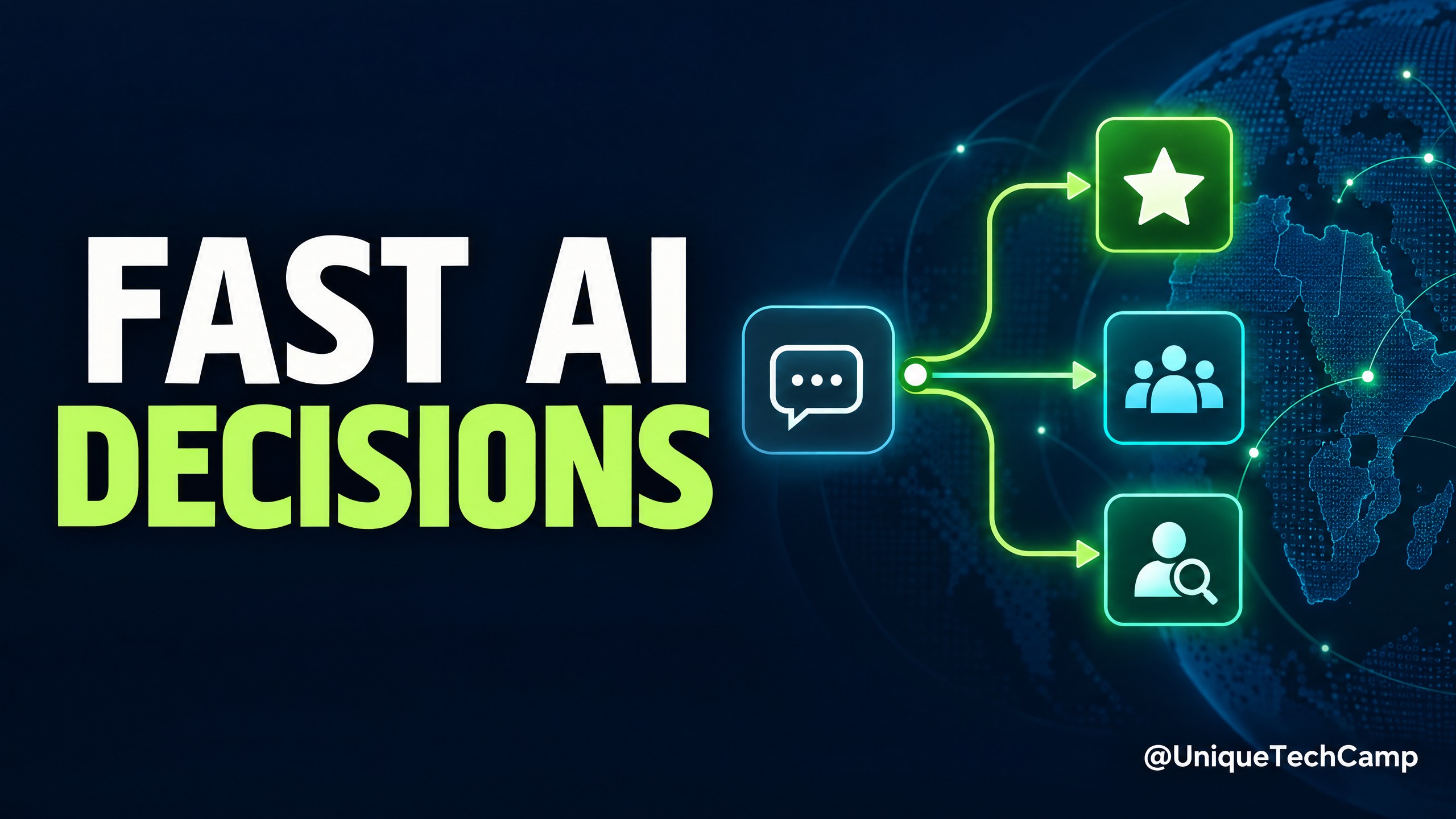
Cloudflare Clef: A Practical AI Triage Guide for SMEs
Cloudflare Clef turns support messages into bounded decisions rather than free-form answers. Here is a practical way for SMEs to test it, measure value and keep a human in control.
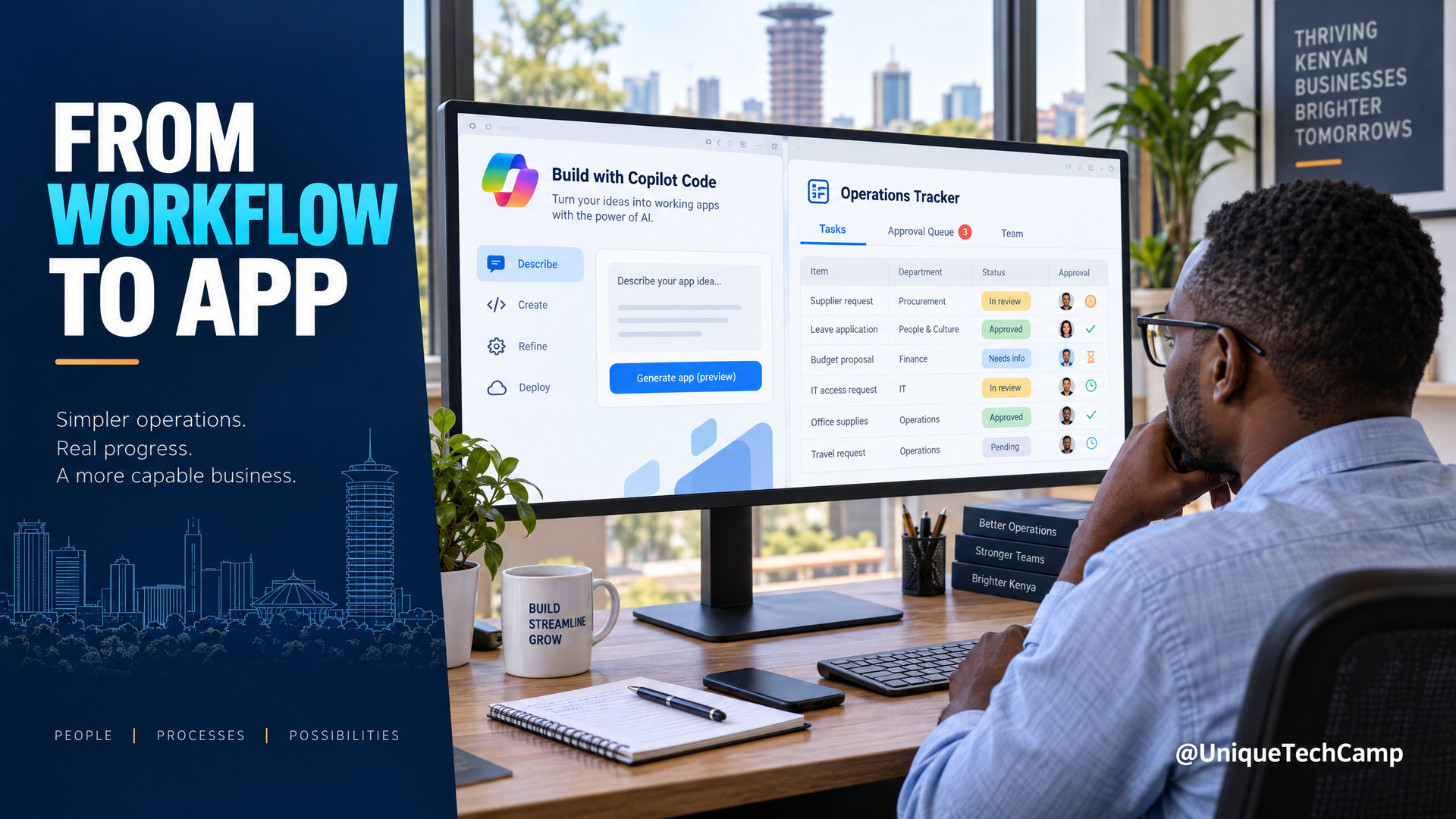
Microsoft Copilot Code for SMEs: A Practical Workflow-to-App Offer
Microsoft Copilot Code is still rolling out. Learn a practical workflow-to-app service for Kenyan SMEs, with verified pricing, usage limits and a safe pilot plan.

UniqueTechCamp Desk
Online • Reply < 5 mins