
Shopify Sidekick: A Human-Approved Catalogue Clean-Up for Kenyan Retailers
A practical, human-approved Shopify Sidekick workflow for cleaner product data, safer catalogue edits and more qualified shopping actions.
UniqueTechCamp Editorial
Lead Systems Architect • UniqueTechCamp Engineering Unit
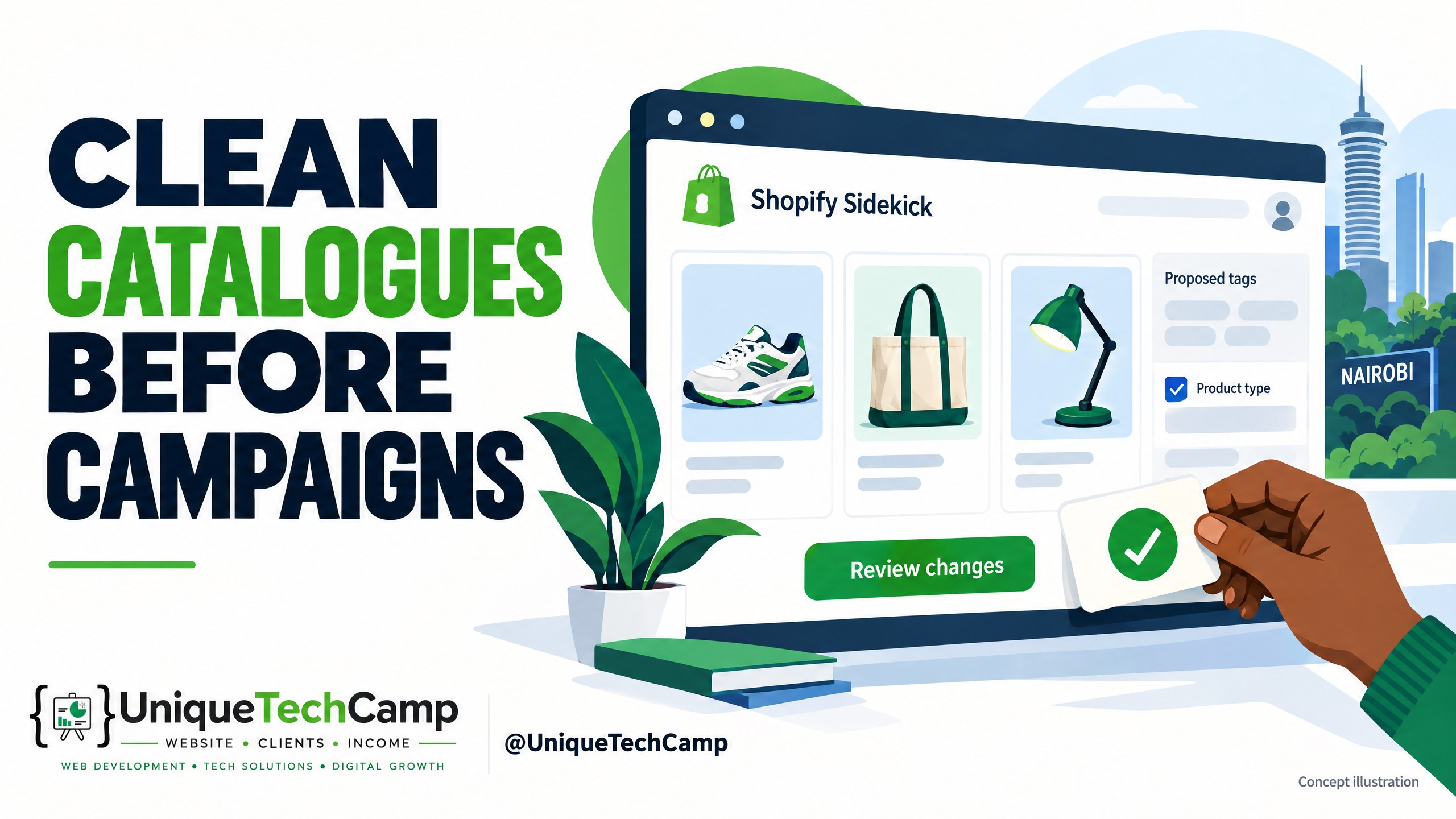
Concept illustration, not an authentic Shopify app screenshot or a client result.
A catalogue can be technically live and still make shopping harder. A Nairobi fashion shop may have “tee”, “T-shirt”, and “T shirt” as separate tags. A homeware seller may put mugs, tumblers, and water bottles into one vague product type. A beauty retailer may have a real shade or size in the description but nowhere dependable for filtering. Those small inconsistencies make internal searches, collections, feeds, merchandising and customer decisions less reliable.
Shopify Sidekick is useful here, but it is not a licence to hand a live catalogue to an autonomous robot. Shopify describes Sidekick as an AI-enabled commerce assistant inside the admin: it can provide guidance, generate content and complete tasks, while presenting changes for review before applying them. That makes it a candidate for a controlled clean-up—not a replacement for the person who knows whether a “linen shirt” is genuinely linen, whether a pack contains six units, or whether a product is actually available.
For Kenyan retailers already using Shopify, the starting point is better product records—not another campaign. This is a practical guide to an existing assistant, not a new-launch announcement. Use it to organise product categories, verify facts, review one batch at a time and check how the live shop behaves. Global teams can use the same controls.
What Sidekick can—and cannot—be assumed to do
Start with the current documentation, not a prompt library or a confident demo. Shopify’s Sidekick overview says the assistant can help with tasks such as analysing data, managing orders and editing products, and that it presents changes for review. The Sidekick setup and limitations adds important boundaries: it cannot make changes without approval, and it cannot edit images within a store theme or your product list.
That wording matters. A prompt such as “find inconsistent tags and suggest replacements” is a sensible request to test. “Change every product category, type, tag, price and inventory value” is not a safe assumption. Ask Sidekick what it can do in your store, with your staff role and current admin interface. If it returns a proposal, inspect the fields, scope and exceptions. If it cannot perform a particular bulk edit, use Shopify’s native bulk editor or a carefully prepared CSV as the execution path. Do not imply that Sidekick can automate all catalogue changes.
Keep the operating boundary explicit: no autonomous pricing, stock, checkout or payment changes. A catalogue clean-up can recommend a product type or flag a missing SKU; it must not silently alter commercial truth. Payment-gateway compatibility is a separate implementation check, not something this workflow establishes for Kenya or any other market.
The eight-step human-approved catalogue workflow
Use one continuous batch at a time. A batch might be one product family, one supplier, or a small set of fields—not the entire catalogue. The catalogue lead should explain what was proposed, what was accepted, what was rejected and how the original state can be restored.
- Define the business question and the no-touch fields. Write down the problem in shopper language: “Can a customer find black cotton polo shirts in the men’s collection?” or “Can staff distinguish refill packs from single units?” Choose the fields in scope—usually standard product category, custom product type, tags, selected metafields or collection rules. Mark price, compare-at price, inventory quantities, SKU, barcode, tax settings, variants, availability, checkout and payment settings as no-touch unless a separate, authorised project covers them. Decide who may approve and what evidence is required for a proposed change.
- Freeze a baseline and export the source record. Before asking an AI tool to interpret anything, export the relevant products and save the untouched file with a date, scope and owner. Shopify documents that a product CSV can export large numbers of products and their details , and warns that updates have dependencies: for example, variant-related columns can affect other variant data. Treat the export as a reference and potential rollback aid, not as a guarantee that every change is instantly undoable. Keep a second copy outside the working spreadsheet, with access limited to the team that needs it.
- Write a small taxonomy contract. Turn preferences into rules before generating suggestions. Define the approved standard category path where one applies; the allowed product-type vocabulary; tag syntax, spelling, case and separators; and which facts must be supported by a supplier record, packaging, product page or internal stock system. For instance, permit “cotton-shirt” only if your convention uses hyphens, and decide whether colour belongs in a tag, a variant, a category metafield or more than one place. Do not use a new label to conceal uncertainty. Record a “needs evidence” state for products whose material, size, pack count or compatibility is unclear.
- Ask Sidekick for a proposal, not a silent rewrite. Open Sidekick from the Shopify admin page relevant to the review, then provide the scope, taxonomy contract and exclusions. Ask it to identify duplicates, outliers, missing fields and contradictions, and to return a table-like proposal with product identifier, current value, proposed value, evidence or reason, confidence and an exception note. Ask it to leave price, inventory, payment, checkout, variants and availability untouched. Sidekick may ask clarifying questions, and its response can vary by store context, staff permissions, plan and available feature. If your instance cannot produce the requested proposal or action, stop there and use the manual Shopify bulk-editor route; do not turn a helpful answer into an implied automation claim.
- Review one proposed batch with two human checks. The first reviewer checks the business truth: title, description, images, variant options, packaging and supplier or warehouse record. The second checks consistency against the taxonomy contract and catches over-broad edits. Reject suggestions that infer material, origin, ingredients, size, compatibility, stock status or pack count without evidence. Look especially for near-duplicate tags, a broad type replacing a useful specific one, a category that conflicts with a variant, and a recommendation that would expose a product to the wrong collection or channel. Approval means “this exact field value for these exact product IDs”, not “AI, tidy everything”. If your team needs help defining the evidence and approval rules, UniqueTechCamp’s AI Solutions Desk can help scope the review workflow before any edit.
- Apply only the approved delta using the safest available native path. If Sidekick presents an applicable action, compare its final scope with the signed-off proposal and approve only that batch. If it cannot make the edit, Shopify’s native product editing and bulk-editor guidance is the fallback: select the products, choose the columns, edit the cells and save. For custom fields, the bulk metafield editor instructions explain how to select products, add metafield columns and save. A CSV import can be appropriate for a larger, controlled update, but review dependencies and the import preview carefully. Do not add unrelated columns merely because they are available.
- Record the change and test the live customer path. Save the approved proposal, reviewer names, timestamp, product IDs, old values, new values, skipped rows, errors and the source export together. Then open representative product pages in a logged-out or customer-like view. Check title, description, category-derived attributes, variants, tags as used by the store, collection placement, filters, search results, canonical URL, structured product information where relevant, image and mobile layout. Shopify’s product details documentation explains how category, variants, inventory, shipping, metafields, publishing and product organisation interact; use it as a field-by-field verification map. If a page is wrong, pause the batch and restore the old value from the record or use the native edit path. Do not promise a universal one-click undo.
- Measure, learn and schedule the next small batch. Establish a pre-change window and a comparable post-change window, then annotate the release date and any campaign, seasonality, price or stock events. Track internal-search queries with no results, filter usage, product-list clicks, qualified product-page sessions, add-to-cart rate, checkout starts and completed shopping actions where your analytics setup can distinguish them. For Nairobi delivery, mobile performance and local merchandising may matter; do not attribute every movement to taxonomy. Compare the changed cohort with a sensible unchanged cohort when possible. Review rejected suggestions and new search language, update the taxonomy contract, and only then decide whether another batch is warranted.
What “clean” means in practice
A clean catalogue is not one with the most tags. It is one where a shopper and a staff member can reach the same product through understandable paths, and where each important value is true. Standard categories should be used where they add a reliable shared structure; custom types should clarify your own merchandising; tags should support purposeful grouping rather than become a diary of every phrase someone has typed. Shopify notes that product categories can help with collections, filters and other sales channels, while tags can help customers find products through online-store search. The useful question is not “How many fields did we fill?” but “Which findability problem did this field solve?”
Keep product truth separate from copy polish. Sidekick may help draft a description, but this project should not turn unsupported claims into facts. If the supplier says “stainless steel” and the packaging says “steel”, preserve the evidence trail and resolve the discrepancy. If a product has several colours, do not flatten variants into tags merely to make a filter appear populated. If a collection rule depends on a tag, test both inclusion and exclusion so that a newly normalised label does not quietly remove saleable products.
For global teams, document regional differences instead of duplicating contradictory taxonomies. A Kenyan retailer may use local supplier terminology, English-language customer search and multiple delivery zones; another market may use different naming conventions or units. Keep the canonical field definitions stable, then map market-specific synonyms deliberately. This is a catalogue governance task, not a promise that Sidekick knows every local retail convention.
Measurement, cost and limits
Use a scorecard that joins hygiene to shopping intent. Before changing a cohort, capture the number of products in scope, the share with approved category/type/tag values, the number of zero-result internal searches, filter engagement, product-page views from search or collection, add-to-cart events, checkout starts and completed qualified shopping actions. Define “qualified” for your store—for example, an add-to-cart or checkout start on a product that was reached through a cleaned search or collection path. Keep raw counts and rates, and report the denominator. Do not publish an earnings uplift or guaranteed conversion improvement from this method; the result depends on catalogue size, traffic, theme, search configuration, stock, price, season and customer intent.
For attribution, compare the before and after periods with campaign annotations and, where practical, an unchanged product cohort. Check search terms qualitatively: fewer zero-result queries can be encouraging, but a rise in clicks without relevant add-to-carts may mean the taxonomy is attracting the wrong intent. Inspect affected pages manually. A clean admin field is not proof of a better customer experience until the live path behaves as intended.
Shopify’s official Sidekick page says Sidekick is included with a Shopify plan, while features and usage limits vary by plan; it also says staff use is governed by admin permissions and that it can work in multiple languages according to store settings. That is not a promise that every Sidekick task, language nuance or bulk action is available in every store. Treat “included” as no separately stated Sidekick charge in that official description—not as free Shopify subscription, app, transaction, payment-gateway or implementation costs. Verify your workspace terms and current availability before planning a project. Shopify’s permissions reference confirms that roles can grant or restrict access to areas of a business, so assign the narrowest practical role and require an approver for live changes.
The largest limits are operational. AI can misread a title, overgeneralise a category or produce a plausible but false attribute. Sidekick’s documented limitation on editing product-list images also means image work belongs in a separate process. Some admin screens, plan features or staff permissions may not expose the same actions. Native bulk editing is powerful but can still create a wide error if the selection or column is wrong. CSV updates have field dependencies, and a source export is not the same as a tested rollback. Keep batches small enough to inspect, and stop when evidence is missing.
Frequently asked questions
Is Sidekick included with my Shopify subscription?
Shopify’s official Sidekick page describes it as included with a Shopify plan, with features and usage limits varying by plan. Check your current admin and terms before budgeting. Inclusion does not cover third-party apps, payment fees or the people needed to review and implement a catalogue clean-up.
Can Sidekick automatically retag every product in my catalogue?
Do not assume that it can. Shopify documents that Sidekick presents changes for review and that it cannot change a store without approval. Whether it can propose or execute a particular bulk tag, product-type or category edit depends on the task, interface, permissions and current availability. If the requested action is not offered, review a proposal and apply the approved delta with the native bulk editor or a controlled CSV instead.
What should never be included in an autonomous clean-up batch?
Keep prices, compare-at prices, inventory quantities, SKUs, barcodes, variants, tax-related settings, product availability, checkout, payment and shipping configuration outside an autonomous batch. They are commercial or operational truth, not formatting. They may be reviewed in a separate authorised project with its own evidence, approval and verification controls.
How can a small Nairobi team roll this out safely?
Start with one product family and a short taxonomy contract. Export the baseline, ask for a reviewable proposal, have two people check the evidence, apply only the approved fields, and test representative product pages on mobile and desktop. Log the old and new values, then compare search, filters and qualified shopping actions against an annotated baseline before expanding.
Conclusion
Shopify Sidekick can reduce the effort of spotting catalogue inconsistencies, but its value comes from the operating system around it. A clear vocabulary, exact source evidence, narrow permissions, one reviewed batch, a native fallback and customer-path verification turn AI assistance into accountable merchandising work. For Kenyan retailers, that means fewer assumptions about local product truth and more attention to how real shoppers search, filter, view and act.
Need this built for your business?
If your catalogue needs a governed clean-up rather than a risky mass edit, start with a scoped conversation. UniqueTechCamp’s AI Solutions Desk can help map the review prompts, approval log and measurement plan. You can Book an appointment to discuss the workflow, or review E-commerce Setup for catalogue planning, collections, tags and filters, inventory, variants, shipping and checkout. Those services do not promise Shopify subscriptions, licences or Sidekick access bundled in; agree platform and integration scope separately before work begins.
Deploy An Autonomous AI Lead Gen System Today
We engineer high-converting web applications with integrated 24/7 WhatsApp qualification bots and multi-channel follow-up drips.
Related Strategy Articles

Gemini Small-Business Tools: A Safe Growth Pilot for Kenyan SMEs
Google's Gemini business page brings brand, finance and app tools together. A cautious pilot for Kenyan SMEs, with privacy and review checks.

Google Docs Captions and Cross-References for Kenyan SMEs
Use Google Docs captions, cross-references and caption tables to keep Kenyan SME reports and tender documents easier to navigate after edits.

ChatGPT for Sales: A Human-Reviewed CRM Pilot for Kenyan SMEs
OpenAI's new ChatGPT for Sales adds sales workflows. Learn how Kenyan SMEs can pilot CRM connections with human review, privacy checks and clear measures.

UniqueTechCamp Desk
Online • Reply < 5 mins