
Notion Custom Agents: A Kenyan SME SOP Review Workflow
A practical Kenyan SME workflow for using Notion Custom Agents to draft a weekly SOP-change bulletin, with access controls, costs and human review.
UniqueTechCamp Editorial
Digital Services Team • UniqueTechCamp Engineering Unit
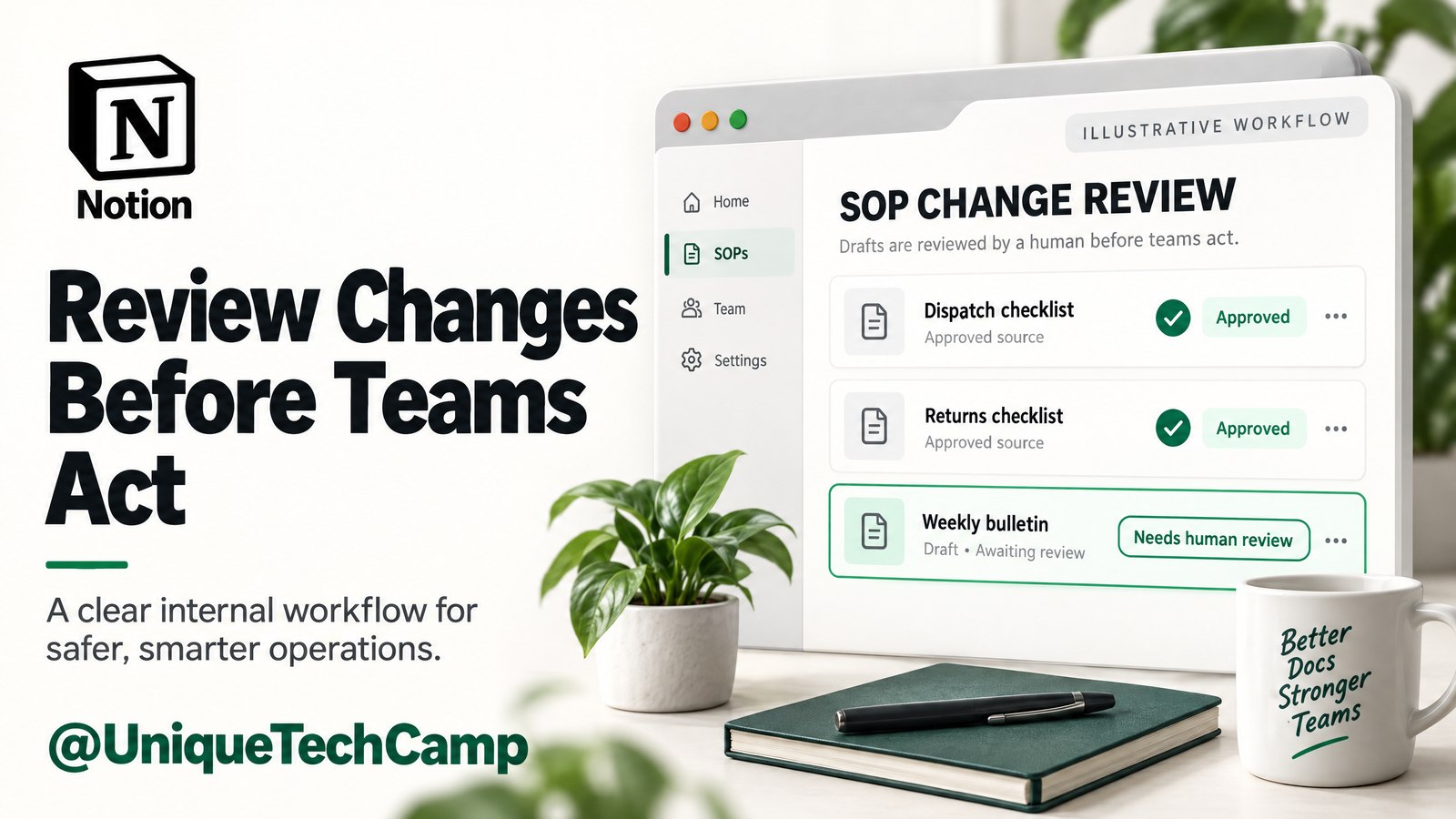
A small business does not need another stream of meeting notes. It needs a dependable way to tell staff which approved operating procedure changed, when the change takes effect, who owns it and where the source lives. This article designs that narrow job as an internal approved SOP-change bulletin: a Custom Agent reads a deliberately limited Notion workspace, drafts a review copy and leaves a named human to check and publish it.
Notion’s 19 October 2026 release ↗ introduced an agent update and a new credit system; this is a practical November guide, not a claim that the tool launched today. The release also discusses browser access and Review for me for Notion Agents generally. Those are not evidence of a mandatory approval gate for the separate Custom Agents workflow described here.
The useful product distinction is simpler: Custom Agents ↗ are shared workflows for recurring work, designed to run in the background from triggers and schedules. That makes a weekly SOP bulletin a plausible test. It does not make the bulletin an automatic compliance certificate, an approved handbook or a substitute for an operations owner.
The customer problem: changes get approved but not absorbed
Imagine a Kenyan SME with a delivery SOP, a customer-enquiry SOP and a payment-reconciliation SOP. A manager approves a change to the delivery cut-off time. The record exists, but the person answering WhatsApp still has yesterday’s PDF, the branch supervisor remembers a different effective date and the handbook has not been updated. The business does not primarily need prose generation; it needs a controlled handoff from approved change to staff-readable notice.
A bulletin should therefore be an internal work product with a clear boundary. It can summarise what changed, identify the effective date and owner, point to the approved reference and flag uncertainty. It must not publish itself to customers, rewrite the canonical handbook, infer an edit from a page’s last-edited timestamp or treat a worker’s later acknowledgement as proof that the new process was understood. A UniqueTechCamp AI workflow review ↗ can help an owner map that handoff without turning a platform feature into a business-outcome promise.
Keep the source set tight. Use a dedicated SOP Changes database and approved reference pages. Export only sanitised, approved SOP references into the review space. Do not place staff personal details, customer names, passwords, payment credentials or unrelated case notes in the agent’s accessible material. This workflow is for change communication, not broad company research.
What the product evidence actually supports
Notion documents recurring schedules that can be daily, weekly, monthly or yearly, with a time and timezone. It also documents workspace events such as a page added to a database, a database property update or a comment added to a page, with filters such as a status, keyword or view. That supports a weekly schedule, and potentially a narrowly filtered event when an approved change is added or updated. Check the live interface before implementation because the exact combination of database properties, filters and triggers is a configuration detail, not a universal schema guarantee.
Use one weekly schedule for the bulletin. If you also add an event trigger for an approved change, define how the event relates to the scheduled run so the same record does not become two notices. A durable Review Window ID and a duplicate check can be part of the external operating design. Do not describe that as a transactional guarantee provided by Notion.
The Custom Agent best-practices guide ↗ says to run an agent manually, review the output and turn on triggers or schedules only once results look right. That is excellent commissioning advice. It is not evidence of a native mandatory per-run human approval gate before every post or edit. In this design, “Status = Needs Review” and a named publisher are our operating controls.
Access, pricing and practical limits
Custom Agents require Notion’s Business or Enterprise plan. Notion’s current pricing page ↗ lists Custom Agents separately as free to try, then US$10 per 1,000 monthly Notion credits. Paid membership and credits are separate budget lines; Enterprise membership uses custom pricing. Check the selected membership billing interval, current seat charge and trial terms rather than treating credits as an all-in subscription. The verified pages do not establish Kenya-specific availability, currency, tax treatment or payment support; check those with Notion before purchase.
A run consumes credits according to content read, steps and actions, frequency and model choice. Notion’s credit guidance ↗ says the exact usage appears in the credits dashboard after a run. Its illustrative status-update range is US$0.08–US$0.18 per run, but that is a vendor example, not a quote for this bulletin. Measure a small test set in the actual workspace before forecasting a monthly budget.
Owners receive notifications at 80% and 100% usage. If shared workspace credits are insufficient, Custom Agents pause automatically until credits reset or an owner adds more. That pause is a cost-control behaviour, not proof that every scheduled notice was delivered. Log the expected run, actual run, credit use and reviewer outcome separately.
Permissions also need plain language. Notion’s Custom Agents sharing and permissions guidance ↗ says Custom Agents act as specialised team members with their own permissions and can be granted selected resources with levels such as Can view, Can comment and Can edit. Sharing an agent gives users access to everything the agent can see, even where their own direct permissions would not expose that material. Do not invent field-level or section-level boundaries. Give the agent only the SOP database and sanitised reference pages, then keep the review page restricted to the publisher and small reviewer group.
The October announcement describes BYOK as Enterprise private alpha, not a generally available Business-plan Custom Agent option. This pilot does not depend on it or on the announcement’s coming-soon AI Command Center.
An eight-step owner workflow for a Kenyan SME
Step 1: Define the approved source register
Create an SOP Changes database with an approved status, effective date, owner, affected process, change summary, source link, previous approved version and current approved version. Require the two version references to be explicit. The agent must compare those approved contents, not guess from a timestamp, page title or apparent wording difference. Mark superseded, conflicting, pending and future-effective records so they are excluded or routed for clarification.
Step 2: Separate source, review and publication spaces
Grant Can view on the source register and sanitised reference pages, and Can edit only on the restricted review destination. Do not grant access to the published handbook or connect mail or chat tools. Limit agent access to named reviewers and the publisher. Inspect these resource grants separately from who can use or edit the agent itself; a prompt is not a permission boundary.
Step 3: Choose one cadence and a timezone
Start with one weekly schedule at a named local time and timezone, confirmed in the current Notion UI. Give each window a fixed start, end and Review Window ID. Avoid overlapping runs. A duplicate check is not an atomic lock: the publisher must reject a second bulletin for the same window. Do not add an event trigger until that reconciliation works.
Step 4: Filter for approved, effective changes
Include approved changes becoming effective in the window, plus eligible unpublished carry-overs. Keep future-effective records on a deferred register and reconsider them when due; do not filter only by approval date and lose an older approval. Exclude superseded, conflicting and pending records. Missing version pairs, broken sources or disputed ownership require a Needs Review exception, not a confident summary.
Step 5: Draft a fixed bulletin shape
Require five fields: what changed, effective date, owner, affected process and source link. Add the previous/current version pair, a short “action for staff” line and an uncertainty flag. Preserve source citations beside each change. A fixed shape helps a human compare the draft to the record and makes omissions visible.
Step 6: Test manually before activation
Run representative cases manually: one ordinary change, one no-change week, one future-effective change, one conflicting record and one missing-source case. Compare the output with the source register. Follow Notion’s best practice: inspect results first, then enable the schedule or event. Record the run ID, Review Window ID, inputs, output URL and credit usage.
Step 7: Assign human publication
The named publisher checks the approved version pair, source links, effective dates, affected teams, sanitisation and duplicates. They may edit the bulletin, return it to the owner or publish it manually to the approved staff channel. “Needs Review” is our proposed status, not a native approval guarantee. A worker acknowledgement can be recorded as a separate response; it is not automatic proof of reading or comprehension.
Step 8: Reconcile and pause when needed
After publication, compare the expected record count with the bulletin count, inspect activity and version history, and review credit usage. Pause the agent if it sees an unapproved page, exposes restricted material, repeats a bulletin, drops citations or produces a material mismatch. Correct permissions and source data before testing again; do not quietly broaden access to make a run succeed. For a Kenyan SME that wants a second pair of eyes on this handoff, the UniqueTechCamp AI Solutions Desk ↗ is a relevant place to start.
A sample prompt for the Custom Agent
“Using only the permitted SOP register and sanitised references, select approved changes becoming effective within the stated window plus eligible unpublished carry-overs. Compare the explicit previous/current approved versions. Defer future-effective records for later reconsideration. Exclude superseded, conflicting and pending records. Do not infer changes from last-edited timestamps. For each included record, draft: what changed; effective date; owner; affected process; previous approved version; current approved version; staff action; and source link. If a version, owner, date or source is missing, create a Needs Review exception instead of filling the gap. Write to the restricted review page. Do not edit the published handbook, send customer messages or include personal details, customer names, passwords or payment credentials.”
This is a draft instruction, not a guarantee of behaviour. Test it against deliberately awkward records and review the output before activation.
A hypothetical baseline and measures
Consider a 30-person Kenyan distribution SME with one SOP owner, one publisher and three operational teams. This is a hypothetical baseline, not a case study or earnings claim. For four weeks before the pilot, count approved SOP changes, bulletins sent, duplicate notices, missing-source exceptions and median hours from approval to staff bulletin. Use the same definitions during a four-week test.
Useful denominators include: bulletins with all five required fields divided by bulletins published; records correctly included divided by approved in-window records; duplicate notices divided by total notices; and exceptions resolved within the review window divided by all exceptions. Track median approval-to-publication hours, citation-check failures and credits for every run, including failures and retries. Divide total pilot credits by human-approved bulletins for credits per accepted bulletin; with none accepted, the ratio is undefined, not zero. Record reviewer minutes and withheld or deferred records separately.
Do not claim that this workflow reduces costs, improves compliance or increases revenue without a measured comparison. A sensible success decision might be: continue only if the owner can reconcile inputs and outputs, no restricted material is exposed, citations are checkable and the credit budget is understood. If the measures are weak, the right result may be to keep the process manual.
Limitations and stop checks
First, Notion’s pages do not verify a Kenyan SME’s local payment, tax or availability terms. Confirm those directly. Second, the actual credit cost depends on the workspace’s content, actions, frequency and model. Third, documented permission levels do not justify claims about field-level isolation. Fourth, a proposed human review status is not a native approval gate. Fifth, a weekly schedule can miss a record if the source status or effective date is wrong; reconciliation remains necessary.
Stop the pilot when a draft contains a customer name, staff personal detail, password, payment credential or unrelated confidential content; when it cites a pending or future-effective record as current; when previous/current versions cannot be paired; when a duplicate Review Window ID appears; or when the agent writes outside the review destination. Preserve the failed output for diagnosis, restrict access, and have the source owner correct the record. Never “fix” an unsafe result by granting broad workspace access.
The goal is a reviewable internal bulletin, not an automatic canonical handbook, client message or compliance decision. For a broader workflow, UniqueTechCamp’s AI Solutions Desk ↗ can help map the handoffs without treating a platform feature as a business outcome.
Four questions owners should ask
Is this the same as Notion’s personal Agent?
No. Notion describes Custom Agents as shared workflows that run automatically from schedules or triggers. The release’s personal-Agent computer, browser, Review for me and 24-hour statements should not be assumed to apply to this SOP workflow.
Can the agent publish the handbook automatically?
It may be technically possible to grant edit access, but that is not the operating design here. Keep output in a restricted review destination and make a named human publisher responsible for the staff bulletin; canonical SOP updates remain a separate approval process. Notion’s documentation does not establish a mandatory per-run approval gate.
Is US$10 per 1,000 monthly Notion credits the total price?
No. That is the separate Custom Agent credit unit listed by Notion. A Business membership is a separate plan cost, Enterprise is custom pricing, and the bulletin’s actual credit use must be measured in the workspace. Check current Kenya-specific payment and tax terms.
What if a record is ambiguous?
Do not summarise it as fact. Route it to Needs Review with the missing version, conflicting owner, broken source or future-effective date identified. The human owner resolves the source record before a publisher considers the bulletin.
Conclusion
A weekly SOP-change bulletin is a small, testable use of Notion Custom Agents for a Kenyan SME: constrained sources, one cadence, explicit version pairs, a restricted review page, measured credits and a human publication decision. The value is not an automatic promise; it is a clearer operating boundary around a recurring handoff. Start with a manual test, inspect every exception and pause when access or output no longer matches the design.
Need this built for your business?
If your team has an approved SOP register but no dependable review handoff, start with the UniqueTechCamp AI Solutions Desk ↗, book a scoped conversation through appointments ↗, or review the workflow-automation service ↗ before deciding whether a Custom Agent belongs in the process.
Deploy An Autonomous AI Lead Gen System Today
We engineer high-converting web applications with integrated 24/7 WhatsApp qualification bots and multi-channel follow-up drips.
Related Strategy Articles

CrowdStrike AI Kill Switch: SME Team Reviewing an Agent Safety Dashboard
A practical SME playbook for reviewing CrowdStrike’s AI Kill Switch, testing agent containment safely, measuring trade-offs and checking Kenya eligibility.

Microsoft Agent 365 Business Analytics: An SME Readiness and Value-Validation Guide
Microsoft Agent 365 Business Analytics is in Frontier preview. Here is how Kenyan and East African SMEs can validate access, usage cost, value, privacy and readiness before buying licences for a dashboard.

Canva AI Controls: SME Design Review and Human Approval on a Laptop
A practical Canva AI Controls workflow for Kenyan and global SMEs: control settings, human review, asset provenance, measurements, costs and limitations.

UniqueTechCamp Desk
Online • Reply < 5 mins