
Microsoft Copilot Code for SMEs: A Practical Workflow-to-App Offer
Microsoft Copilot Code is still rolling out. Learn a practical workflow-to-app service for Kenyan SMEs, with verified pricing, usage limits and a safe pilot plan.
UniqueTechCamp Editorial Desk
Business Technology Editor • UniqueTechCamp Engineering Unit
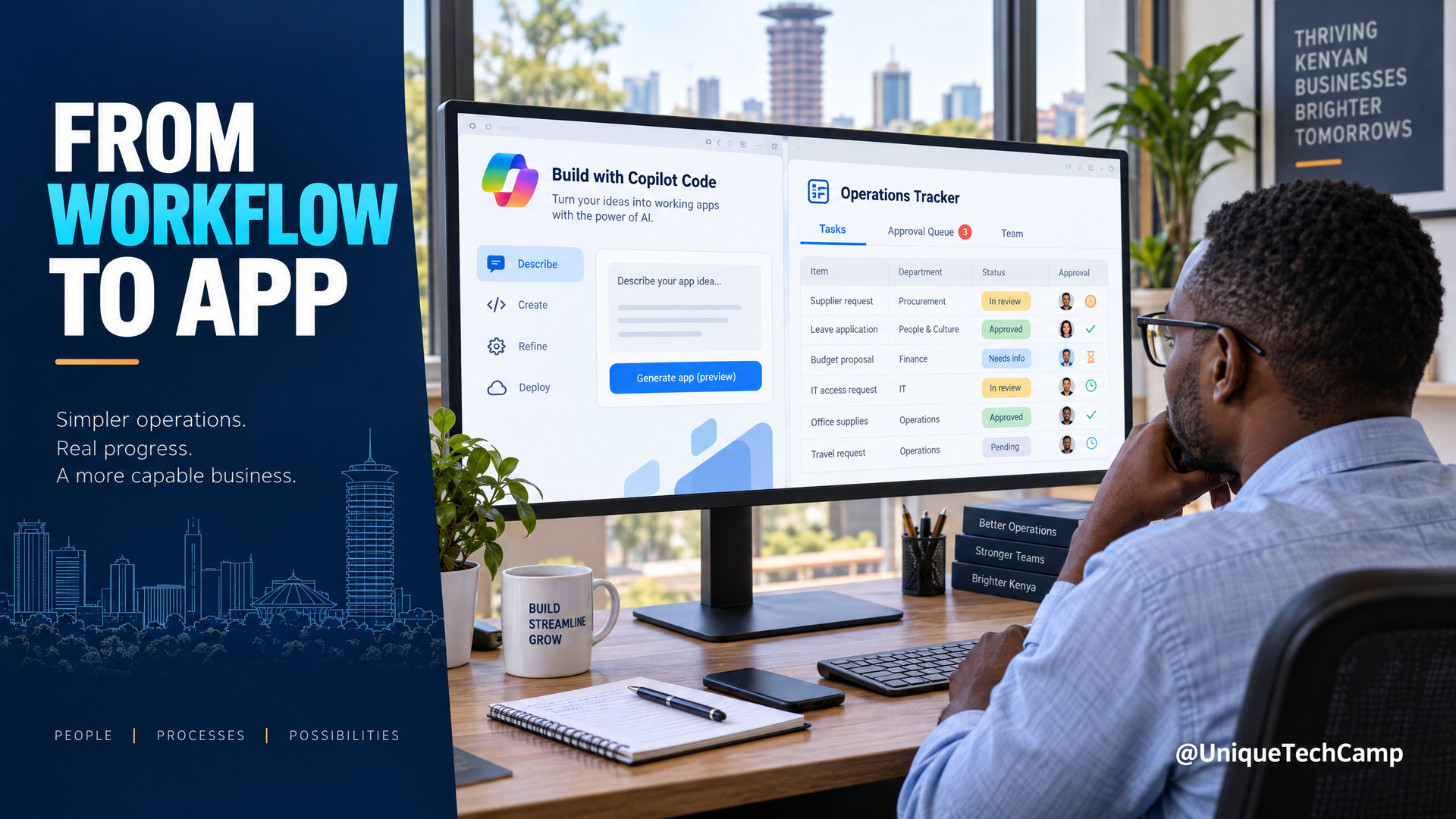
Small businesses often run important work through inboxes, shared spreadsheets and repeated status meetings. A team might copy a supplier’s quotation into a tracker, ask a manager to confirm the next step, then re-enter the same information in a customer or project file. It can be difficult to see where work is waiting or which version is correct.
Microsoft’s new Copilot experience points towards a different kind of tool: describe a small application, tracker or workflow in ordinary language, then ask AI to help build it. For a Nairobi consultant or operations team, that creates a possible service opportunity. The sensible offer is not “we will automate your company with AI”. It is a carefully scoped workflow-to-app assessment and prototype, with human checks, costs and limits.
Code and Autopilot are still rolling out, so the immediate opportunity is readiness and controlled prototyping—not a promise of universal access, earnings or hands-off operations.
What Microsoft has actually announced
On 25 September 2026, Microsoft introduced a redesigned Copilot with three capabilities. Home brings Chat and Cowork together as a starting point. Microsoft also says people can work with Word, Excel and PowerPoint inside Copilot and create or update editable Office files. Code is the part that matters most for a workflow-to-app service: Microsoft says a user can describe an app, tracker, dashboard, automation or workflow in natural language, and Copilot will choose an approach and build it. Autopilot is a persistent agent that can be given a name, role and goal, then work across tasks while keeping permissions and governance in view. Read Microsoft’s announcement for the product description.
Code is not simply a new name for GitHub Copilot or Copilot Studio. Microsoft says Code uses technology that also powers GitHub Copilot, runs in a sandbox and can host internal apps inside an organisation’s Microsoft 365 tenant. The hosting layer, Microsoft Copilot Managed Runtime, is itself in preview. A developer may still need to review data models, access controls, error handling and maintainability before a prototype becomes an operational system.
Availability is a material constraint. Microsoft said Home and Code would start rolling out to its opt-in Frontier programme in the coming weeks, that Code would reach broader availability in the coming weeks, and that a preview for Microsoft 365 Premium and Pro subscribers would follow later in the year. It said Autopilot was expanding to private preview at the end of September. These are rollout statements, not a guarantee that every Microsoft 365 tenant in Kenya can use the features today. Microsoft’s September Copilot update pointed readers back to the same announcement without adding a later general-availability date. Its Frontier programme guidance says the programme provides early access before general availability, is managed by tenant administrators, requires a Microsoft Copilot licence and remains subject to change.
Independent Fortune coverage describes a testing-led rollout and notes extra usage costs for autonomous work. Techzine’s report highlights sandboxing, tenant hosting and credit-based billing. Both underline why a business should verify access and spend before selling a production service.
The business opportunity: sell a defined workflow, not an AI promise
A client does not usually need “an AI app” for its own sake. It needs a task to be clearer, faster to hand over or easier to check. That gives a small digital-services firm a concrete offer: help the client choose one repeatable process, map its rules and exceptions, test whether Code is available in the client’s tenant, and prepare a human-reviewed prototype if access and licensing conditions are met.
Consider a small distributor that receives supplier quotations by email. Staff copy each quote into a spreadsheet, compare delivery dates, ask a manager to approve a supplier and then update an internal job tracker. A workflow-to-app prototype could present one intake screen, show the quote fields that require review, list approval status and record who changed what. It should not accept a quote, place an order or send a commitment to a supplier on its own. The aim is to help the team see the work and make a decision, while a named person remains responsible.
That scenario can be shaped into three client offers. A workflow discovery session identifies the current process, its owner, the information used and the decisions that must stay with a person. A readiness and prototype sprint tests one low-risk process with synthetic or anonymised sample data, subject to the client’s access and preview terms. An implementation and support engagement follows only after the client validates the prototype, approves the budget and assigns technical and data-protection owners.
Keeping the offers separate prevents a build being sold before access and fit are known. Charge separately for discovery and written requirements. If Code is unavailable, the client still receives a process map, constraints and a recommendation to wait or use a different approved tool. Price delivery only after tenant access, scope, test data and support obligations are confirmed.
A practical workflow-to-app pilot
- Choose one low-risk process. Start with work that is repeated, internal and reversible. A supplier-quote register, equipment handover checklist or project status board is easier to test than an agent that changes prices, approves credit or communicates binding commitments. Agree who owns the process and what is out of scope.
- Map the current steps before opening Copilot. Record the trigger, required inputs, decisions, hand-offs, exceptions and final record. Ask staff where information is duplicated and which fields they use. Separate written rules from informal habits; an AI-generated interface cannot resolve conflicting policies by guessing.
- Define the smallest useful result. Describe what a user must be able to do: submit a record, review required fields, assign an owner, change a status and find the audit trail. Agree how to handle missing information and what the tool must never do. Keep the first version to an internal queue or dashboard rather than an autonomous external action.
- Check access, terms and spend first. Ask the client’s Microsoft 365 administrator to confirm its Copilot licence, Frontier enrolment, feature availability, approved models and billing controls. Do not use a consultant’s personal account to bypass the client’s tenant controls. Confirm whether the preview can process the intended data and whether its support commitments are acceptable.
- Build with safe test data. If the client has access to Code, describe the agreed workflow and create an initial app inside the approved environment. Use synthetic records or an appropriately anonymised sample while testing. If Code is unavailable, treat Copilot Studio, Power Apps or another existing platform as a separate implementation choice; do not describe them as the new Copilot Code feature.
- Test expected and awkward cases. Compare the prototype against a human-prepared reference for normal, incomplete, duplicated and conflicting records. Check whether required fields are enforced, whether users can correct errors and whether the system preserves a traceable change history. Ask someone who did not build the prototype to try it. Record defects and fix or exclude them before the next test.
- Add human approval and a fallback. A person should approve changes that could affect supplier commitments, payments, customer promises or access to business systems. Document how staff return to the existing process if the prototype fails, the service is unavailable or an output looks wrong. Make the hand-off explicit so workers do not assume that an agent has completed an action when it has only drafted one.
- Hand over the operating guide. Give the client a short user guide, an owner for permissions, known limitations, a support contact and a record of approved prompts or configuration. Show administrators where to inspect access and usage. Agree who can request changes and how updates will be tested before staff rely on them.
The complete deliverable is a tested prototype—or a reasoned no-go recommendation—plus the workflow map, human approval path, cost review and handover guide. That is something a client can assess without being promised a commercial result.
If a client wants help deciding whether a workflow is ready for a prototype, UniqueTechCamp’s AI Solutions Desk is a starting point for discussing the workflow scope and readiness questions.
Costs: licences are only the starting point
Microsoft’s US business pricing page currently lists Microsoft 365 Business Standard with Copilot at US$23.50 per user each month, paid yearly. At that US list price, five seats would be US$117.50 per month or US$1,410 over a year, before tax. The same page lists the Microsoft 365 Copilot Business add-on from US$18 per user per month, paid yearly, under a promotion that runs through 31 December 2026. The offer requires an eligible existing Microsoft 365 business plan and the discounted price applies to the first year. Check Microsoft’s current business pricing page and the client’s tenant before preparing a quote.
Those are US public prices, not a Kenyan quotation. The client should confirm local Microsoft pricing, taxes, exchange-rate treatment, reseller terms and eligibility. Do not assume that the subscription price includes unlimited Code or Autopilot work. Microsoft says Cowork, Code and Autopilot use usage-based billing; its Copilot credit guidance describes controls for monitoring consumption and setting spending policies. The sources reviewed for this article do not state a specific per-task Code or Autopilot rate. Include that unknown in the client’s budget and confirm the actual billing meter before a live pilot.
A realistic project estimate should also include process discovery, app configuration, testing, administrator time, staff training and post-launch support. If you use a separate usage-metered service, model representative tasks with the vendor’s current estimator and add alerts or caps where supported. Quote professional services against the scope, team effort, client dependencies and support period. A fixed-scope discovery fee or staged prototype fee is easier for a client to evaluate than a claim that AI will pay for itself. The client should approve recurring subscriptions and metered spend before the pilot begins.
Measure the pilot without promising earnings
Record a baseline before introducing the prototype. For the agreed workflow, note how long a typical case takes, how many hand-offs it requires, how often information must be corrected, how many items remain waiting and which errors create rework. Use the same definitions during the pilot. Otherwise a change in workload or staff attention can be mistaken for an improvement caused by the tool.
During the pilot, track completion time, missing-field rate, manual correction rate, exceptions, user adoption, incidents and usage cost. Measure whether a person can find the current status and explain why a record moved forward. If the workflow includes external communication, count only messages a human reviewed and approved. A prototype that completes more cases but increases errors or creates unbudgeted usage is not a successful result.
A simple cost-per-completed-case calculation can make the discussion practical: add the pilot’s share of licences, measured usage, implementation and support, then divide by the cases that pass the client’s quality checks. Do not present that figure as profit. Revenue depends on whether the business can use released capacity to serve more customers, sell a valued service or reduce another real cost. Those outcomes also depend on pricing, demand, staffing and operational decisions outside the software.
Agree the review point and success criteria before testing. Then decide whether to stop, revise, retest or prepare a production plan. Keep the measurements and client decision; publish a case study only with consent and without overstating what caused the result.
Limitations, privacy and responsible use
The first limitation is availability. Microsoft’s Frontier guide says preview experiences can change and may be modified, suspended or discontinued. Some previews may not be covered by standard support commitments or service-level agreements, and certain experiences may require paid usage. A feature in one organisation’s Copilot app may be missing in another tenant because of licensing, administrator settings, rollout timing or region. Confirm access with the client’s administrator before offering a fixed delivery date.
The second limitation is reliability. A generated interface does not prove that its logic, permissions or data handling are correct. Test against the client’s rules; review formulas, code, connectors and data sources. Keep a human owner for actions involving payments, contracts, customer promises, employment decisions or other high-impact outcomes. Give the agent no more authority than the pilot requires.
The third limitation is cost visibility. Usage-based billing means the number and complexity of agent actions can affect spend. Microsoft describes admin spending policies, alerts and consumption reporting, but Code and Autopilot do not yet have a separately stated public per-task price in the sources reviewed. Track actual use and prevent actions from running outside an approved budget. If the client cannot observe or control costs, do not recommend production deployment until that gap is resolved.
Finally, a workflow may involve personal or confidential information. Kenya’s Data Protection Act sets data-protection principles, while the Office of the Data Protection Commissioner’s cross-border transfer guidance discusses safeguards, transparency, purpose limitation and minimising personal data transferred. These links are high-level reference material, not legal advice. Before a live pilot, ask the client’s data-protection officer or qualified Kenyan counsel to assess the specific data, service terms, processing roles, notices and transfer arrangements. Use the least data needed, restrict access and agree a retention and deletion plan.
A practical go/no-go checklist is straightforward: the client owns the workflow; staff agree on its rules; an administrator confirms licence and preview access; the data owner approves the test dataset; the client understands usage billing; a human approves consequential actions; and there is a tested fallback. If any point is unresolved, make the engagement a readiness assessment rather than presenting an unfinished system as production software.
A sensible next step for Kenyan businesses
Microsoft Copilot Code may make it easier for teams to explore small internal tools, but the commercial work still begins with process understanding, scope, governance and evidence. A consultant can potentially earn income by selling that expertise as a paid discovery, a supervised prototype and a measured implementation plan. Whether the client proceeds depends on access, fit, cost and the value it sees; no tool guarantees a sale or a return.
If your team wants help assessing an operations workflow, start with the UniqueTechCamp AI Solutions Desk or book a free strategy consultation . Bring one repetitive process, its owner and a clear description of what the tool must not do.
For teams that want help translating a suitable use case into a bounded discovery or prototype plan, contact UniqueTechCamp through the strategy-consultation route.
Deploy An Autonomous AI Lead Gen System Today
We engineer high-converting web applications with integrated 24/7 WhatsApp qualification bots and multi-channel follow-up drips.
Related Strategy Articles
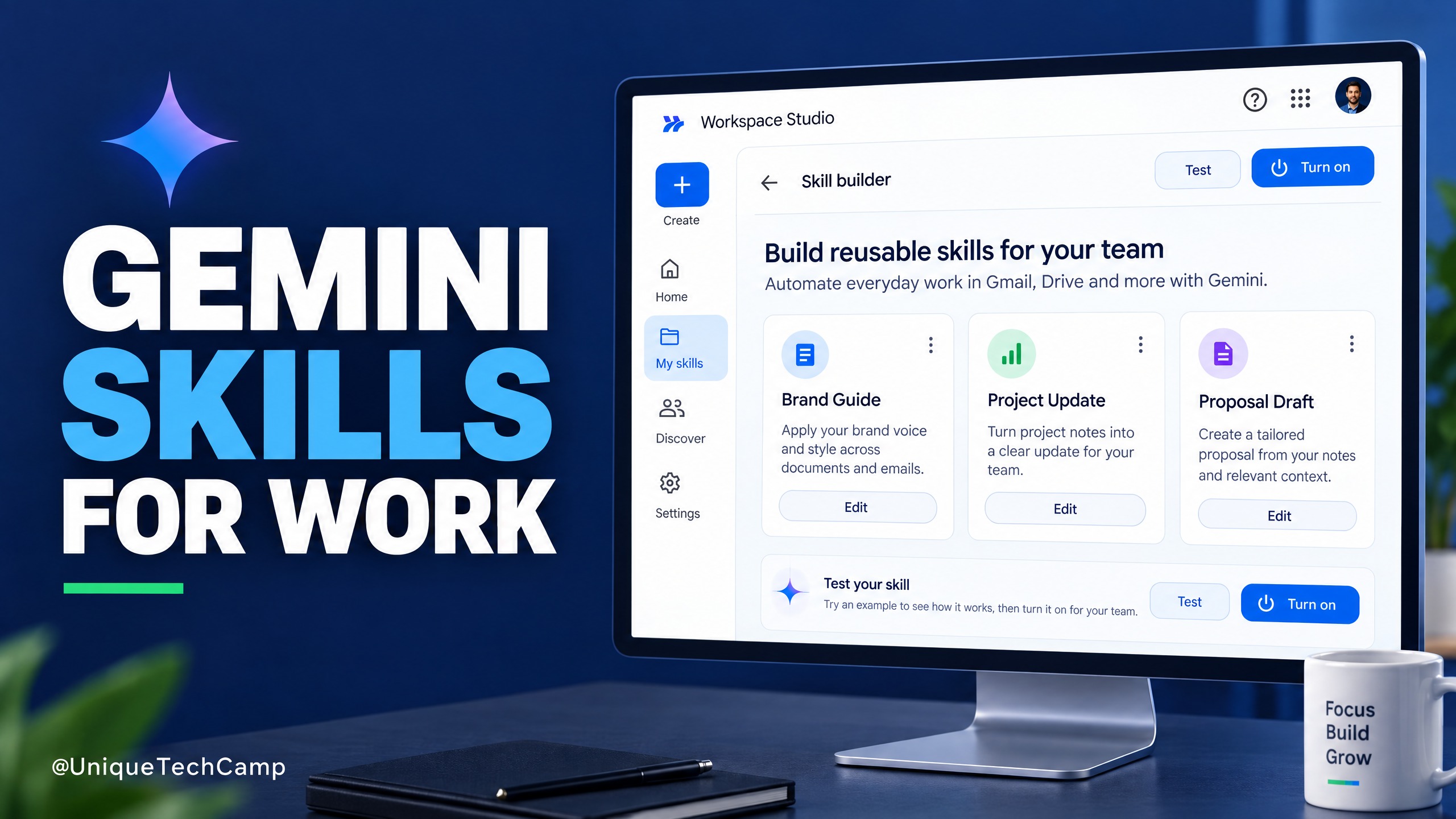
Google Workspace Skills: A Practical Guide for SMEs
Google Workspace Skills let teams reuse custom instructions across supported Workspace apps. This practical guide explains the rollout, eligibility checks, a safe pilot workflow and what to measure before expanding.

Cloudflare Clef: A Practical AI Triage Guide for SMEs
Cloudflare Clef turns support messages into bounded decisions rather than free-form answers. Here is a practical way for SMEs to test it, measure value and keep a human in control.

Gemini 4 Argon for Cybersecurity Teams: Build an AI-Assisted Patch-Readiness Service Only If You Have Access
Google has announced Gemini 4 Argon for complex work and defensive cybersecurity, but access remains restricted. Learn what an authorised, human-checked patch-readiness service could look like for East African software teams.
UniqueTechCamp Desk
Online • Reply < 5 mins