
Intercom Fin: Test Your Support Knowledge Base Before Automating Answers
Build an approved Fin AI Agent knowledge base, batch-test realistic questions, control escalation, and set release gates before launch.
UniqueTechCamp Editorial
Lead Systems Architect • UniqueTechCamp Engineering Unit
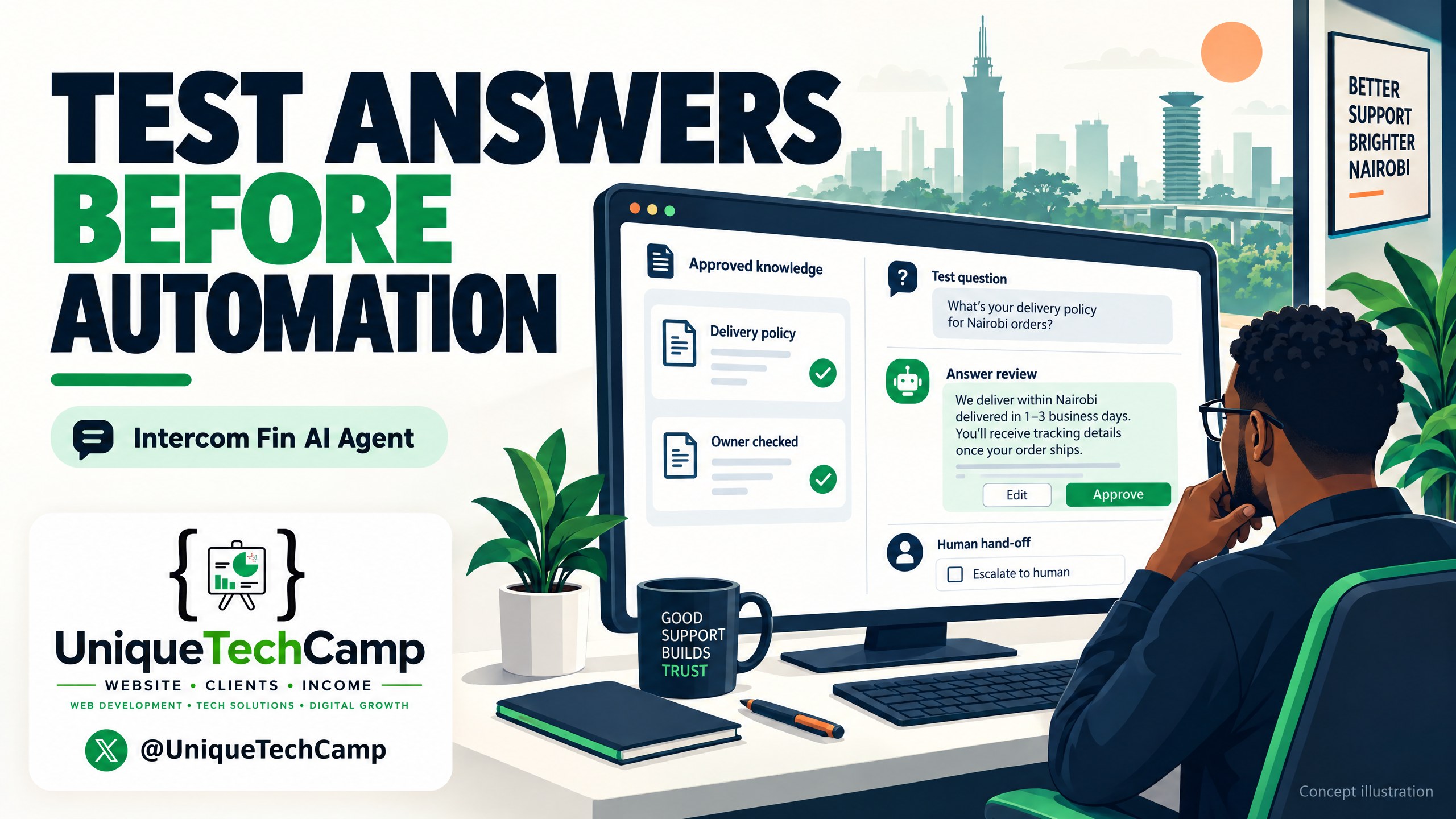
Cover concept: a conceptual illustration of a support team testing answer cards and escalation gates before automation. It is not an authentic Intercom screenshot and does not show a client result.
A customer asks, “Can I change my delivery address after payment?” Your business has an old help-centre article, a newer WhatsApp reply, and a staff member’s private note. If all three are available to an AI agent, the problem is not that the model lacks intelligence. The problem is that nobody has decided which answer is the business truth.
That is the practical starting point for Intercom Fin AI Agent. Treat it as a controlled support operation, not a switch labelled “AI on”. The work is to assign ownership, approve policy, remove stale or conflicting material, test realistic questions in batches, and define when a person must take over.
Fin is an established Intercom product, not a new 2026 launch. Intercom’s current product documentation describes a train–test–deploy–analyse loop, with answers built from configured knowledge, guidance and connected systems. Intercom’s current Fin AI Agent explanation also describes public and internal content, snippets, PDFs, webpages, audience targeting, answer inspection and human escalation. Those features are useful only when your source material is governed.
The customer problem is usually a knowledge problem
SMEs in Nairobi and elsewhere often have support truth spread across a website, Google Drive, a help desk, staff memory and message threads. A new price may be published on the website while an old PDF remains in a shared folder. A return policy may apply only to one product line. A “quick answer” written for a colleague may be accurate internally but unsafe to show a customer.
Automating before sorting that material creates four predictable risks:
- Stale answers: a past fee, turnaround time or process remains discoverable.
- Conflicting answers: two sources use different thresholds or exceptions.
- Audience leakage: an internal process, supplier detail or staff instruction is exposed to a customer.
- False confidence: a plausible answer is given when the business has not approved one.
The remedy is not to upload everything and hope retrieval chooses correctly. Create a small, explicit source register. For every proposed source, record its owner, audience, policy area, last review date, system of record and decision: enable, revise, replace or exclude.
Intercom’s Knowledge sources guide says Knowledge > Sources lets teams manage what is available to Fin, Copilot and the Help Centre. It lists native public and internal articles, snippets, webpages, PDFs and supported imports or syncs. It also makes an important freshness distinction: native articles and snippets are ingested almost instantly, while external public URL content is updated weekly. That difference should affect your approval process.
Make one owner responsible for policy truth
Appoint a business owner for each policy family. A support lead might own delivery and returns. Finance might own payment and refund wording. Operations might own service coverage and appointment changes. The owner does not need to edit every sentence, but they must approve the answer that customers are allowed to receive.
Use a simple source hierarchy:
- A current, approved policy or product record is the authority.
- A customer-facing article is the published explanation of that authority.
- Staff-only operating notes stay outside Fin unless an owner has explicitly approved their facts for customer answers; an “internal” label alone is not a confidentiality control.
- Historical conversations are evidence of questions and failure modes, not policy truth.
This distinction matters when importing. Intercom’s content instructions explain that you can add public articles, snippets, internal articles, website syncs, documents and several external app sources. With synced content, changes remain controlled in the original system; with imported content, Intercom can become the central place to maintain it. Choose deliberately. “We can find it somewhere” is not the same as “Fin may use it”.
For each approved article, write the answer in customer language. State the eligibility rule, the action the customer can take, the exception and the route to a person. Add a visible review date and owner in your register, even if those fields are not part of the customer-facing copy. Do not hide conflicting versions under similar titles. Archive or disable material that is no longer authoritative.
Use Knowledge Hub as a controlled release surface
Before testing, go to the Fin content area and inspect what is actually enabled, not merely what exists in the workspace. Intercom’s guidance shows that sources can be available, syncing, errored, live but not enabled, or already enabled for Fin. A draft count is not proof that a source is customer-ready.
A practical pre-test checklist is:
- List every enabled source and name its owner.
- Separate customer-safe sources from internal-only operating notes.
- Check duplicate articles with different prices, dates or eligibility rules.
- Check pages that are public but not intended as support policy, such as campaign landing pages.
- Record the external-source sync cadence and the person who will re-sync after a policy change.
- Apply audience rules where a plan, location, brand or customer type changes the answer.
- Remove credentials, personal data, staff-only instructions and unresolved drafts.
- Save the approved answer for each high-risk question in a small policy register.
For an SME, “all of our content” is not a sensible acceptance criterion. A better criterion is: every source Fin can use has an owner, a purpose, an audience and a current approval decision.
For teams that want help turning these controls into an implementable operating model, UniqueTechCamp’s AI Solutions Desk can help map source ownership, approval steps and automation boundaries without treating a chatbot as a substitute for support judgement.
Build a realistic test set, not a collection of easy FAQs
A test set should represent what customers actually ask and what can go wrong. Intercom’s Batch test documentation says teams can generate questions from past conversations or topics, add them manually, or upload a CSV. Each test group can contain up to 50 questions. Past-conversation generation needs recent volume, while manual questions are useful for policy-critical cases that may not appear often.
Use redacted or synthetic examples when exporting questions. Do not put customer passwords, payment details or identifiable order histories into a shared test CSV.
Build one labelled set with a mixture of:
- Canonical questions: “How do I reset my password?”
- Variations: misspellings, short messages, Sheng-influenced phrasing, voice-to-text errors and incomplete context.
- Policy boundaries: “Can I return a used item?” or “Can you refund the delivery fee?”
- Conflicts: questions for which an old article and current policy disagree.
- Missing-information questions: requests that need an order number, plan or location.
- Multi-step requests: a change that requires verification or a human approval.
- Adversarial prompts: attempts to make Fin reveal internal notes or ignore a rule.
- Human requests: “I want an agent” and “Please call me.”
- Language cases: English, Kiswahili where supported and the actual languages your customers use.
- Seasonal cases: holiday hours, delayed delivery, school-term demand or a planned promotion.
Do not grade only whether the prose sounds friendly. For each question, define the expected class: answer, clarify, refuse, route or hand off. Define the must-include facts and the facts that must never appear. A correct escalation is a pass, not a failure.
The exact batch-testing workflow
Use this repeatable workflow before changing a live deployment:
- Freeze the candidate release. Record the sources, guidance, audience rules, channel and date. Do not edit content halfway through a run without noting the change.
- Create the question groups. Upload a one-column CSV where useful, keeping within Intercom’s 50-question-per-group limit. Include historical questions plus manually authored boundary and conflict cases.
- Choose the test identity. Batch Test can test as a user or lead, an audience, or a preview user. Use a representative test user when attributes such as plan or location alter content. Remember that access requires a full seat and conversation access set to all conversations.
- Run the same set across relevant audiences. A Nairobi customer, a different plan and a second brand may legitimately receive different content. If the setup is meant to be uniform, prove that it is uniform rather than assuming it.
- Inspect every answer. Review the content sources Fin pulled, its guidance, personality and any triggered automation. Look for a source that is technically enabled but substantively wrong, an answer that merges incompatible policies, or a confident response without an approved source.
- Label the result. Mark each response pass, revise, block or escalate. Keep the reason, the source that caused it and the owner. “Sounds fine” is not a test result.
- Fix the smallest responsible layer. Correct the source when the policy is wrong or stale. Change audience rules when the scope is wrong. Change guidance when the policy is right but the behaviour is wrong. Add a human route when the request needs judgement or verification.
- Re-run the full regression set. Do not test only the question you just repaired. Compare the new run with the frozen baseline and release only when the gates below are met.
Release gates that protect customers and staff
Set gates before you see the results. For example, every canonical question must contain the approved policy fact; every conflict case must use the current source; every internal-only question must refuse or route; every explicit request for a human must reach the correct team; and every “I do not know” case must avoid invented detail.
Also require zero unresolved critical failures. Critical means a wrong price, eligibility rule, refund commitment, security instruction, account-specific action or answer that exposes private material. A minor tone issue can go into a revision queue. A wrong policy answer cannot.
Use a three-person sign-off for high-risk areas: the source owner, the support/ops reviewer and the person responsible for the live workflow. Keep the test CSV, run date, version of the source register and decision in a shared change record. This is operational hygiene, not bureaucracy: when an answer is challenged later, you can identify what Fin was allowed to use.
Do not confuse batch testing with a guarantee. Intercom says the feature simulates responses before they reach customers and lets teams inspect content, guidance and automations. It does not turn a finite question set into proof that every future question is safe. Add new real questions to the regression set after launch, especially those that were escalated, reopened or corrected by a teammate.
Measure quality, cost and limits together
Track more than the number of automated conversations. Useful measures include answer-pass rate on the regression set, critical-failure count, correct-escalation rate, source-attribution errors, repeat-contact rate, reopened conversations, human correction themes and time from policy change to approved source update. Segment by channel, language, audience and topic. A single blended percentage can hide a serious failure in refunds or account access.
Measure usage separately from seat costs. Intercom’s pricing page displays US$0.99 per outcome, but the official outcomes guide distinguishes the types. For Fin over chat and email with Intercom, resolutions and configured Procedure handoffs cost US$0.99 per outcome; Fin for Sales qualification costs US$9.99 per qualification. Do not apply the support rate to every sales role. Fin Voice, high-volume and specialised pricing may differ. The guide says billing is at most once per conversation. Unsuccessful attempts, default escalations and explicit human requests are not billed as outcomes; a successfully configured Procedure handoff can be billable despite involving a person. Check your live plan, seats, channel and billing terms before budgeting.
Do not multiply an unverified “resolution rate” by message volume and present it as a forecast. Count actual billable outcomes, include platform and seat charges, and set usage alerts or hard limits.
There are practical limits. Batch groups are capped at 50 questions, test access is permissioned, external content may update weekly, and a test set cannot cover every language, customer context or future policy. Fin may decline to answer when confidence is low, when language and content do not match without real-time translation, or when the customer asks for a human. Intercom’s Fin FAQ and explanation of non-answers and handover make those behaviours explicit. Your release design should preserve them, not try to eliminate every handoff.
Frequently asked questions
Should a small Nairobi business put its whole website into Fin?
No. Start with the support areas you can own and approve. Include public articles, internal articles or snippets only when their audience and status are clear. Review marketing pages, old PDFs and policy-like blog posts before enabling them. Expand after the first regression cycle proves that new sources do not introduce conflicts.
Is an internal article safe to expose to customers?
Not automatically. Internal content can be useful to Fin, but “internal” is a source classification, not permission to reveal its text. Test prompts that ask for staff notes, supplier details, escalation instructions and private data. Require the response to give the customer a safe next step or human route instead.
What should happen when Fin cannot find a confident answer?
It should not invent one. Configure and test a clear handoff path, capture the customer’s question and route it to the right team. Treat these cases as evidence for a content or process decision. Some questions genuinely require account verification, discretion or a human commitment.
How often should the batch set be rerun?
Rerun it after any change to a high-risk policy, enabled source, audience rule, guidance or automation. Also schedule a regular review and add real escalations and corrections to the set. External-source refresh timing means you should not assume a website edit is immediately reflected in Fin.
Conclusion
Fin AI Agent is most useful when the business has already made its support truth legible. Give every source an owner, separate approved policy from historical conversation evidence, remove stale conflicts, test realistic boundaries in batches and make human escalation a passing behaviour. Then release gradually, measure answer quality alongside cost and keep a regression set alive.
The next step is not “turn on the bot”. It is to choose one support area, build its source register, write the expected outcomes for 30–50 real questions and run the release gates with the people who own the policy and the inbox.
Need this built for your business?
Business owners need a support workflow that fits their tools, gives staff a clear handoff and keeps approved answers under business control. UniqueTechCamp’s AI Solutions Desk can help scope the knowledge audit, test set and release gates. Book an appointment to review your current sources, or explore Customer Support Bots for the relevant service. Agree software licences, platform choice and integration scope separately; do not assume a Fin subscription or Intercom implementation is bundled into the service.
Deploy An Autonomous AI Lead Gen System Today
We engineer high-converting web applications with integrated 24/7 WhatsApp qualification bots and multi-channel follow-up drips.
Related Strategy Articles

CrowdStrike AI Kill Switch: SME Team Reviewing an Agent Safety Dashboard
A practical SME playbook for reviewing CrowdStrike’s AI Kill Switch, testing agent containment safely, measuring trade-offs and checking Kenya eligibility.

Microsoft Agent 365 Business Analytics: An SME Readiness and Value-Validation Guide
Microsoft Agent 365 Business Analytics is in Frontier preview. Here is how Kenyan and East African SMEs can validate access, usage cost, value, privacy and readiness before buying licences for a dashboard.

Canva AI Controls: SME Design Review and Human Approval on a Laptop
A practical Canva AI Controls workflow for Kenyan and global SMEs: control settings, human review, asset provenance, measurements, costs and limitations.

UniqueTechCamp Desk
Online • Reply < 5 mins