
Google Workspace Skills: A Practical Guide for SMEs
Google Workspace Skills let teams reuse custom instructions across supported Workspace apps. This practical guide explains the rollout, eligibility checks, a safe pilot workflow and what to measure before expanding.
UniqueTechCamp Editorial
Lead Systems Architect • UniqueTechCamp Engineering Unit
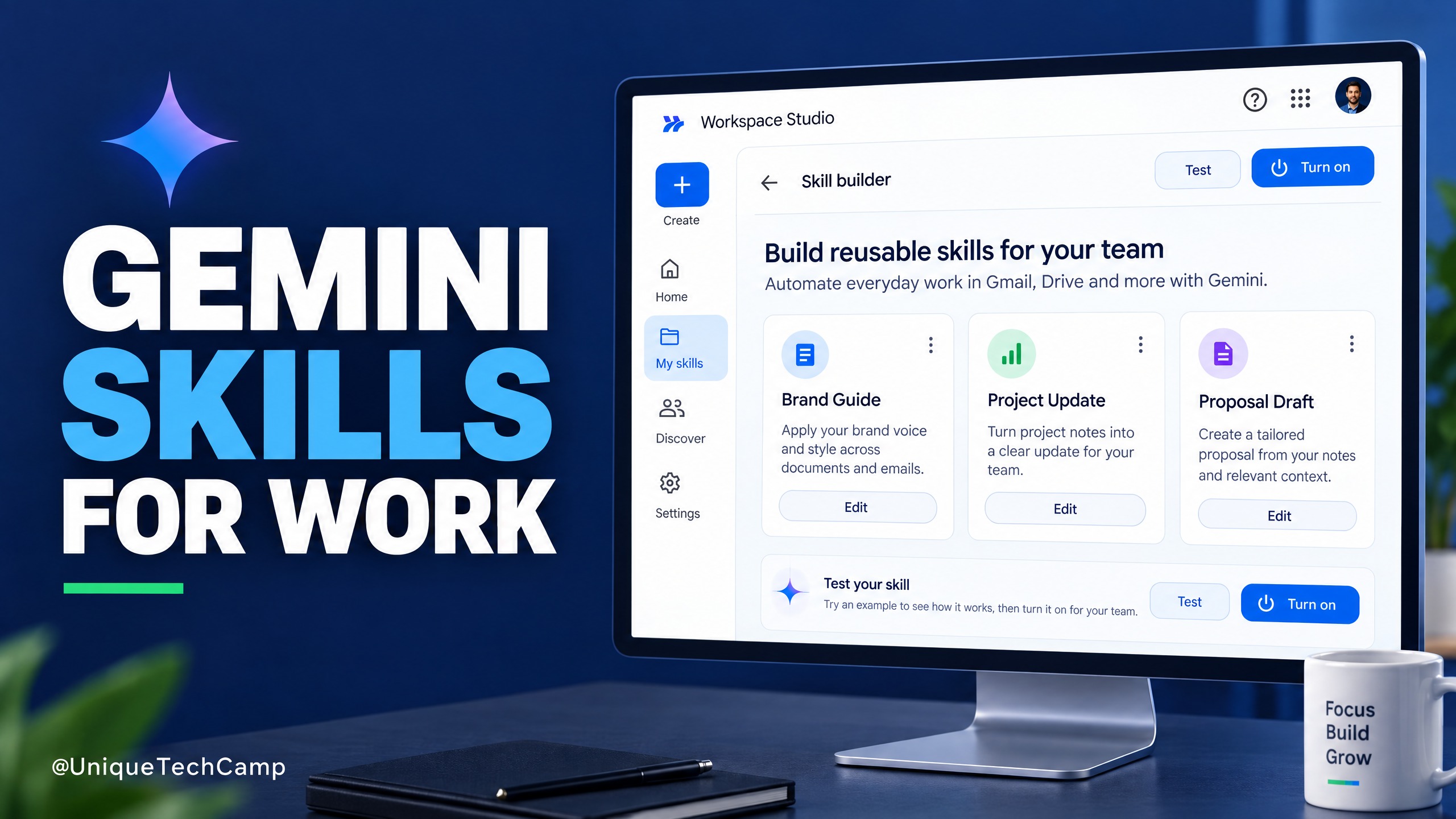
Small teams repeat tasks without consistent quality. A process may depend on one colleague who knows how a client update should read, which Drive files support a proposal or what to check before a handover.
Google Workspace Skills are a new way to give Gemini reusable instructions for those recurring jobs. Google describes a Skill as a reusable prompt that can guide Gemini with a team’s rules, templates and reference files. Its Workspace rollout began on 5 October 2026, so it is a timely option for businesses already using Google Workspace and Gemini. It is not a promise of automatic revenue, a replacement for process ownership or a licence to let AI send work unchecked. Start with one contained workflow and measure the result.
What Google Workspace Skills change
A Skill packages repeatable guidance: the task to perform, the source material Gemini may use, the steps to follow and the format the answer should take. Google says teams can build a Skill in Docs with Skill Builder, collaborate on the instructions, then create and enable a copy in Workspace Studio. A turned-on Skill can be invoked from Gemini in supported apps such as Gmail, Docs, Slides, Drive and Chat. Read Google’s Workspace Skills product announcement and the Workspace Studio Help guide for the supported creation and use steps.
The practical difference is that a team can call the same instructions during normal work instead of reopening a separate custom assistant or pasting a long prompt every time. A client-services team could use one Skill to turn approved project notes into a concise status draft, then another to check the tone and escalation rules.
That does not make a Skill an autonomous agent. Google’s Help page is clear that a Skill guides Gemini within its existing capabilities; it does not grant new powers. It will not make an unavailable tool appear, create a business rule that has never been written down, or guarantee that every output is correct. The quality still depends on clear instructions, suitable sources and review by someone accountable for the result.
Choose a first use case that supports growth
For a small or medium-sized business, the best first use case is not necessarily the most impressive one. Look for work that happens often, follows a recognisable pattern and produces an output that a person can check quickly. Examples include drafting a first version of a client project update from approved notes, turning a sales-call summary into a structured follow-up draft, or preparing a proposal outline from a standard brief and selected case studies.
These workflows can support growth indirectly by helping a team respond consistently and protect time for higher-value work. That is a business hypothesis to test, not an earnings claim. If a task is rare, highly judgemental, governed by changing rules or costly to get wrong, do not make it the first Skill. Avoid starting with decisions about refunds, credit, hiring, safety, medical issues or legal commitments.
A six-step pilot for a small team
1. Pick one repeatable task and record a baseline
Choose one workflow with a clear beginning and end. For a client update, the starting point might be approved project notes in Drive and the end point a draft containing progress, a decision needed, a risk and a next action. Before using Gemini, record how long recent updates take, how many revisions they need and which errors or omissions matter.
2. Define the Skill’s boundaries
Write the instruction as if a new colleague will use it without you in the room. State the purpose, intended user, approved source folders, required steps, output structure, tone and hard stops. Tell Gemini not to invent dates, costs, client commitments or policy details. Ask it to quote or point to the source for important facts, mark missing information as “needs confirmation”, and return a draft rather than sending or publishing it.
Keep the input set narrow. Google lets users select where Gemini can search, including Drive, Gmail, Chat, Calendar and the web, and can add Drive files or folders as reference material. Enable only the sources needed for this task. A Skill that reads a broad inbox when a single approved folder is enough creates avoidable exposure and makes the output harder to audit.
3. Build and test before enabling it
In Workspace Studio, a creator can start from scratch or use a template, describe the task in the skill builder, review the generated instructions and make changes. The Help guide also describes creating a Skill in Docs, sharing the document for comments, then using “Make this skill in Studio” so each collaborator can create and enable a copy. Test the instructions with a normal case, an incomplete brief, a conflicting source and a request that should be refused or escalated. Do not enable a Skill merely because its first demonstration looks polished.
4. Check outputs against the source
Have a person compare each test output with the approved material. Check facts, dates, names, tone, omitted caveats and whether the answer follows the agreed format. For a client-facing draft, the account owner should verify every promise and next step before it leaves the organisation. For internal work, label the output as AI-assisted while the pilot is being evaluated so colleagues know to review it.
5. Share carefully and keep an owner
Google’s product announcement describes collaborative editing in Docs and Skill management in Workspace Studio. Its Help page says that a shared Skill link creates a copy and that anyone with the link can see the creator’s email address; only turned-on Skills can be shared through the documented Studio flow. Ask an administrator to confirm the organisation’s sharing settings before distributing a link. Name a business owner who can update the instructions when a template, policy or process changes.
If the process rules are still scattered across people’s memories and old files, UniqueTechCamp’s AI assistant service is the relevant place to discuss turning a repeat task into a scoped, human-reviewed pilot. The business still needs to approve the source material and retain ownership of its decisions.
6. Decide whether to keep, revise or stop
Compare the pilot with the baseline. Track elapsed time, first-pass acceptance, correction time, exception rate and the number of outputs that need escalation. Ask the employees who use the Skill whether it makes the process clearer or merely moves effort into checking AI drafts. Continue only if the output remains reliable and the total effort is worthwhile. If quality falls, narrow the inputs or rewrite the instructions; if the workflow changes, update the Skill before wider use.
A worked example: a client project update
Suppose an agency prepares a weekly update for each active client. The intended Skill should not “manage the project” or decide what to tell a client. Its narrower job is to turn approved notes into a consistent draft for an account manager to verify.
The instruction could say: use only the project folder and the notes supplied in the current prompt; extract completed work, upcoming work, blockers, decisions needed and named owners; do not infer a delivery date or claim that a task is complete unless the source says so; flag contradictions; and return a short draft with the headings “Progress”, “Next”, “Needs your decision” and “Risks”. If any required detail is missing, ask for it instead of filling the gap.
The account manager then checks the result against the project record, adds context, and approves the final message. The pilot can be evaluated across several real but low-risk updates. Measure the time from notes to approved draft, the number of factual corrections and the proportion accepted with only minor edits. Do not count a faster first draft as a business improvement if the review takes longer or errors increase.
This pattern also works for internal handovers or proposal outlines, provided that the team uses authorised reference files and defines who approves the final document. If the business later connects a Skill to a Workspace Studio flow that changes a CRM record or sends an email, treat that as a separate automation with its own permission, testing and approval controls.
Rollout, access and pricing: check before you promise it
Google’s Workspace Skills rollout is gradual. Its release note says Rapid Release domains began receiving Skills on 5 October and should complete by 12 October; Scheduled Release domains begin on 19 October and should complete by mid-November. The Gemini app rollout is separate and begins on 13 October. A Workspace customer may therefore have a compatible plan but not yet see the feature. Check the official rollout dates and release notes before setting a team deadline.
Google’s documentation says Skills in Workspace are for users aged 18 and over and require the administrator to enable the relevant Gemini setting. There is a small but material difference between Google’s own availability lists: the product announcement includes Enterprise Starter, while the separate admin transition guide lists Enterprise Standard and Plus but not Enterprise Starter. Business Starter, Standard and Plus appear in both. If your organisation has an Enterprise Starter licence, confirm access in the Admin console rather than assuming eligibility. The product announcement and Google’s admin transition guide are the relevant references.
Google’s feature pages do not state a separate price for each Skill. Access is tied to Workspace eligibility and administrator settings. The overall Workspace plan cost depends on edition, billing term, country, tax and any offer in force; the official Google Workspace pricing page is denominated in USD and can change. For a Kenyan business, use the price shown in its own account or quote, not a USD headline as a local commitment. Include staff time for instruction design, testing and review in the pilot budget.
Limitations and safeguards
Availability is gradual, so one organisation or release track may receive Skills before another. Skills created in the Gemini app do not automatically appear in Workspace apps; users who need the same guidance in both must recreate it separately. Give each Skill an owner and review date, and remove obsolete copies when its process changes.
Access also depends on what the user is allowed to see and what the administrator permits Gemini to search. Do not add a confidential folder simply because it could improve a draft. Limit the sources to the minimum needed, respect existing Drive permissions, and test with realistic but approved material. Keep sensitive decisions and customer-facing actions under a named human approver.
There is also a transition away from Gems. Google says business and enterprise Gems will be phased out no sooner than 1 March 2027, and certain Workspace Studio flows using an “Ask a Gem” step will stop working then. Existing Gems and flows continue for now under Google’s stated conditions, but teams relying on them should identify critical instructions and rebuild and test them as Skills well ahead of the deadline. Independent reporting by 9to5Google and TechRepublic also describes the broader migration, while Google’s admin page remains the source for Workspace-specific dates.
Measure the business case without promising earnings
A reusable instruction is useful only if it makes a real task easier without lowering work quality. Compare similar requests under the same approval rules. Record preparation and checking time, corrections, escalations and rework. Better consistency may still be worthwhile without time savings, but state the goal honestly and weigh it against ongoing maintenance.
For a business-growth workflow, connect the task to a measure the team already trusts. A proposal-drafting pilot might track time to an approved first draft and the share of drafts that meet the agreed quality checklist. A sales-follow-up pilot might track how often a rep sends a checked follow-up within the team’s target window. Do not attribute won revenue to the Skill without a credible comparison; other factors such as lead quality, pricing and staff follow-through also matter.
Agree in advance on a stop rule. Pause if outputs invent commitments, expose information to the wrong audience, miss critical exceptions or require more correction than the original process. A small, measured pilot gives the team evidence about its own workflow. It does not prove that the same Skill will work unchanged across departments, clients or countries.
Frequently asked questions
Are Google Workspace Skills the same as Gemini Gems?
No. Both let users customise Gemini, but Skills are designed to be invoked in supported Workspace surfaces and can be combined in a conversation. Google is moving away from Gems over time, but the tools are not identical and existing instructions should be reviewed rather than assumed to transfer perfectly.
Can my whole team use one Skill?
Teams can collaborate on Skill instructions in a Google Doc and create copies in Workspace Studio. The sharing options depend on administrator settings, and each person may need to enable their own copy. Confirm the organisation’s sharing controls and decide who owns updates before distributing it.
Does a Skill have its own price?
Google does not list a per-Skill price in the Workspace product announcement or Help guide. Access depends on an eligible Workspace edition and administrator settings. Check your local Workspace plan and current billing terms before budgeting for more seats.
Will a Skill send an email or update a CRM by itself?
Not simply because it exists. A Skill guides Gemini within available capabilities; it does not grant new tools or permissions. A separate Workspace Studio flow may connect a Skill to actions, but those actions need their own setup, access controls, testing and human approval where the business requires it.
Conclusion
Google Workspace Skills give SMEs a practical way to make useful team instructions reusable where employees already work. The opportunity is to standardise one repeatable task, make its approved sources explicit and reduce the amount of know-how that lives only in one person’s head. The limitation is equally important: instructions do not replace current source documents, access controls or human judgement.
Choose one low-risk workflow, test it against real examples, measure total effort and quality, then decide whether it deserves a wider rollout. Check the relevant licence and release track first, especially while Google’s rollout is in progress and its own Enterprise Starter eligibility lists differ.
Need this built for your business?
If your team has a repeated process but needs help defining its inputs, approvals and measures, contact the AI Solutions Desk to scope the workflow. You can also book an appointment to discuss the business context, or browse the workflow automation service listings for a relevant delivery option.
Deploy An Autonomous AI Lead Gen System Today
We engineer high-converting web applications with integrated 24/7 WhatsApp qualification bots and multi-channel follow-up drips.
Related Strategy Articles

Cloudflare Clef: A Practical AI Triage Guide for SMEs
Cloudflare Clef turns support messages into bounded decisions rather than free-form answers. Here is a practical way for SMEs to test it, measure value and keep a human in control.
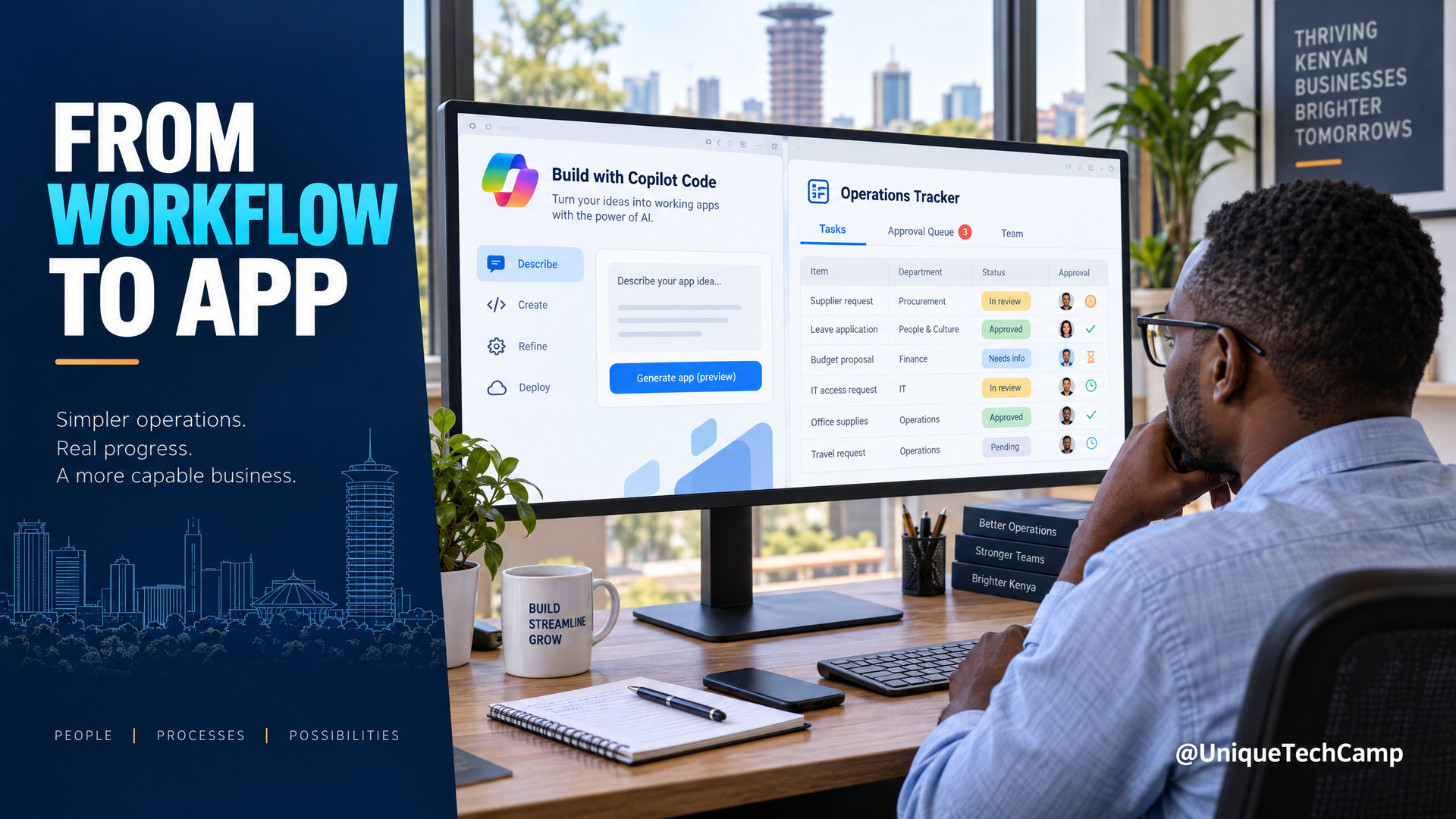
Microsoft Copilot Code for SMEs: A Practical Workflow-to-App Offer
Microsoft Copilot Code is still rolling out. Learn a practical workflow-to-app service for Kenyan SMEs, with verified pricing, usage limits and a safe pilot plan.
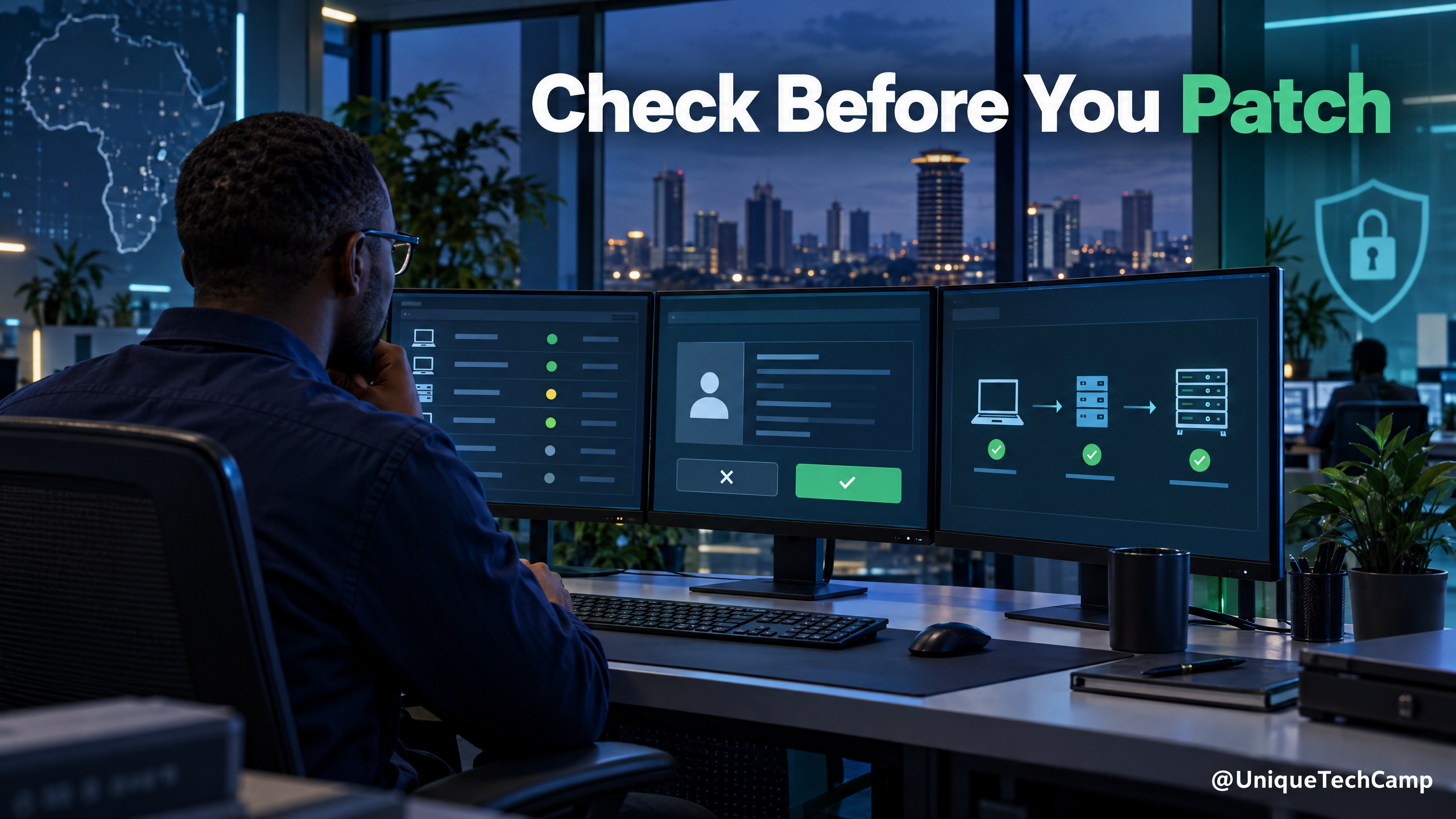
Gemini 4 Argon for Cybersecurity Teams: Build an AI-Assisted Patch-Readiness Service Only If You Have Access
Google has announced Gemini 4 Argon for complex work and defensive cybersecurity, but access remains restricted. Learn what an authorised, human-checked patch-readiness service could look like for East African software teams.

UniqueTechCamp Desk
Online • Reply < 5 mins