
From Google Maps Search to Booked Job: A Nairobi Service Business’s Local Lead Path
A practical Nairobi owner’s guide to linking a verified Business Profile to accurate service areas, responsive follow-up and booked work.
UniqueTechCamp Editorial
Lead Systems Architect • UniqueTechCamp Engineering Unit
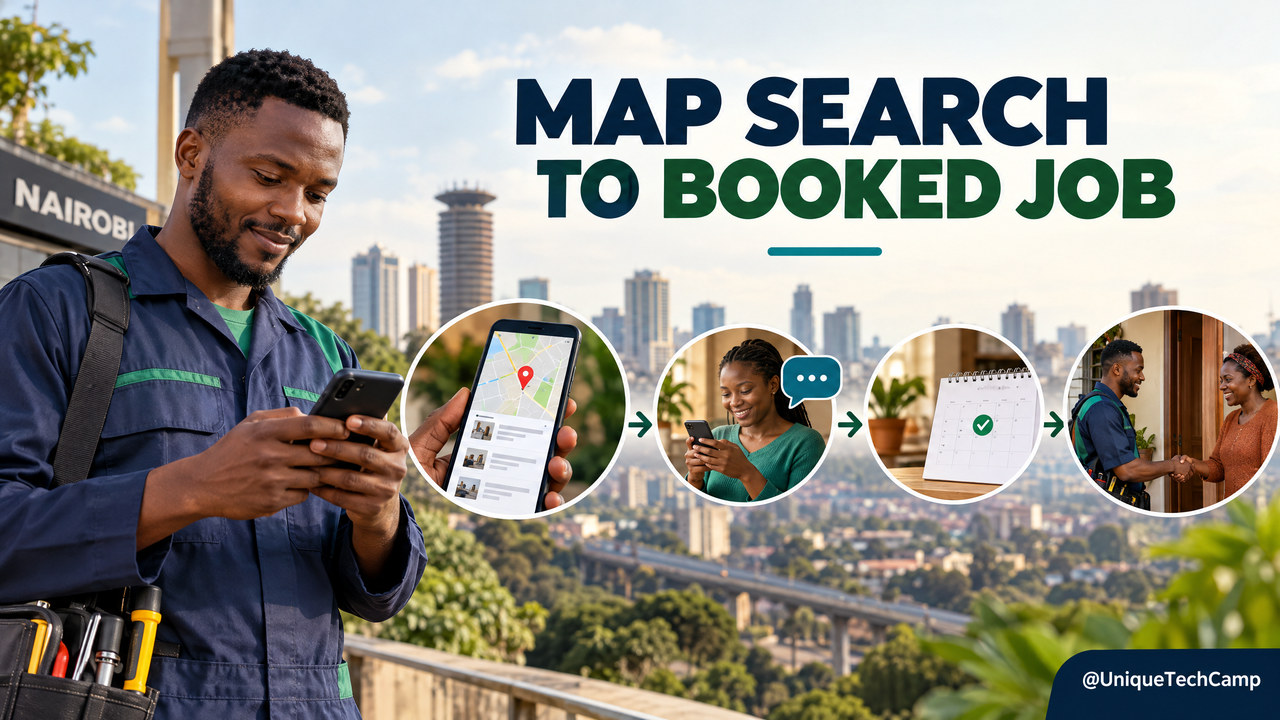
From Google Maps Search to Booked Job: A Nairobi Service Business’s Local Lead Path
A Nairobi customer searches for a plumber, clinic, electrician or cleaning service, taps a result, then moves on because the address is unclear, the service area looks wrong, the phone is unanswered or the booking page asks for too much. Being visible on a map is only the first step. A useful local lead path connects the profile a customer sees to a service page, a responsive human and a clearly confirmed job.
Short answer: Treat Google Business Profile  as the discovery and trust layer, not as your whole sales system. Make the public details accurate, send each high-intent search to a relevant next action, assign the enquiry to a person, and record whether work was actually booked and completed. None of this guarantees a top Maps position or a particular number of leads.
What the local lead path includes
A local lead path is the sequence from a nearby customer’s search to a business decision. For a Nairobi service provider, that might look like: “electrician near Kilimani”  a profile that accurately names the business and coverage a page explaining the electrical service and next step a call or WhatsApp enquiry a person who checks the location and job details a confirmed visit or quote.
The example neighbourhoods in this article are illustrative, not recommendations to claim service in places the business does not actually serve. A customer can start in Google Search or Maps, but the later steps may happen on your website, by phone, in WhatsApp, in a booking system or in the field team’s work register. The owner’s task is to make those hand-offs reliable enough to measure.
Google says a business may have a customer-facing physical location or travel to customers. Its guidelines for representing a business ask owners to use the real-world business identity, accurate location or service area, the fewest categories needed to describe the core business and one profile per business. Read the rules before editing a listing; a useful lead path starts with a profile that is eligible and truthful.
Step one: make the profile match the business customers will meet
Begin with a reality check rather than keyword stuffing. Compare the profile name with the business’s signs and other public branding. Confirm the primary category, phone number, website, opening hours and the person or team responsible for keeping them current. If the company has several services, make sure the selected category describes its main business rather than trying to list every phrase a customer might search.
Decide whether the business is a storefront, a service-area business or a hybrid. If customers are not served at the business address, Google says to remove that address from the profile and show the service area instead. A hybrid business that serves customers at its premises and travels to them can show both, subject to the platform’s eligibility and address rules. Do not display a home or office address as a walk-in location if customers are not actually received there.
For a service-area profile, enter places the team can genuinely reach and serve. Google’s service-area guidance allows up to 20 service areas, does not support a radius setting, and says the overall coverage should generally be within about 2 hours of driving time from the business base. Those limits are not a reason to add every nearby estate. Choose a practical set of towns, districts or other supported areas, and remove locations where the service is no longer available. Approved changes may take up to 48 hours to appear, so do not promise a customer that an edit will show instantly.
A verified profile can be edited on Search or Maps, although some businesses need to verify it before changes are available. Google reviews profile changes before they appear live. Its editing and verification instructions list the information owners can update. Keep a simple change log—what changed, who approved it and when—to make it easier to explain a temporarily missing phone number or pending service-area edit.
Step two: send a searcher to a page that answers the next question
A profile visit does not tell a customer whether you handle their particular job. A useful destination page should name the service, the genuine area served, relevant operating hours, what happens after an enquiry and the fastest appropriate contact route. If you work on emergency call-outs, explain the actual hours for urgent work. If jobs must be assessed first, say so rather than presenting an enquiry as an instant appointment.
Build around one real customer task. A person looking for a same-week air-conditioning repair needs a different next step from a facilities manager arranging a multi-site maintenance contract. The first may need to call or send a short WhatsApp message; the second may need a structured brief or a callback from a named team member. Keep the page focused on the service and location the profile represents, not a collection of near-identical pages with swapped neighbourhood names.
Before adding a new page, test it on a phone. Can someone see what the service covers without pinching to zoom? Does the call button use the right number? Does a form show which fields are required and what happens after submission? Is the WhatsApp link connected to a monitored business account? Can a customer with a keyboard or screen reader complete the key action? These are operational checks, not ranking tricks.
If the profile has an eligible booking or transaction category, Google supports local links for actions such as appointments, reservations, food orders or shopping orders. The local business-link guide says up to 10 links per category may be added. A link is only useful if it opens a working, mobile-friendly destination and the business can honour the request. If a third-party booking provider appears, check that the destination and booking information are current; do not assume every profile has the same options.
Step three: make the first response ownable
Once a customer calls or sends a message, someone needs to own the next step. Decide which inbox or phone receives the enquiry, who checks it during working hours and who covers when that person is away. If several staff members use the same channel, agree how they mark an enquiry as claimed so the customer does not receive duplicate or conflicting replies.
Ask only for details that help route the request. For a service visit, that may include the type of work, a broad service location, a preferred time and a callback route. A staff member can ask follow-up questions when needed. Avoid collecting sensitive personal details in a first-contact form or sending a customer’s name, phone number or exact address into analytics URLs and campaign tags.
Set a response expectation that the team can meet. “We will confirm whether we can attend and suggest a time” is more useful than implying that an automated message has booked a job. A request, an appointment and a completed visit are different states. Use a clear hand-off for urgent, unusual, safety-related or out-of-area cases, and let the customer know how to reach a person.
In the middle of this workflow, UniqueTechCamp is one local option for exploring a service-business digital journey; the useful first conversation is about the real customer task and the staff hand-off, not a promise of rankings.
Step four: measure the journey, not just profile activity
Start with a baseline and definitions. Google’s Business Profile performance documentation says performance data is available for verified profiles and shows views, clicks and other customer interactions over a selected period. These indicators help you understand activity on Search and Maps, but they are not the same as a qualified enquiry, an attended appointment or revenue won. Record the reporting period and avoid comparing unlike date ranges.
For website visits, use a consistent campaign-tag convention on the profile’s website or booking link if your analytics setup supports it. Google’s UTM campaign guidance recommends including utm_source, utm_medium and utm_campaign, and warns that campaign values are case-sensitive. For example, agree one lowercase source label for the Google profile and reuse it. Check the destination URL after editing so a missing character or an unencoded parameter does not break the link.
Do not place a customer’s name, mobile number, email address or other personal detail in a UTM value. Google Analytics’ guidance on personally identifiable information says page URLs, titles, user-entered fields and campaign parameters must be kept free of such information. Use aggregate source labels in reports, and keep customer contact details in the business’s appropriately controlled enquiry or CRM system instead.
Alongside profile and website data, keep a small lead register with fields the team can explain: date received, source as understood, requested service, broad area, assigned owner, first-response time, next action, appointment requested, appointment confirmed, job completed, and won or lost with a reason. Add only the fields needed to review the work. Include calls, WhatsApp and offline referrals where the customer can reasonably say how they found you; not every person remembers the original search.
A practical weekly view might compare profile interactions, website sessions with the agreed tags, calls or messages received, qualified enquiries, confirmed visits, completed jobs and open follow-ups. Use the same definitions from one review to the next. If enquiries rise but bookings do not, inspect the response or availability stage before buying another tool. If profile clicks are steady but the page gets no contact actions, test the page and its contact routes. Choose one change at a time so the team can learn what changed.
Costs: separate the listing from the work around it
Google’s Business Profile getting-started guide says the profile can be managed at no charge. That does not make the whole customer path cost-free. A business may spend its own time correcting details, preparing accurate photos and service copy, updating a page, configuring a booking system, training staff or paying a supplier to set up and maintain those pieces. Call-tracking tools, paid booking services and advertising can have separate fees, depending on the provider and plan.
Ask for a written scope rather than a single “Maps package” total. Separate one-off setup from recurring maintenance; name any software subscriptions; state who owns the profile, domain, analytics property and customer data; and list what the supplier will actually change. If a quote includes a landing page, specify its pages, forms, integrations, accessibility checks, testing and handover. If it includes ongoing optimisation, ask what work and reporting are delivered each month.
Do not budget for a guaranteed position or guaranteed lead count. Google’s local-ranking guidance names relevance, distance and prominence as the main factors, and says there is no way to request or pay for a better local ranking. A paid advertising campaign is a separate commercial choice; it should be reported separately from organic profile activity. Compare costs with the jobs the business can serve, the staff capacity to respond and the value of work actually completed—not with an unsupported impression forecast.
Limits, privacy and trust
A profile can be edited, delayed, reviewed or changed by Google; location, category, query and competitor context can affect what customers see. Search activity may be incomplete, and a click does not reveal whether the customer was a good fit. Calls may be missed, messages may arrive outside business hours, and a sales record may fail to capture a referral source. Use the data as an operating aid, not proof that one channel caused every sale.
Keep customer choice clear when collecting enquiry details. Kenya’s Data Protection Act sets principles that include fair and transparent processing, specified purposes, data minimisation and telling people about collection where practicable. A request for a response to a specific enquiry should not silently become permission for an unrelated marketing sequence. Explain what the form is for, restrict access to the details, set a sensible retention process and offer an appropriate way to raise a privacy question. The ODPC’s consent guidance and the Act should be reviewed with a qualified adviser for the business’s specific circumstances; this article is not legal advice.
Trust also depends on operational honesty. Show service areas you can cover, keep hours current, mark booking requests as requests until a person confirms them, and make it easy to reach the team if a message fails. Do not promise a customer that a listing edit, map placement or appointment is complete until you have checked the actual status.
Frequently asked questions
Does a Nairobi service business need a shopfront to appear on Google Maps?
Not always. Google supports eligible businesses that travel to customers as well as businesses with a customer-facing location. A service-area business must represent its real operating model and should not show an address where customers are not served.
Can I list every neighbourhood across Nairobi as my service area?
List only the areas the team genuinely serves. Google’s service-area rules support up to 20 areas and do not use a radius for the service-area setting. Its guidance also says the overall area should generally be within about 2 hours of driving time from the business base.
Will completing a Business Profile guarantee a top-three Maps position?
No. Google describes relevance, distance and prominence as the main local factors and says nobody can request or pay for a better local ranking. Accurate details help customers understand the business, but they do not promise a particular placement or number of enquiries.
Can customers book directly from a Business Profile?
Some profiles can include appointment or other transaction links, depending on the business category and available features. Check the live options on the verified profile and test the destination. A booking request should not be called confirmed until the business has accepted it.
What should I review each week?
Review profile interactions alongside qualified enquiries, response ownership, appointments confirmed, jobs completed and open follow-ups. Use one consistent date range and definitions. Do not treat views or clicks as booked work.
Conclusion: join the steps before adding more tools
A strong Google Maps lead path is not a trick for forcing a business into every nearby search. It is a set of accurate details and dependable hand-offs: an eligible profile, an honest service area, a relevant destination, a monitored contact route, a human who owns the next step and a simple way to learn which enquiries become work. Begin with one priority service and one real customer journey, then review the evidence before expanding.
Need this built for your business?
If you are a business owner mapping a local enquiry path, compare the proposed scope with UniqueTechCamp’s Google Business Profile Setup service , then book a consultation to discuss the service area, page and staff hand-off. For a broader AI-assisted enquiry or follow-up workflow, visit the UniqueTechCamp AI Solutions Desk . Bring one real service, a representative customer question and the current contact route so the first discussion can stay practical.
Deploy An Autonomous AI Lead Gen System Today
We engineer high-converting web applications with integrated 24/7 WhatsApp qualification bots and multi-channel follow-up drips.
Related Strategy Articles
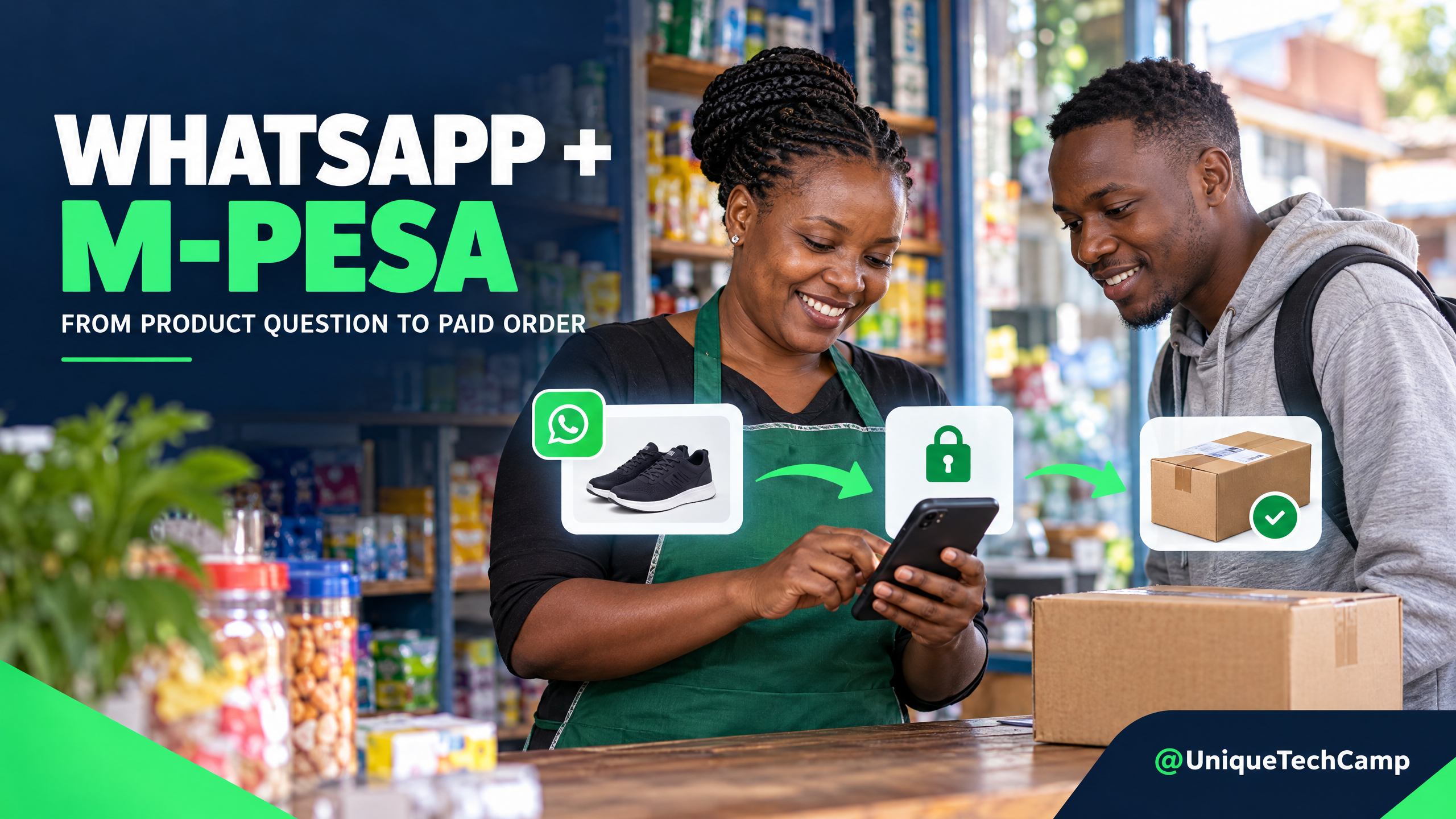
From Product Inquiry to Paid Order: A WhatsApp + M-Pesa Journey for Kenyan Retailers
WhatsApp M-Pesa order flow for Kenyan retailers: check stock, confirm the order, verify payment and fulfil delivery with clear hand-offs.
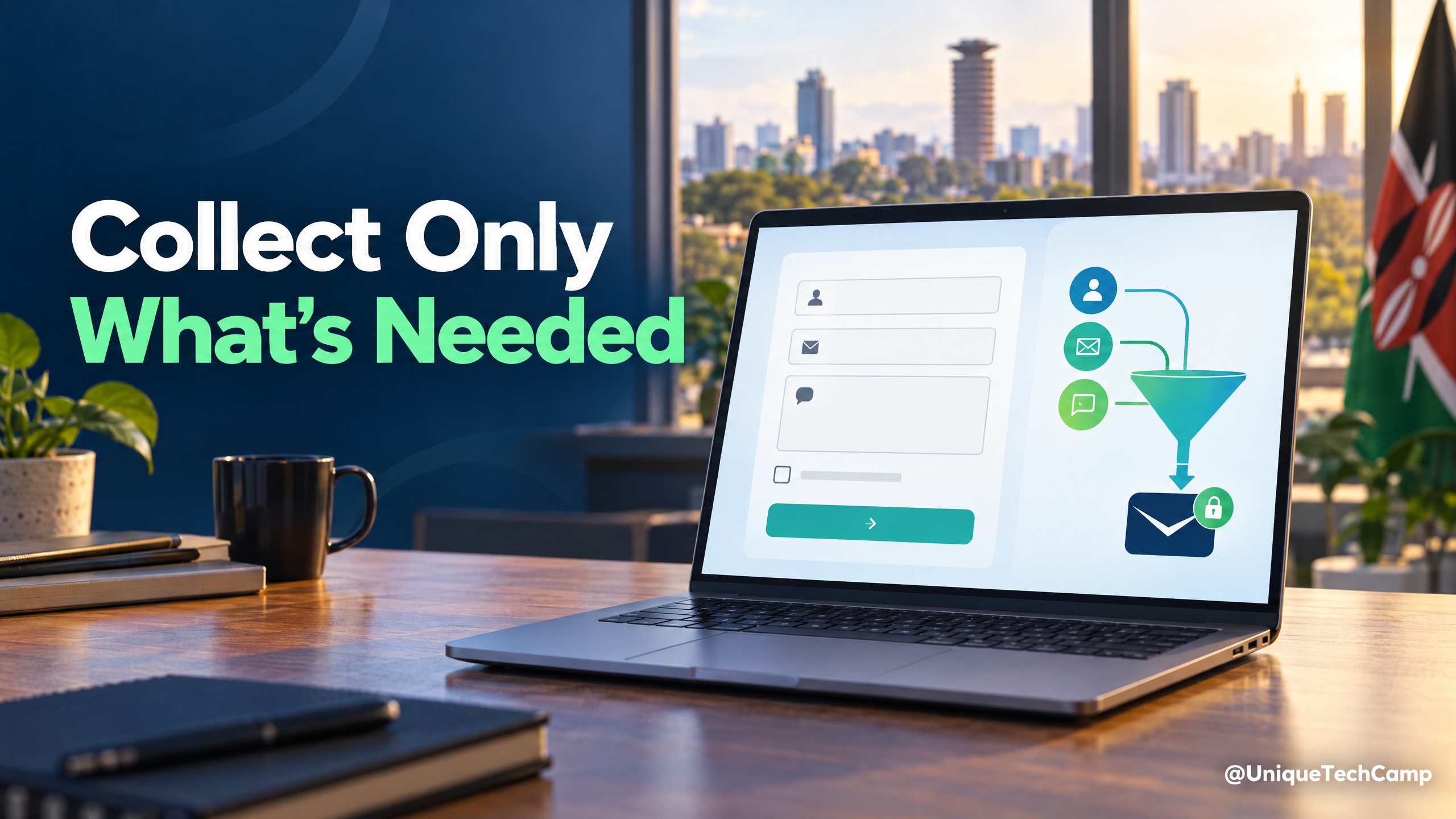
Before You Add Another Lead Form: A Kenyan Business’s Website Privacy Checklist
A practical checklist for collecting enquiries on a Kenyan business website: ask only for what you need, explain why, separate replies from marketing and plan how information is stored and removed.
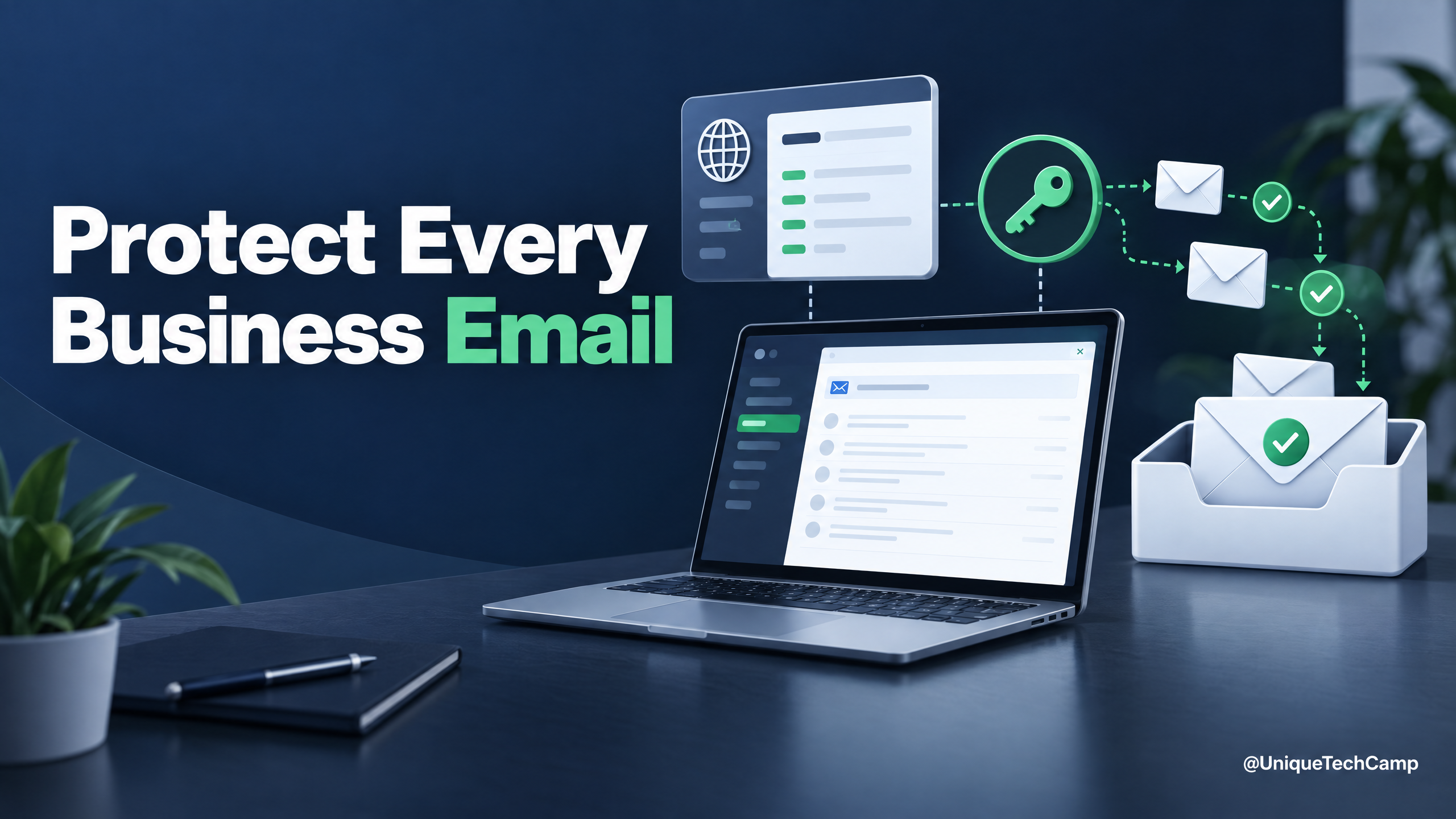
Your Business Email Isn’t Getting Through? Start With SPF, DKIM and DMARC
A practical domain-email checklist for Kenyan and global businesses: inventory every sender, configure authentication, make opt-outs work and monitor the right delivery signals.
UniqueTechCamp Desk
Online • Reply < 5 mins