Gemini Connected Apps and monday.com: Turn an Approved Brief into a Client-Ready Project Plan
See how an eligible small agency can test Gemini Connected Apps with monday.com to turn an approved brief into a checked project handoff, without assuming Kenyan availability or silent write access.
UniqueTechCamp Editorial Desk
Business Technology Editor • UniqueTechCamp Engineering Unit
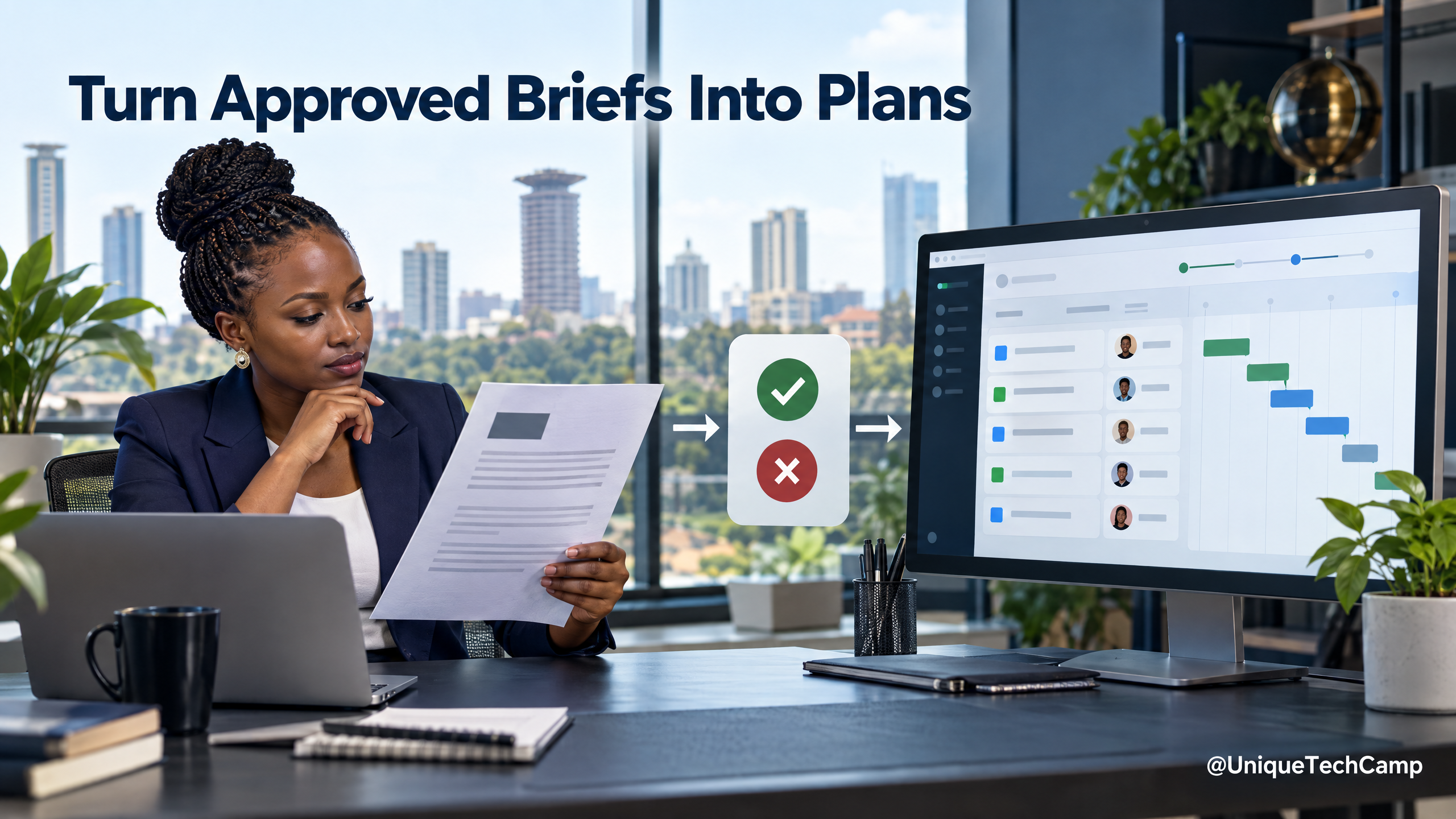
A signed project brief often contains everything a delivery team needs—but not in a form that is easy to run. Someone still has to turn goals into tasks, assign owners, set dates, identify dependencies and prepare a client handover. Google’s new wave of Gemini Connected Apps may offer a way to help with that translation when a team already uses a supported project tool.
A date matters here: Google’s Connected Apps announcement was published on 23 September 2026. Its 2 October roundup revisited the feature as part of September’s AI updates; it was not a fresh launch on 2 October. Google listed 14 additions across productivity, creative and lifestyle apps, and said users could connect them in Gemini settings or call them with an @ mention or direct request. 1
For a Kenyan agency or consultant, the most plausible project-operations example is monday.com—but eligibility is conditional. Google says the monday.com connection is English-only, for users aged 18 or over, and available in territories where both Gemini Apps and monday.com are supported. The support table does not promise that every Kenyan account will see it. Check the client’s actual account, country, device, plan and admin controls before selling a setup. 2
A small, testable service offer
One possible offer is a Gemini-to-monday Project Handoff for a small agency, consultant or implementation partner. The client supplies one approved statement of work or project brief. The consultant returns a clean project structure in the client’s existing monday.com workspace, plus an assumptions and exceptions sheet.
The handoff might include proposed tasks, owners, due dates, dependencies, milestone checks and a weekly status-summary format. Keep the offer bounded: one project, one board, one approved brief and one revision. Do not promise automated project delivery, fewer delays or a particular financial return. The service is valuable only if it saves the client effort without creating work they must later undo.
A permission-first workflow
1. Check access before scoping a price. With the client’s administrator, verify that the relevant Gemini account and monday.com workspace can connect in the client’s region and on the intended web or mobile surface. Google’s availability rules vary by app, account, location, language, age and device. Roll-outs can also be gradual. If the connection is missing, do not imply that a VPN or account workaround is an acceptable substitute.
2. Agree what Gemini may see and change. Obtain the client’s written permission. Choose a test board or a least-privilege workspace. Record whether the model may only summarise and propose changes, or whether it may write approved items. Begin with read-only or draft-only behaviour where possible; do not let it move deadlines, contact customers or change commercial commitments without a person’s approval.
3. Clean the brief. Remove unnecessary personal data, credentials and unrelated client records. Confirm which version is approved and which contractual commitments must not be altered. Ask Gemini to identify objectives, deliverables, exclusions, named owners and dates, and to flag missing information rather than infer it.
4. Request a proposed work breakdown. In Gemini, call the connected monday.com app only after checking what that account actually supports. Ask for a draft list of tasks with the source sentence from the brief, proposed owner, due date, dependency and uncertainty note. If the integration does not support a particular write action, keep the output as a human-reviewed draft and enter changes manually after approval.
5. Reconcile before writing. Compare the proposed plan with the signed brief, agreed timeline and client’s existing board. Remove duplicates, confirm calendar assumptions, and ask the client to resolve any missing owners or dates. Only then create or update the approved items. Keep a record of the human approval and the board changes.
6. Close with a useful handover. Give the client the board link, assumptions, unresolved questions, items changed and a short checklist for the first status review. Explain which app connection was used and how to disconnect it. If the workflow cannot be repeated reliably, sell a manual project-operations service instead of presenting it as automation.
Costs, eligibility and quoting
Google’s release announcement and support table do not state a per-connected-app fee or a Kenya-specific price. They also do not establish that a particular Google AI subscription is required for every connection. Do not advertise the connection as free or include a subscription price without checking the current Google and monday.com plan pages and the client’s account. 1 2
A transparent quote can be built from discovery + setup + testing + human QA + handover hours, multiplied by the provider’s agreed rate, plus the client’s own Google, monday.com or other subscription charges, connectivity and applicable taxes. Charge only after confirming the integration is visible and the required permissions are acceptable. The client should retain ownership of its workspace and pay third-party subscriptions directly.
Measure whether the handoff helps
For a pilot, track the time from approved brief to reviewed board, the number of missing owners or dates discovered, the percentage of tasks that needed correction, duplicate or out-of-scope items caught before writing, the number of manual edits, and any access or permission failures. Ask the project lead whether the resulting board reflects the signed scope. Compare the process with the team’s own baseline; do not publish a “time saved” number until it has been measured on comparable work.
The connection is not a substitute for project management judgement. A vague brief produces a vague plan. A model can misread dates, dependencies or exclusions, and it does not know that a person is unavailable unless the source data says so. A generated board is not a contract amendment, client approval or guarantee that the team can deliver on time.
Data, privacy and team controls
Google’s per-app requirements matter operationally: monday.com supports English and users aged 18 or over, and work or school Google accounts may depend on the organisation’s eligible Workspace configuration and administrator settings. 2 Check the account type and policy before a client demonstration.
Google’s Privacy Hub explains how Gemini and connected services exchange data; its help materials warn that disconnecting an app does not itself delete information already saved in Gemini Apps Activity or data retained by the third-party service. Review Gemini activity and the provider’s own data controls separately when closing a pilot. 4 Notebookcheck’s independent report highlights the same deletion caveat and notes that app availability is region-limited and rolling out gradually. 3
For Kenyan engagements, document the purpose, notice, minimisation and security steps for any personal data. The Data Protection Act and the ODPC’s cross-border-transfer guidance are relevant when client information is processed by hosted services outside Kenya. 5 6 Do not paste customer health, financial or identity data into a project board unless the client has approved that use and the safeguards are suitable.
Separate a read-only handoff from a board-writing connection
Before a client approves the workflow, name the exact Gemini surface being used. Google’s general Connected Apps guidance says that an app can help Gemini find information and, with permission, take actions in another app. That broad description does not mean every app, account or connector has the same capabilities. The available actions are shown in the Connected Apps settings for the account, and availability varies by location, language, device and Gemini app.
There is an especially important distinction for monday.com. monday’s current Google Workspace Gemini connector instructions describe the connector as early alpha and read-only: it can bring monday.com data into Gmail, Docs, Sheets and Slides, but it cannot create or update items on a board. Treat that route as a research and reconciliation aid. A consultant can ask Gemini to find board details, compare a proposed task list with existing work, or bring information into a working document, then have a person make any approved board changes in monday.com.
Do not use the words “write access” as shorthand for a different product. Google Workspace integrations also state that integrations currently support read actions and cannot make changes to third-party apps. Google Cloud’s separate Gemini Enterprise documentation describes a configurable monday data store with OAuth scopes, including read and write scopes. That is an administrator-led configuration with its own product, edition, authorisation and security questions; it is not evidence that the consumer or Workspace Connected App will write to a client board. Record the product name, account type, connector version and supported actions in the handover.
Turn the approved brief into an auditable draft
A useful handoff should let a project lead trace each proposed item back to the approved brief. Keep a source-reference field beside every draft task, quoting a short sentence or naming the relevant brief section. Add an “open question” field for anything the brief does not settle, rather than asking Gemini to fill the gap from guesswork. Separate commitments from suggestions: a contractual deliverable, an internal activity and an optional idea should not share the same status.
Use a compact review pass before anyone enters changes. Check that each deliverable has one accountable owner, that dates use the agreed time zone and calendar, and that dependencies describe a real relationship rather than a convenient sequence. Look for duplicated tasks, hidden acceptance criteria, missing client inputs and work that belongs outside the agreed scope. Have the project owner mark each item as approved, amended, rejected or awaiting clarification. Keep the reviewed draft with the brief so a later board change can be explained.
monday’s own project-management guidance provides a useful model for this structure: approved work can be represented at a high level, then broken into lower-level project work, with owners, timelines, dependencies and progress information. You do not need every available view for a small pilot. Choose only the columns that help the team answer three questions: what must happen, who is responsible, and what is blocking the next review?
For teams testing a bounded AI-assisted project handoff, UniqueTechCamp can help map the brief, review steps and approval point before a client pilot.
Use permissions and data controls as part of the acceptance test
Make the test account and board deliberately boring. Use a non-sensitive project, remove credentials and unnecessary personal data, and avoid copying health, financial or identity information into prompts or board updates. Confirm who owns the Google account, who administers the Workspace or monday.com environment, and who can disconnect the integration. A client should know whether a prompt can retrieve board data, where the resulting conversation is retained, and which system must be checked when the pilot closes.
Google’s Workspace integration guidance says that a supported account and, for work or school accounts, administrator permission may be required. It also notes that some integrations require a third-party subscription. Therefore, capture the authorisation screen and the account’s documented requirements rather than assuming that a client’s existing Google or monday.com plan is sufficient. If the administrator cannot approve the connection, the fallback is a manual, read-only checklist—not a workaround intended to bypass governance.
At closure, disconnect the integration using the relevant account controls and review both Gemini activity and the third-party service’s retention settings. Disconnecting a connection stops future data sharing, but it is not a universal deletion instruction for information already retained elsewhere. The handover should list the board, the people who approved it, the date of the last review, unresolved questions and the steps the client must take to remove access.
Define success without promising automation
The pilot is successful when the client can inspect the proposed plan, understand its provenance and approve a manageable next action. Record the number of items that needed correction, the kinds of ambiguity found and any permission failures. Also record whether the read-only route gave the project lead enough information to make a decision. These observations are more defensible than a claimed productivity percentage, particularly when the work, brief quality and team baseline differ between projects.
If the client needs board creation or updates, verify that the chosen product and connector explicitly support those actions and that the required scopes have been approved. Otherwise, keep Gemini on the proposal side of the boundary and let an authorised person enter the final changes. That small separation protects the signed brief, gives the client a clear approval point and prevents a useful experiment from being marketed as silent project delivery.
A sensible next step
Choose a project with a clear signed brief and a low-risk test board. First confirm that the specific account can connect; then run one draft-only handoff and have the project owner mark every task that needs correction. If the result is accurate enough to be useful, offer a fixed-scope setup and handover. If the integration is unavailable or its permissions are too broad, use a conventional checklist and keep the client’s workflow intact.
If a client wants help assessing the Gemini route and approvals, UniqueTechCamp can help design a small AI handoff pilot with a human-owned final board update.
Sources
- Google, “A new wave of Connected Apps is rolling out to Gemini” — 23 September 2026
- Google Gemini Apps Help, Connected Apps availability and requirements
- Notebookcheck, “Google Gemini adds 14 connected apps, and 10 of them are US only”
- Google Gemini Apps Privacy Hub
- Kenya Law, Data Protection Act 2019
- Office of the Data Protection Commissioner, Guidance Note on Cross-Border Data Transfers (April 2026)
Deploy An Autonomous AI Lead Gen System Today
We engineer high-converting web applications with integrated 24/7 WhatsApp qualification bots and multi-channel follow-up drips.
Related Strategy Articles
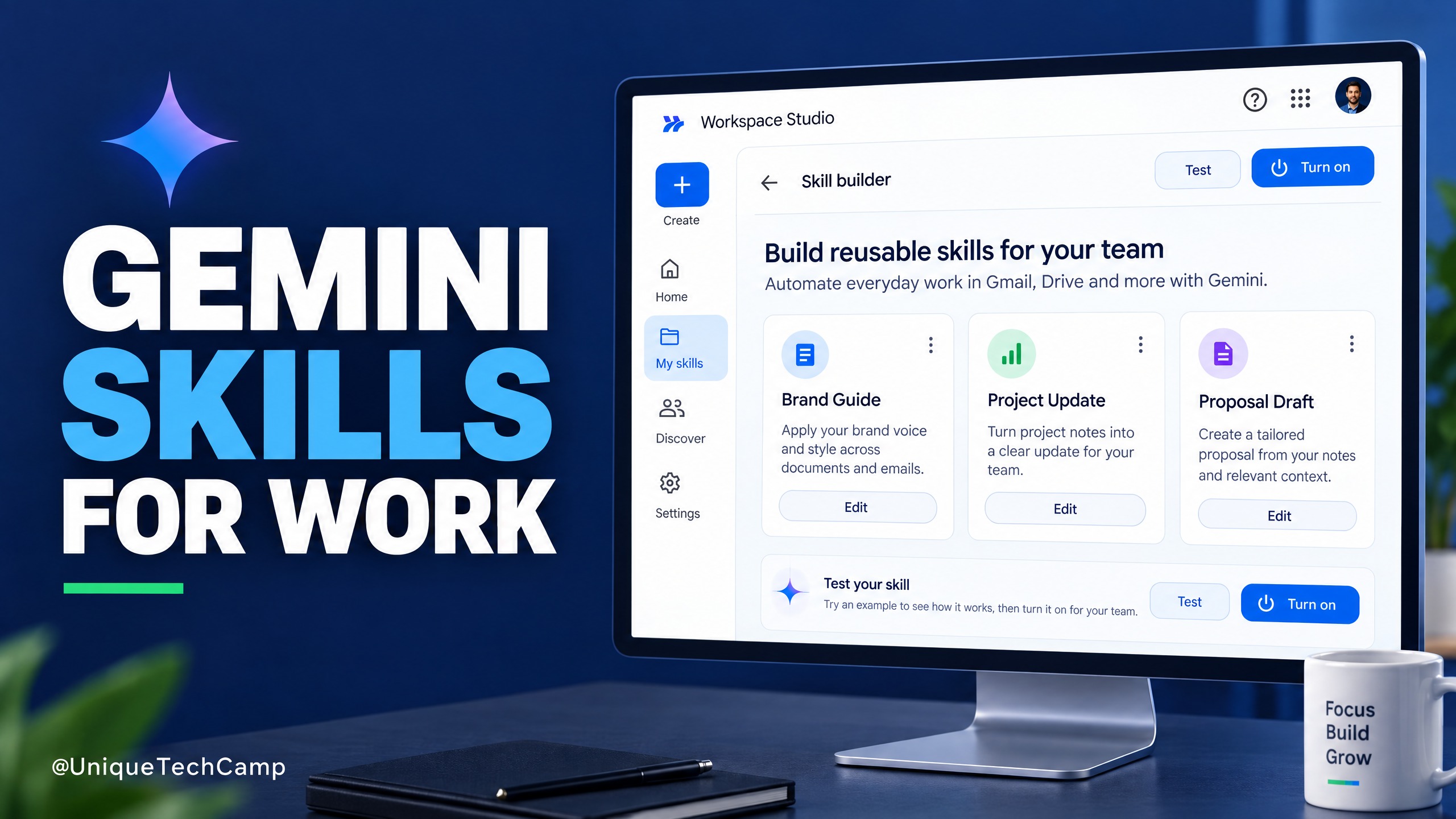
Google Workspace Skills: A Practical Guide for SMEs
Google Workspace Skills let teams reuse custom instructions across supported Workspace apps. This practical guide explains the rollout, eligibility checks, a safe pilot workflow and what to measure before expanding.
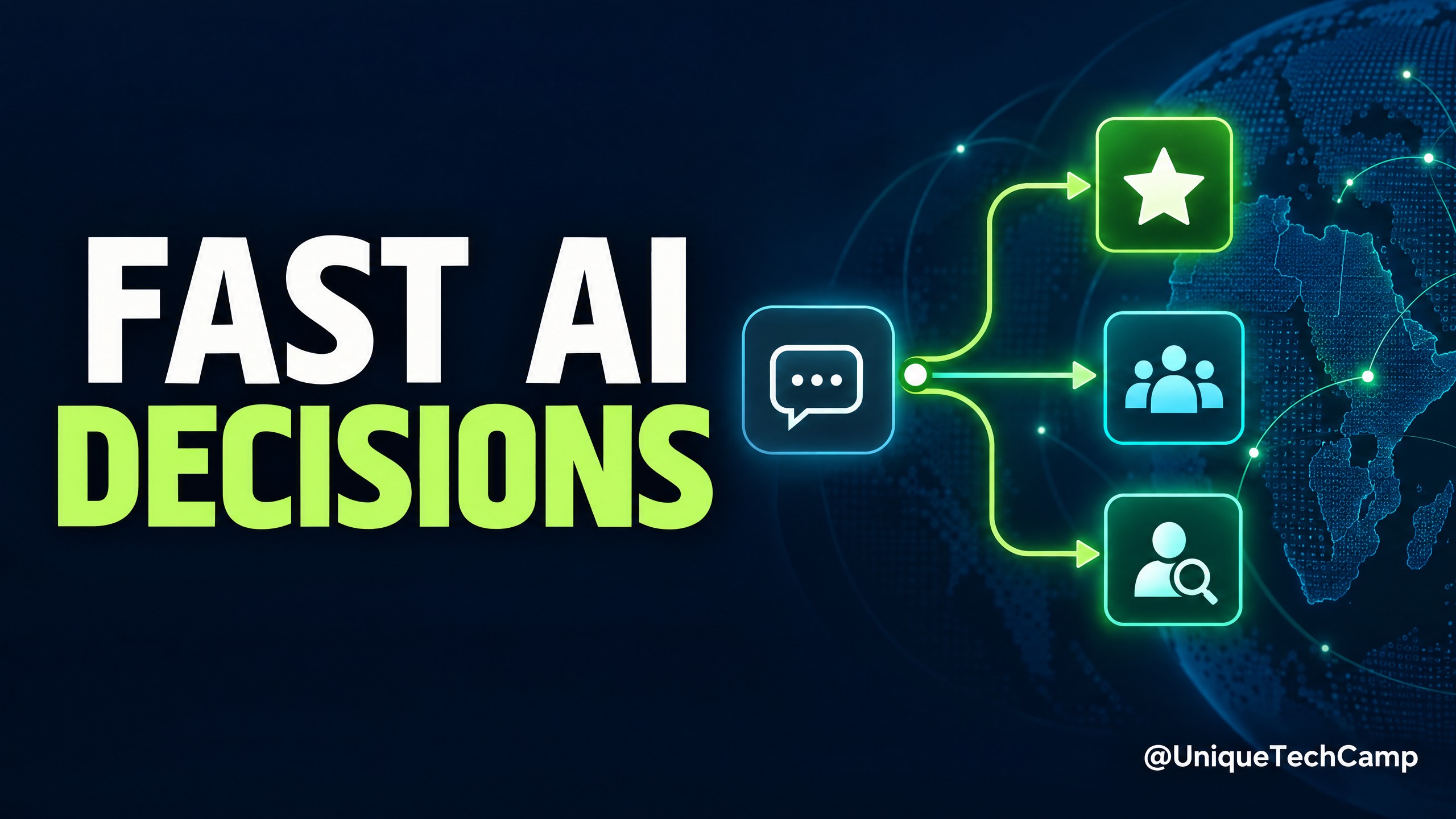
Cloudflare Clef: A Practical AI Triage Guide for SMEs
Cloudflare Clef turns support messages into bounded decisions rather than free-form answers. Here is a practical way for SMEs to test it, measure value and keep a human in control.
Microsoft Copilot Code for SMEs: A Practical Workflow-to-App Offer
Microsoft Copilot Code is still rolling out. Learn a practical workflow-to-app service for Kenyan SMEs, with verified pricing, usage limits and a safe pilot plan.
UniqueTechCamp Desk
Online • Reply < 5 mins