
eM Client 11 in Africa: A Safe AI Email Pilot for Kenyan SMEs
eM Client 11 has new AI email tools; here is how Kenyan SMEs can verify data flows, licence costs and controls before a safe pilot.
UniqueTechCamp Editorial
Lead Systems Architect • UniqueTechCamp Engineering Unit
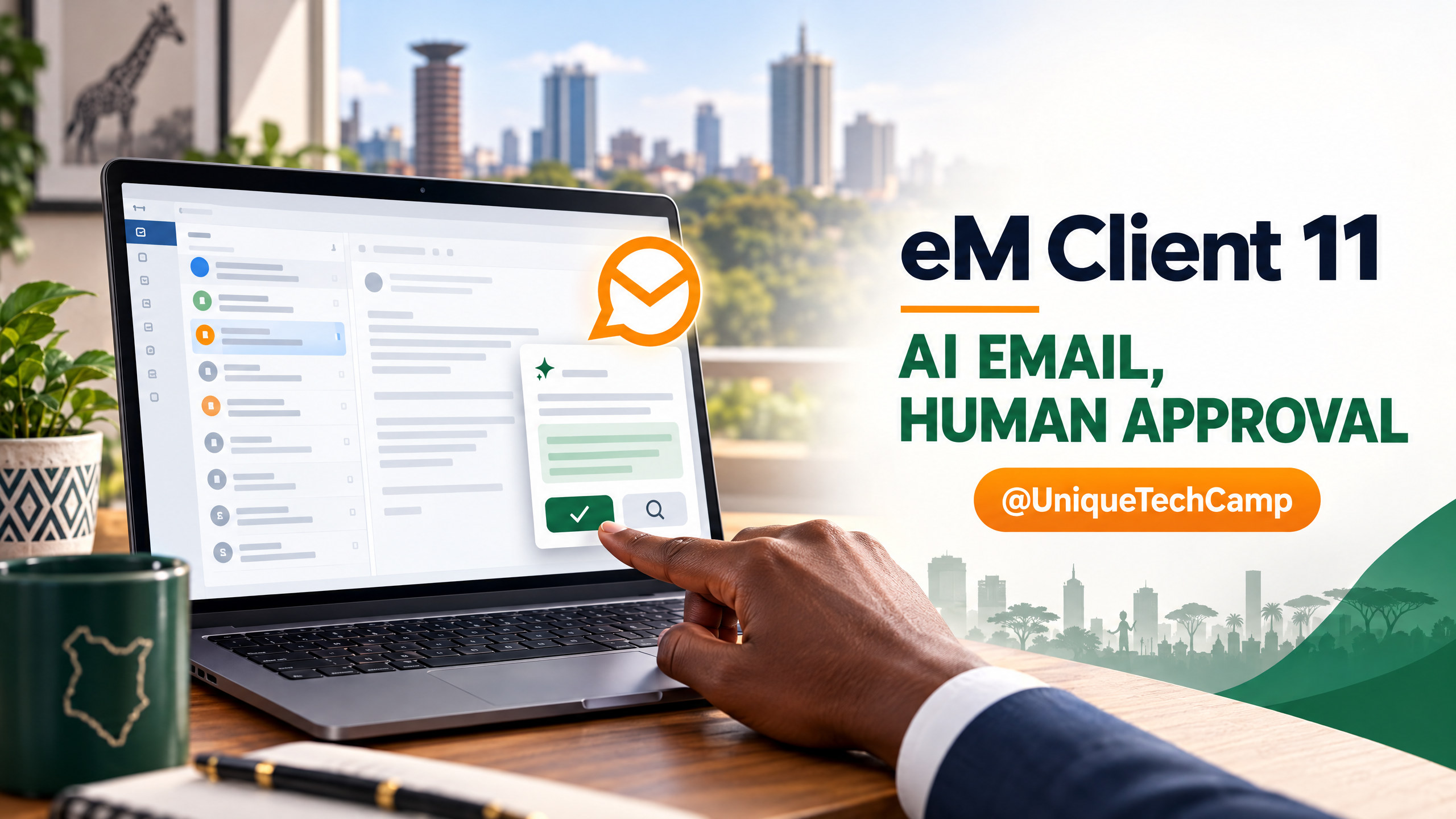
On 14 October 2026, eM Client issued an Africa-focused announcement for eM Client 11, describing it as an AI-powered alternative for businesses and professionals. The company press release distributed by Business Wire is not an independent performance review. For a Kenyan SME, the practical question is whether the client fits its mail system, data rules, budget and everyday controls.
 is not an independent performance review. For a Kenyan SME, the practical question is whether the client fits its mail system, data rules, budget and everyday controls.
There is an important timing detail. The vendor's Windows and macOS release history lists build 11.0.1201.0 on 14 October as a service update for themes and bug fixes. The preceding build, 11.0.1054.0, is dated 8 October and contains the eM Client 11 AI feature suite. So today's Africa announcement and service patch are timely, but the product's main version launch predates them.
What eM Client 11 actually adds
The 14 October announcement describes an AI Assistant for searching, summarising, organising and managing email in natural language. The vendor also lists personalised writing, quick-reply suggestions, task and event detection, natural-language search, rule creation, a command palette, pinned messages and other productivity changes. Its AI Assistant page says the sidebar can find and open messages, flag, pin or move them, draft replies and look for information online. These are vendor-described capabilities; they should be tested against the team's real account configuration rather than treated as guaranteed outcomes.
eM Client is an email application, not a new mailbox host. The announcement describes support for IMAP, Google accounts and Microsoft Exchange through EWS or Microsoft Graph. Connecting a client does not migrate mail, replace a Microsoft 365 or Google Workspace subscription, or change mailbox administration. List shared mailboxes, aliases, calendars and sign-in policies before testing.
The press release lists Bring Your Own Key (BYOK) and Model Context Protocol (MCP) support for compatible providers and external assistants. Neither a custom key nor an integration proves that prompts stay in Kenya, that providers retain no data, or that an assistant cannot act on messages. Check the exact build, licence, administrator controls and logs before enabling these features.
Map the email data flow before switching on AI
The most important distinction in the vendor's AI features guide is between on-demand and on-display actions. On-demand functions, such as asking the Assistant a question, requesting a summary or drafting a reply, do not run until a user takes an explicit action. On-display functions are different: the page says quick-reply suggestions and task or event detection analyse the message being viewed. If those features are enabled, opening a message can send its content for analysis without a separate click on an AI button.
The same guide says information used for AI text generation, analysis or editing is sent to the AI provider and is not stored or logged by eM Client. That statement is about the vendor's own handling; it does not settle the provider's retention, processing location, sub-processors or terms. eM Client says the on-display features can be switched off individually in Settings > Artificial Intelligence > Features, while on-demand tools can remain available. A cautious first test would leave automatic on-display analysis off, use a dedicated test mailbox and require a person to review each generated draft or proposed mailbox action.
There is a material documentation discrepancy to resolve. The AI features page names OpenAI as the current provider, while section 16 of the vendor's privacy policy describes Microsoft Azure OpenAI and says prompts and a hardware identifier are processed for AI and licence or abuse checks. The pages may describe different configurations or one may be outdated; they do not explain the difference. Confirm the current route for your account rather than inferring it.
Ask eM Client for current written answers for your build and plan: which provider receives each prompt; whether bodies, attachments, headers or thread context are sent; processing location; retention and deletion; model training; sub-processors; contract terms; and administrator controls for on-display analysis and mailbox actions. If the answers do not fit your policies, keep AI off.
Check the licence and the full cost, not just the headline
On 14 October 2026, the official pricing page displayed $49.95 per year for Personal (one person, up to three devices) and $59.95 per Business device per year. One-time prices were $74.95 Personal and $89.95 per Business device. The site shows dollar prices, not a Kenyan-shilling quote; check checkout currency, tax and volume discounts. Count the devices that actually need seats.
The pricing page marks the AI add-on as included in annual Personal and Business subscriptions and shows a $30 value. It presents one-time licences separately, so ask whether the chosen perpetual plan includes the same AI features and whether usage is billed. The licensing guide says Free is personal use only, limited to two accounts on one device; organisations need a Business licence per device. Personal is for home users, freelancers or sole proprietors, not companies or institutions.
For a fair comparison, include existing mail hosting, any AI key or provider charges, setup and training, device management, support, backups and migration. Confirm that the chosen plan includes the features your team needs. The press release's affordability claim is a vendor position, not proof of savings for every Kenyan organisation; calculate your own total cost.
Apply Kenya's data-protection rules to the use case
Business email can contain personal information about customers, staff, suppliers and applicants. Section 25 of Kenya's Data Protection Act requires fair, transparent, purpose-limited and minimised processing, with safeguards for transfers outside Kenya. Sections 30 and 31 address lawful processing and impact assessments for high-risk operations. The applicable duties depend on the organisation and use case; this is not legal advice.
The Office of the Data Protection Commissioner (ODPC) cross-border transfer guidance describes documenting the recipient country, purpose, data transferred, safeguards and parties' responsibilities; it also points to a DPIA for high-risk processing. If email leaves a device for AI analysis, map the route and recipients before assuming local storage or BYOK resolves the review.
Ask the privacy lead or data-protection officer to review purpose, lawful basis, transparency, minimisation, retention, vendor terms and any transfer safeguards or DPIA needs. Keep legal, HR, payroll, payment, health and identity data out of an early pilot until the organisation has approved and can enforce suitable controls.
Run a limited, human-reviewed pilot
Start with a written pilot brief. Name the business owner, administrator and privacy reviewer; choose one mailbox, one or two low-risk tasks and a fixed review period. If the data flow is unclear, use synthetic messages in a dedicated mailbox instead of live client correspondence. Record the current process and the problem to test, such as time spent finding a routine thread or drafting a standard reply.
Prefer actions that are easy to check and undo: search for a prepared test message, summarise a test thread or draft a non-sensitive reply. Compare output with the source, verify names, dates and commitments, and edit before sending. Test rules in a test folder. Keep automatic sending off and do not let the assistant move or delete live records until permissions and recovery are confirmed.
Test failure cases: a long thread with a correction near the end, conflicting dates, an attachment, a misspelt name, messages in the team's normal languages and forwarded instructions that should not be obeyed. Check for invented details, omitted caveats, unrelated context or unintended actions. Treat message content as untrusted input; verify claims against the original and keep a human accountable for replies and mailbox changes.
Before inviting more users, document which accounts may use AI, enabled features, prohibited data, who can change settings, how to report errors, how to disable the integration and how to recover a changed message. Record the build, licence, provider setting and test date. Staff should know how to continue through webmail or another approved client if the AI service is unavailable.
For a Nairobi team, adoption is also a hand-off question: who owns a reply after a draft, where follow-ups are logged and how the client fits existing processes. The UniqueTechCamp AI Solutions Desk can be a starting point for mapping those decisions. The tool itself is not a substitute for process ownership.
Measure usefulness and risk together
Set a baseline before the first AI-assisted task. Depending on the use case, record completion time, edits needed, incorrect or missed details, reversed actions, escalations and staff confidence. Define the task and start and finish points first; compare like-for-like work and note changes in workload.
Review quality as well as speed. A quick draft that needs extensive correction may not help; a summary that omits a payment condition or appointment change could be harmful. Keep a sample of reviewed outputs, log error types and pause a feature after a privacy concern, unauthorised action or unreliable answer.
Choose whether to stop, extend the test with a defined change or expand to another group. Do not claim time savings, service improvements or revenue from a few examples. The voluntary NIST AI Risk Management Framework offers a structure for governing, mapping, measuring and managing AI risk; it is not a substitute for Kenyan law or product assurance.
Keep the wider email system in view
Before a team-wide rollout, verify sign-in and multi-factor authentication, shared and delegated mailboxes, calendar permissions, mobile access, account recovery and access removal when a staff member leaves. Ask whether the organisation can configure the client centrally and prevent staff from adding unapproved AI providers or keys.
Check support ownership, backups, export options and a fallback route through webmail or another approved client. Document the chosen settings and who responds to a suspected data incident; avoid a deployment that depends on one person's undocumented exceptions.
A practical go/no-go checklist
- Purpose: Name the email task and expected benefit; do not begin with “use AI everywhere”.
- Data: Confirm what is sent, to which provider, where it is processed and how long it is retained.
- Controls: Disable on-display analysis and automatic sending for the first test; require human review.
- Licence: Verify the correct Business seats and the AI add-on terms for the selected annual or one-time plan.
- Kenyan review: Check lawful purpose, transparency, data minimisation, vendor terms and any transfer or DPIA requirements with the responsible privacy lead.
- Test: Use a separate mailbox, prepared messages and documented failure cases before connecting sensitive live mail.
- Measure: Compare task time and output quality with a baseline, and record overrides or incidents.
- Decision: Expand only if the configuration, safeguards and results meet the organisation's own criteria.
Frequently asked questions
Is eM Client 11 a new email provider?
No. eM Client is a mail application that connects to existing services and protocols. Its Africa announcement describes compatibility with providers such as Google accounts, Microsoft Exchange and IMAP. It does not, by itself, replace the organisation's mail hosting, domain, Microsoft 365 or Google Workspace administration.
Does an AI summary stay on the computer?
Not according to the vendor's AI features guide: it says the information used for AI analysis or text generation is sent to the AI provider. The guide and privacy policy currently name different provider arrangements, so confirm the exact path for the chosen build and feature before sending business email.
Can a company use the free licence?
The licensing guide says the free licence is for personal use, limited to two email accounts on one device, and that businesses and organisations need a Business licence. The Business plan is priced per device on the official pricing page. Check current plan terms and checkout totals before buying.
Is the 14 October announcement a Kenya-specific launch?
The company press release is framed as an Africa announcement and names African businesses, startups and professionals. It does not publish a Kenya-specific price or establish where AI processing takes place. Treat regional availability, billing currency and data arrangements as questions to confirm with the vendor.
Conclusion
eM Client 11 brings a useful set of AI and productivity features to an email client that can connect to existing mail systems, but a new assistant is not automatically a safe or cheaper business workflow. The strongest first step is to verify the data route and licence, resolve the vendor's differing provider descriptions, disable automatic analysis for the initial test and keep a person responsible for every draft or mailbox action. A small, measured pilot can tell a Kenyan team whether the feature helps its work without exposing information it has not agreed to share.
Need this mapped for your business?
For a scoped discussion, start with the UniqueTechCamp AI Solutions Desk to map providers, permissions and human review. For a broader implementation path, see the matching Workflow Automation service and book a conversation through its appointments route .
 and book a conversation through its
ains the eM Client 11 AI feature suite. So today's Africa announcement and service patch are timely, but the product's main version launch predates them.
What eM Client 11 actually adds
The 14 October announcement describes an AI Assistant for searching, summarising, organising and managing email in natural language. The vendor also lists personalised writing, quick-reply suggestions, task and event detection, natural-language search, rule creation, a command palette, pinned messages and other productivity changes. Its AI Assistant page says the sidebar can find and open messages, flag, pin or move them, draft replies and look for information online. These are vendor-described capabilities; they should be tested against the team's real account configurains the eM Client 11 AI feature suite. So today's Africa announcement and service patch are timely, but the product's main version launch predates them.
What eM Client 11 actually adds
The 14 October announcement describes an AI Assistant for searching, summarising, organising and managing email in natural language. The vendor also lists personalised writing, quick-reply suggestions, task and event detection, natural-language search, rule creation, a command palette, pinned messages and other productivity changes. Its AI Assistant page says the sidebar can find and open messages, flag, pin or move them, draft replies and look for information online. These are vendor-described capabilities; they should be tested against the team's real account configur
Deploy An Autonomous AI Lead Gen System Today
We engineer high-converting web applications with integrated 24/7 WhatsApp qualification bots and multi-channel follow-up drips.
Related Strategy Articles

CrowdStrike AI Kill Switch: SME Team Reviewing an Agent Safety Dashboard
A practical SME playbook for reviewing CrowdStrike’s AI Kill Switch, testing agent containment safely, measuring trade-offs and checking Kenya eligibility.

Microsoft Agent 365 Business Analytics: An SME Readiness and Value-Validation Guide
Microsoft Agent 365 Business Analytics is in Frontier preview. Here is how Kenyan and East African SMEs can validate access, usage cost, value, privacy and readiness before buying licences for a dashboard.

Canva AI Controls: SME Design Review and Human Approval on a Laptop
A practical Canva AI Controls workflow for Kenyan and global SMEs: control settings, human review, asset provenance, measurements, costs and limitations.

UniqueTechCamp Desk
Online • Reply < 5 mins