
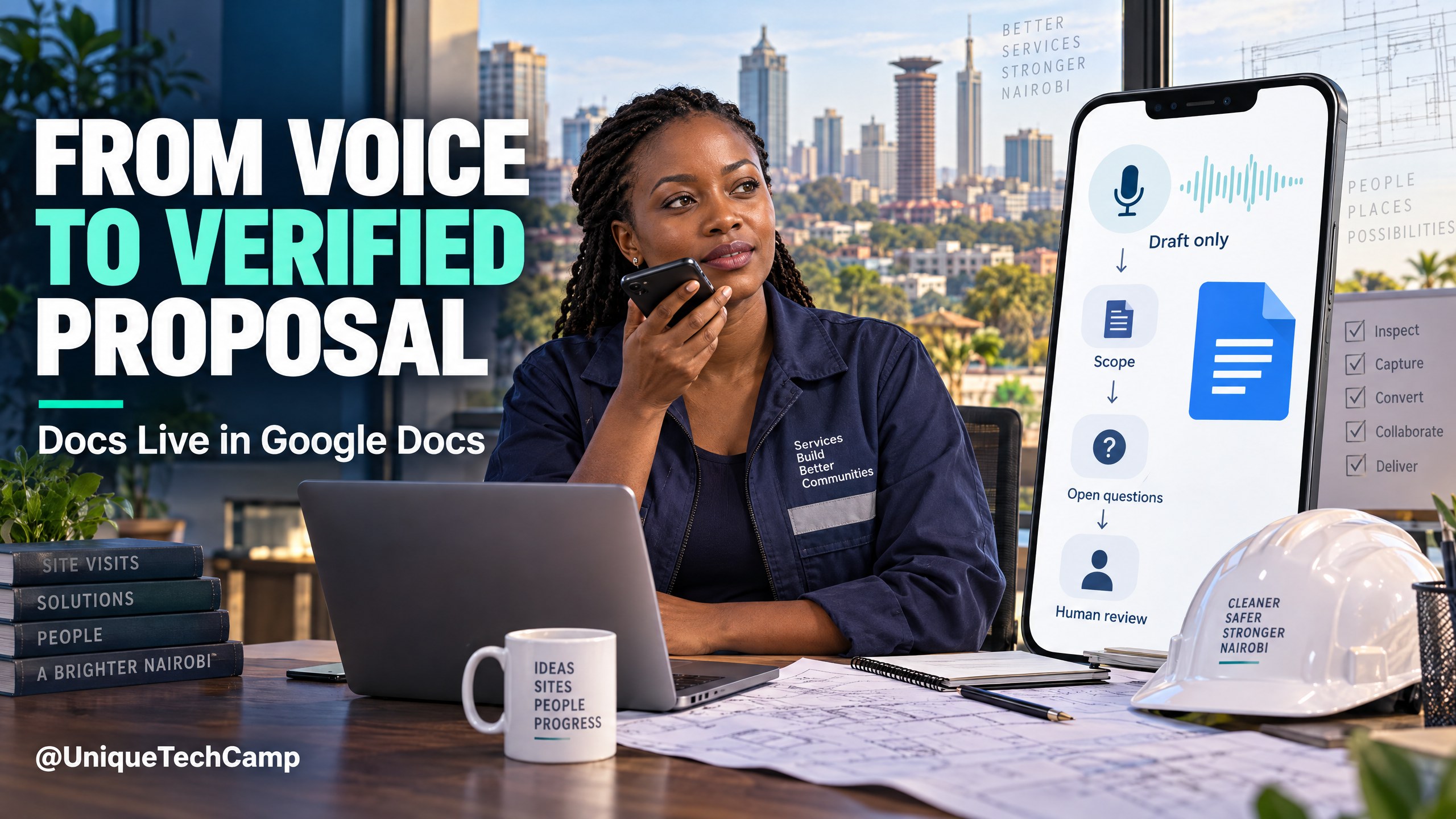
You have just left a client site in Nairobi. While parked safely and still, you remember the measurements, the decision-maker’s concern about delivery, the materials that need checking, and the price question that must not be guessed. Instead of trying to reconstruct the visit at the end of a crowded day, you can capture a spoken debrief and turn it into a reviewable internal proposal draft. That is the practical promise of Docs Live in Google Docs ↗: voice first, evidence next, human approval before anything reaches a client.
Docs Live can organise the thinking, but it cannot confirm whether a supplier’s quote is current, a measurement is reliable or a promise fits your capacity. Keep capture, drafting, review and approval separate. The handoff to a client remains a business decision.
What is new, and what is not
Google announced this Workspace mobile rollout on 21 October 2026, describing an experience for creating structured documents with voice. The official announcement says it is available now on Android and iOS for eligible Business Standard, Business Plus, Enterprise Standard, Enterprise Plus, Google AI Pro, Google AI Ultra, education AI Pro and AI Expanded Access plans, where Gemini in Docs is enabled. Treat that as an eligibility list, not a promise that every account has the feature today. In particular, do not assume Business Starter is eligible. Check the actual account and administrator settings before planning a rollout.
The current Google Docs voice-creation instructions ↗ are more useful than a product slogan. The feature currently supports English only and requires an eligible plan in the Docs app on Android or iOS. Open the Google Docs app, tap Insert at the bottom right, then choose Create with voice. Speak the goal and, if useful, select sources from Drive, Gmail, Chat or the web. Docs produces an initial plan. You can revise it, tap Next or say Show me the draft, revise again, and tap Done. The exact labels and visibility can change, so use the instructions in your account as the final operational reference.
Voice and language coverage also needs a sober caveat. Do not promise Swahili support, mixed-language recognition or any other Kenya-specific language behaviour until you have tested the actual account, device and workspace policy. A clear English debrief in a quiet environment may be the most dependable starting point, but test terminology such as product names, Kenyan place names, units and names of suppliers. Keep the original notes available so a reviewer can correct transcription errors.
Use Docs Live to structure your judgement, not to replace it. The deliverable is an approved proposal with traceable evidence, not merely a polished-looking document.
The voice-to-proposal workflow
Start with a safe, stationary debrief
Make the first capture immediately after the visit, but only when you are parked or otherwise stationary. Do not record while driving, walking across a busy road or handling equipment. Begin by naming the job, date, location and people present. Then separate observation from interpretation. For example: “Observed a 12-metre frontage; client asked for a weather-resistant finish; existing power point is on the east wall; client wants an indicative proposal by Friday.” Follow with uncertainties: “Frontage needs confirmation from drawing; check current supplier lead time; confirm whether disposal is included.” This structure gives the later draft useful boundaries.
Speak in short, labelled sections rather than an uninterrupted story. Try Client need, site facts, options discussed, commercial questions, follow-up owner and do not assume. Say figures slowly and repeat units. Say “Kenyan shillings” rather than relying on a currency symbol. If a number is uncertain, say “unverified” aloud. A voice capture that admits uncertainty is more valuable than a fluent capture that quietly invents certainty.
Ask for an internal draft, not a client-ready promise
In the goal prompt, specify that the document is an internal working draft. Ask for a concise summary, a proposed scope, exclusions, open questions, evidence needed, a provisional programme and a review checklist. Tell it to preserve uncertainty labels and mark unsupported claims as to verify. Do not ask it to “make the job sound guaranteed” or to fill missing prices. Your prompt should describe the decision you need to make, not just request attractive prose.
A practical instruction might be: “Create an internal proposal outline for a small commercial fit-out based only on this debrief and the selected sources. Separate observed facts, client requests, assumptions and questions. Do not invent quantities, prices, compliance claims, delivery dates or warranties. Add a source note beside each factual input and leave unknown fields blank.” This is a starting pattern, not a magic formula. Adapt headings to your trade: construction, training, clinic services, catering, logistics or professional services all need different checks.
Select sources deliberately
Docs Live can work with selected information from Drive, Gmail, Chat or the web. Select only the files and messages relevant to this job: the current rate card, the supplier quotation, a scope template, the client’s brief and an approved terms document. Google’s source and reference guidance ↗ explains that administrator-enabled app data and activity may help prioritise relevant content. It also warns that references can be wrong, missing or fabricated. Drive files also require appropriate view permission. Read the original file instead of treating a citation as proof.
Keep job boundaries clear. Start a new conversation when you need to exclude sources from a previous turn, because earlier-turn sources may persist. Do not mix a previous client’s measurements, a superseded price sheet and a new site visit merely because they are all in the same Drive folder. A simple source register in the working document—file name, owner, date checked and relevance—helps the reviewer spot stale material.
Run a source, price and scope review
Review the draft in a fixed order. First, compare every measurement, quantity, model number and date with the original source. Second, check prices against the latest approved supplier or internal rate card. Record whether a price is firm, indicative, tax-inclusive or awaiting confirmation; never let the draft imply a firm price where the source does not. Third, test scope: what is included, excluded, client-supplied, dependent on access, or subject to a survey? Fourth, inspect the proposed programme against staff availability, lead times and approval dependencies.
Use a human reviewer who was not the voice author where possible. Ask them to challenge attractive language: “Where is this claim evidenced?”, “What would make this price change?”, “Which decision is the client actually being asked to make?” Have the owner initial the reviewed sections or record the review date. Keep the internal draft and source files according to your normal records practice so you can explain how an offer was assembled.
Approve, export and hand off manually
Approval should be an explicit business step. A director, estimator or service lead confirms the scope, commercial terms, assumptions, exclusions, attachments and intended recipient. Only then should someone copy the approved content into your normal proposal template, export it if required, and send it through the channel your business has authorised.
There is no claim here that Docs Live will autopublish, send the proposal, update a CRM or complete a sales handoff. Those activities remain manual unless you separately scope, configure and test another workflow. That separation is a strength: it leaves a person responsible for the final promise. If you later request automation, define the trigger, permission, audit trail, approval gate, failure path and owner before connecting systems.
Commercial value for a Nairobi SME
The value is not an automatic revenue uplift or a guaranteed time saving. It is a more disciplined bridge between field knowledge and commercial communication. A technician can preserve details while they are fresh; an estimator receives a structured starting point; a manager can see missing evidence before a proposal leaves the business; and a client receives a clearer distinction between confirmed scope and assumptions. Those benefits depend on adoption, review quality and suitable account access.
Consider a hypothetical Nairobi maintenance firm, clearly an example rather than a case study. After a site visit, its supervisor voices observations and open questions. Docs Live creates an internal outline with a “verify access hours” flag and a “confirm replacement-part availability” flag. The operations lead checks the supplier file, removes an unsupported completion promise, and adds an exclusion for concealed damage. The director approves the final scope. An administrator then prepares the proposal in the firm’s existing template and sends it manually. The useful change is the handoff quality, not an imaginary claim that software won the contract.
For an SME considering this workflow, UniqueTechCamp’s AI Solutions Desk ↗ can help map the human checkpoints and document responsibilities without pretending that a tool removes commercial accountability. Start with one repeatable proposal type, measure review defects and abandoned drafts, and only then decide whether the process deserves broader change.
Measure a small pilot before expanding
Compare a small batch of similar proposals with your existing process. Record total capture, checking and correction time; unsupported facts caught; drafts abandoned; and whether the client needed scope clarification. Count approved proposals, not documents generated. Stop if wrong-client content appears or review effort rises without better quality. Treat any difference as a local observation, not proof that AI caused more sales.
Realistic costs and a simple worksheet
Build a cost worksheet before enabling anything. List the eligible Workspace or Google AI licence; mobile data and device costs for voice capture; staff time for source checking and approval; a short training session; template cleanup; and optional implementation or workflow design priced separately. Also record who pays, which account owns the document, and whether a reseller or regional partner is involved.
Google Workspace pricing ↗ gives a US reference point for Business Standard of US$14 per user per month on an annual commitment billed monthly, before tax. That is not a Kenyan quote. Regional pricing, currency conversion, taxes, reseller terms, billing commitments and eligibility can differ, and promotions should not be assumed. Verify the current offer in the purchasing account before budgeting. Avoid calculating a business case from a promotional headline or from a plan that does not actually expose Docs Live.
Ask which staff actually need voice creation and which only review. Separate licence costs from implementation, training, testing and ongoing support. For a client engagement, record optional work in its own statement of work rather than implying it is included in the Google subscription.
Risks, privacy and Kenyan legal considerations
Voice notes may contain names, phone numbers, addresses, access instructions, health or financial details, and commercially sensitive rates. Minimise the capture: record what the proposal team needs, not every conversation heard at a site. Avoid collecting bystanders’ voices. Lock the phone, use the approved Workspace account, restrict sharing, and remove temporary copies when your retention policy permits. Give reviewers a clear route to report an incorrect transcription or an overexposed source.
Google Workspace privacy guidance ↗ says Workspace content is not used to train underlying models outside Workspace without permission, while personal-account data shared with Gemini Apps or Search can be handled under different terms; experiments can have separate terms too. Do not conflate enterprise controls with a consumer plan. Confirm the account type, administrator settings, data-region or retention requirements relevant to your organisation, and the permissions of every selected source.
For Kenyan operations, read the Kenya Data Protection Act reference ↗ and obtain professional advice for your circumstances. Practical questions include the lawful basis for capturing personal data, transparency to the people involved, data minimisation, retention, access controls, processor arrangements and any cross-border transfer review. This article is not legal advice. A small firm can still maintain a plain-language notice, a source-and-sharing register, a deletion schedule and an incident route.
Accuracy is a commercial and safety risk. References may be incomplete; the model may misread a source or produce a confident but unsupported statement. Establish a “no source, no assertion” rule for price, quantity, warranty, regulation, delivery and performance claims. If a proposal contains drawings, certificates or supplier terms, inspect the original attachments. Keep a red-flag list for terms that always require specialist review, such as structural implications, medical information, tax treatment or contractual liability.
Frequently asked questions
Can every Kenyan SME use Docs Live in Google Docs?
No. Availability depends on the account plan, the mobile app, administrator controls and whether Gemini in Docs is enabled. The announced eligible plans do not amount to a Business Starter eligibility promise. Open the actual Docs app and check the feature in the relevant account. If Create with voice is absent, do not design a business-critical process around it; ask the administrator or Google support to verify eligibility.
Can I speak in Swahili or mix Swahili and English?
Not in the currently documented feature: Google specifies English only. Do not promise Swahili or mixed-language support. Test harmless English samples with your staff’s accents, Kenyan names, units and trade vocabulary, and preserve the original debrief. Never let an unverified transcription become a client commitment.
Can Docs Live send the approved proposal or update our CRM?
Not as part of the workflow described here. The proposal is reviewed, approved and handed off manually. Docs Live should not be represented as an autopublisher, email sender or CRM integration. A separate integration may be possible in a wider project, but it needs its own permissions, approval gate, error handling, security review and maintenance owner.
What should we do when the draft cites the wrong source?
Stop the approval process. Open the original source, confirm the current value, correct the draft and record the correction. Check whether old-turn sources were still in context; start a new conversation when you need a clean source boundary. If the error affects a price, safety statement, scope or personal-data disclosure, escalate it to the accountable manager and consider whether any earlier copy must be withdrawn.
Conclusion
Docs Live in Google Docs is best treated as a structured capture and drafting aid for a real business process. The dependable pattern is simple: debrief while stationary, label facts and uncertainties, select only relevant sources, review every price and scope statement, obtain explicit approval, and hand off manually. That sequence gives a Nairobi SME a practical opportunity to improve proposal discipline without making claims about guaranteed language support, savings, revenue or automation.
Need this built for your business?
Start with one proposal workflow and document who captures, who checks, who approves and who sends. UniqueTechCamp AI Solutions Desk ↗ can help you define that human-reviewed process. To discuss an engagement, use the appointments page ↗, or review workflow automation services ↗ when a separately scoped integration—not an assumption about Docs Live—is appropriate.



UniqueTechCamp Desk
Online • Reply < 5 mins