
Copilot Business Billing: A Kenyan SME Readiness Guide
Kenyan SMEs can prepare for Microsoft Copilot Business CSP billing changes with a practical guide to scope, credits, limits and controls.
UniqueTechCamp Editorial
Digital Services Team • UniqueTechCamp Engineering Unit
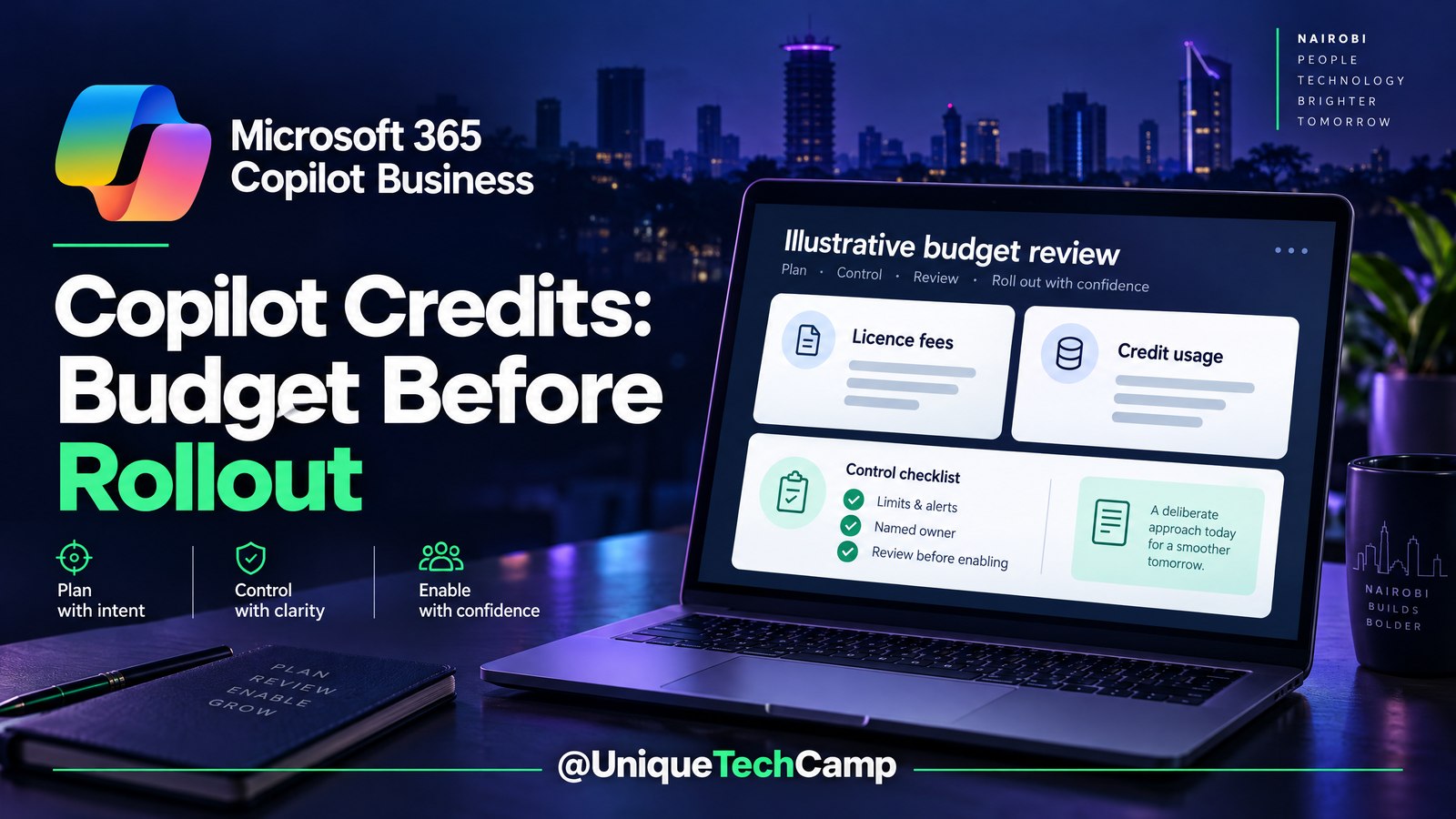
Microsoft 365 Copilot Business is not a new product arriving in this update. The important change for some Kenyan small and medium-sized businesses is how advanced Copilot consumption may be billed when an eligible new purchase is made through the commercial Cloud Solution Provider (CSP) channel. Microsoft’s 3 November 2026 Partner Center announcement moved the planned default-on date from 1 December 2026 to Microsoft financial year 2027 quarter 3, January to March 2027. Microsoft has not announced the exact day.
That distinction matters. This is a readiness issue before buying or adding a qualifying licence, not evidence that usage-based billing is already on by default in every tenant. The Partner Center usage-based billing documentation still labels the described functionality as not released, and says some purchase and API shapes may change before general availability. A Kenyan tenant should therefore prepare its questions, owners and controls without treating a draft timeline as a guaranteed activation date.
The practical risk is easy to miss: one eligible purchase can enable usage-based billing for existing Microsoft 365 Copilot Business licences in that tenant, not only for new seats. A business buying one additional user may need to review the tenant’s policy, Azure billing resources and approval process. The right response is a documented readiness check.
What the November change actually means
The announced scope is Microsoft 365 Copilot Business B-SKUs in the commercial CSP channel. The Partner Center specification describes the standalone offer and certain Business Basic, Business Standard and Business Premium combinations with Copilot. It does not put Microsoft 365 Copilot Enterprise, education, non-profit, government or community-cloud offers into the same bucket. Confirm the exact SKU and channel with the reseller rather than assuming that the word “Copilot” is enough.
For an eligible new purchase, the planned behaviour is usage-based billing by default. Microsoft says the purchase can automatically provision the Azure artefacts required for consumption billing and a default spending policy. It can also make the usage-based billing scope relevant to existing Microsoft 365 Copilot Business licences in the tenant. This is why the decision belongs with the business owner, finance reviewer, CSP contact and Microsoft 365 administrator together.
There are two different cost boxes. The Copilot Business seat is the fixed licence foundation, consistent with Microsoft’s pricing-model explanation . Copilot Credits are the metered layer for eligible advanced or agentic work. Usage-based billing does not replace the relevant seat licence, and a seat fee does not tell you how many credits a workload will consume. Ask the CSP to show both boxes separately in the quote and in the explanation of how usage will appear in reconciliation files or invoices.
Credits, limits and a realistic budget conversation
The default policy described in Microsoft’s material is 4,000 Copilot Credits per user per month. It is a default spending limit, not a free allocation, guaranteed entitlement or prepaid balance. Credits are not a simple count of questions, prompts or tokens. Consumption varies with the workload, model and complexity of the operation, so two apparently similar requests can use different amounts.
For a hypothetical ten-user business, the default calculation is 10 users × 4,000 credits, or 40,000 credits per month. That figure is the maximum policy allowance under the default; it is not an automatic invoice. The business is charged according to actual eligible consumption and the applicable billing arrangement, subject to policy, regional pricing and reseller terms. Unused credits do not turn the allowance into a bill by themselves.
Microsoft’s official Copilot Credits Guide quotes US$0.01 per Copilot Credit for the Microsoft Copilot Studio pay-as-you-go Copilot Credit meter. If the applicable contract and workload confirm that same rate, and the business actually consumes 40,000 billable credits, the arithmetic would be US$400 in usage charges before tax, currency conversion, reseller pricing or other commercial adjustments. That is an illustration, not a Kenyan quote. It does not mean the Copilot Business UBB rate is universal, and 40,000 unused credits would not automatically create a US$400 charge.
Do not use a public US Microsoft 365 Copilot add-on price as a Kenyan CSP quote. Country, currency, tax treatment, reseller margin and contract terms can change the amount. A business should ask for the exact B-SKU, seat price, consumption meter, billing currency, tax assumptions and account-specific terms in writing. If the reseller cannot explain which meter applies, pause the purchase decision and ask for clarification.
A limit and an alert are different controls. A spending policy can impose a monthly tenant or policy limit and, where supported, a per-user limit. Microsoft says in its Copilot Credits cost-management guidance that the applicable cap reached first is enforced. When a limited policy reaches its monthly limit, covered agents and services can become unavailable for the remainder of the month until credits reset. That is a possible interruption to work, not merely an email notification.
Alerts do not themselves stop spend. Administrators can configure thresholds by credit amount or percentage and nominate recipients. Notifications can continue daily after a threshold until the monthly period resets or the policy changes. Use alerts to prompt review before a cap, but do not tell an owner that an alert is a hard budget ceiling.
Also review Auto-apply new services. When it is left on, future supported Copilot services and agents can be added to a policy automatically. Turning it off can require a review before a new service is covered. That setting is especially important for an SME whose approved workflow is narrow but whose tenant may later gain additional eligible services.
A seven-step readiness workflow
The following workflow is designed for a Kenyan SME that is considering a qualifying purchase or wants to prepare before the rollout. It does not assume a Kenya activation day, a particular reseller price or an existing integration with Microsoft’s cost APIs. It starts with accountability and ends with a measured expansion decision.
1. Name the spend owner and reviewers
Assign one business owner who can approve variable spend, one CSP or reseller billing contact, the Microsoft 365 administrator and a read-only finance reviewer. Write down who can approve a purchase, who can change a policy and who receives alerts. Keep budget ownership separate from routine experimentation. A finance reviewer may need to inspect reports without receiving permission to change billing or policy settings.
2. Confirm the tenant and SKU boundary
Before anyone accepts a quote, bring the tenant identifier, current Copilot Business licence count, exact B-SKU, licence channel and reseller contact into one review. Ask whether the offer is commercial CSP and whether the planned purchase will make UBB relevant to existing Business licences in the tenant. Check whether an existing spending policy or Azure subscription is already present.
This step prevents a common misunderstanding: “one more seat” does not necessarily mean “one isolated billing scope”. Do not infer that Enterprise, non-profit, education or government arrangements follow the same rules. If the reseller cannot map the offer to the stated commercial CSP boundary, classify the answer as unconfirmed rather than guessing.
3. Map Azure billing and the two cost boxes
Identify which Azure subscription and resource group will receive the consumption artefacts if the planned feature becomes available. Confirm who can see the usage in Cost Management and how it will reconcile with existing Azure billed or unbilled usage files. At the same time, put fixed seat fees in one budget line and variable Copilot Credit consumption in another.
4. Approve one narrow workload and group
Choose one business task with a named owner, such as a controlled internal reporting workflow, an approved notification workflow or a limited knowledge task. Decide which users may run it and what information they may use. Keep the first test small enough that a reviewer can inspect the service, user or group, credits consumed, completion result and any human handoff.
Do not budget by questions or tokens. Record the actual credit reading and the operation that produced it. A retry, a more complex action or a different model may consume a different amount. A successful test should mean that an approved internal task completed with acceptable review effort, not that the business has proved a revenue outcome.
5. Set caps, alerts and permissions before expansion
Set a policy limit that reflects an approved test, if the available controls and customer configuration support it. Add threshold alerts for the spend owner and finance reviewer, and decide who can change the policy. Explain in writing that the cap can interrupt covered service access for the rest of the month, while the alert is an early warning and not a stop.
Review Auto-apply new services before the test. If future services should not join the policy without review, disable that behaviour where the available administration experience permits it. Check that the people operating the workflow can request an exception without being given broad billing or tenant permissions.
6. Measure consumption and operational burden
For each approved run, record date, service, user or group, credits used, task completed, human review time, retries, failures and escalation reason. Compare credit consumption with completed internal tasks, not with revenue unless the business has a separate, defensible method for connecting the two. A workload that uses few credits but creates many manual corrections may still be a poor fit.
For the approval, escalation and reporting workflow around this test, the UniqueTechCamp AI Solutions Desk can help a business owner define the handoffs and measurement plan. Take that brief to the implementation team, while keeping licence pricing and account-specific billing questions with the CSP.
7. Review the evidence before tenant-wide enablement
After the controlled test, review actual consumption, applicable unit pricing, currency and tax assumptions, reseller terms, policy behaviour and Auto-apply new services. Confirm that the fixed seat and variable usage lines are still understood. Ask whether the approved task is important enough to justify the spend and whether a cap-related interruption would be acceptable.
Only then decide whether to expand the user group, policy or number of seats. Keep the decision reversible where possible, and document what would trigger a pause: an unexplained price, an unexpectedly broad tenant scope, repeated retries, a support burden that exceeds the task’s value or a cap that interrupts essential work. The exact rollout day remains unannounced, and Partner Center sandbox timing is also unannounced, so readiness should not depend on a promised calendar day.
What owners should measure—and what they should not assume
A useful first dashboard has four groups of measures. Financial measures include seat fees, actual credits consumed, the applicable meter, alert events and the difference between billed and expected usage. Operational measures include completed approved tasks, retries, failures, human review minutes and escalation volume. Control measures include policy changes, users or groups in scope, cap events and newly added services. Business measures should be defined separately, such as completed internal cases or response time.
Do not turn a credit allowance into a forecast of sales, savings or profit. Do not claim that a particular Kenyan SME will save money, or that a Copilot workflow will produce earnings, without measured customer evidence. Do not treat a successful demonstration as proof that every user, service or future workload is covered. Credits can vary with complexity, and Microsoft’s documentation may change before general availability.
Frequently asked questions
Is Copilot Business usage-based billing live by default for every Kenyan tenant today?
No. The evidence describes a planned rollout for eligible new Microsoft 365 Copilot Business purchases in the commercial CSP channel. Microsoft’s 3 November update moved the expected default-on timing to FY27 Q3, January to March 2027, without announcing an exact day. The Partner Center material labels the feature as not released. Treat a tenant’s current state as something to verify with its CSP and administration experience, not something to infer from the announcement.
Are 4,000 Copilot Credits per user free each month?
No. The 4,000-credit figure is a default spending limit, not free credits or a guaranteed entitlement. For ten users, the default policy calculation is 40,000 credits per month, but that does not automatically create an invoice. Actual eligible consumption, the applicable meter and the customer’s commercial terms determine usage charges. The seat subscription and metered consumption are separate cost boxes.
Does one new eligible purchase affect only the new user?
Not necessarily. Microsoft’s Partner Center documentation says the purchase event can enable usage-based billing for existing Microsoft 365 Copilot Business licences in the tenant. That is why the business should review tenant scope, current licence count, spending policy, Azure billing resources and alert recipients before accepting a qualifying purchase. This scope statement applies to the documented commercial CSP B-SKU boundary, not to every Microsoft licensing channel.
Can an alert prevent an unexpected bill?
An alert warns; it is not a hard stop. A spending cap is the control that can enforce a limit, and reaching an applicable cap can interrupt access to covered agents and services for the rest of the monthly period. Configure alerts early enough for a human review, then test who receives them and who has permission to change the policy. Confirm the exact available controls in the customer’s tenant before promising a particular outcome.
Conclusion
For a Kenyan SME, the sensible response to the Copilot Business billing update is preparation before purchase. Confirm the commercial CSP B-SKU, understand that an eligible new purchase may affect existing Business licences in the tenant, separate seat fees from variable credits, and obtain a current account-specific quote. Then assign a spend owner, test one approved workload, configure caps and alerts, and measure both consumption and support effort.
The official timeline is a planned January–March 2027 window, not a guaranteed Kenya activation day. The default 4,000 credits per user per month is a policy allowance, not free usage. The published US$0.01 per Copilot Credit figure belongs to the Microsoft Copilot Studio pay-as-you-go meter and should be applied to a Copilot Business budget only when the applicable contract and workload confirm it. A careful owner can therefore make a better decision without inventing a price or assuming that every service is already available.
Need this built for your business?
Business owners can bring their current tenant SKUs and licence count, reseller contact, intended users and one approved workflow to the UniqueTechCamp AI Solutions Desk . Ask for a scoped approval, escalation and reporting process with named owners and measurable acceptance checks. Keep licence purchasing and account-specific prices with your CSP. To discuss the surrounding implementation, book an appointment and review workflow automation services before expanding the test.
Deploy An Autonomous AI Lead Gen System Today
We engineer high-converting web applications with integrated 24/7 WhatsApp qualification bots and multi-channel follow-up drips.
Related Strategy Articles

CrowdStrike AI Kill Switch: SME Team Reviewing an Agent Safety Dashboard
A practical SME playbook for reviewing CrowdStrike’s AI Kill Switch, testing agent containment safely, measuring trade-offs and checking Kenya eligibility.

Microsoft Agent 365 Business Analytics: An SME Readiness and Value-Validation Guide
Microsoft Agent 365 Business Analytics is in Frontier preview. Here is how Kenyan and East African SMEs can validate access, usage cost, value, privacy and readiness before buying licences for a dashboard.

Canva AI Controls: SME Design Review and Human Approval on a Laptop
A practical Canva AI Controls workflow for Kenyan and global SMEs: control settings, human review, asset provenance, measurements, costs and limitations.

UniqueTechCamp Desk
Online • Reply < 5 mins