
Claude Cowork’s Cloud Shift: A Practical SME Pilot for Client Work
Claude Cowork’s October 2026 cloud shift changes how new Pro and Max tasks run. Learn how a small business can test a bounded client-work workflow, protect files and measure the full review effort.
UniqueTechCamp Editorial
Lead Systems Architect • UniqueTechCamp Engineering Unit
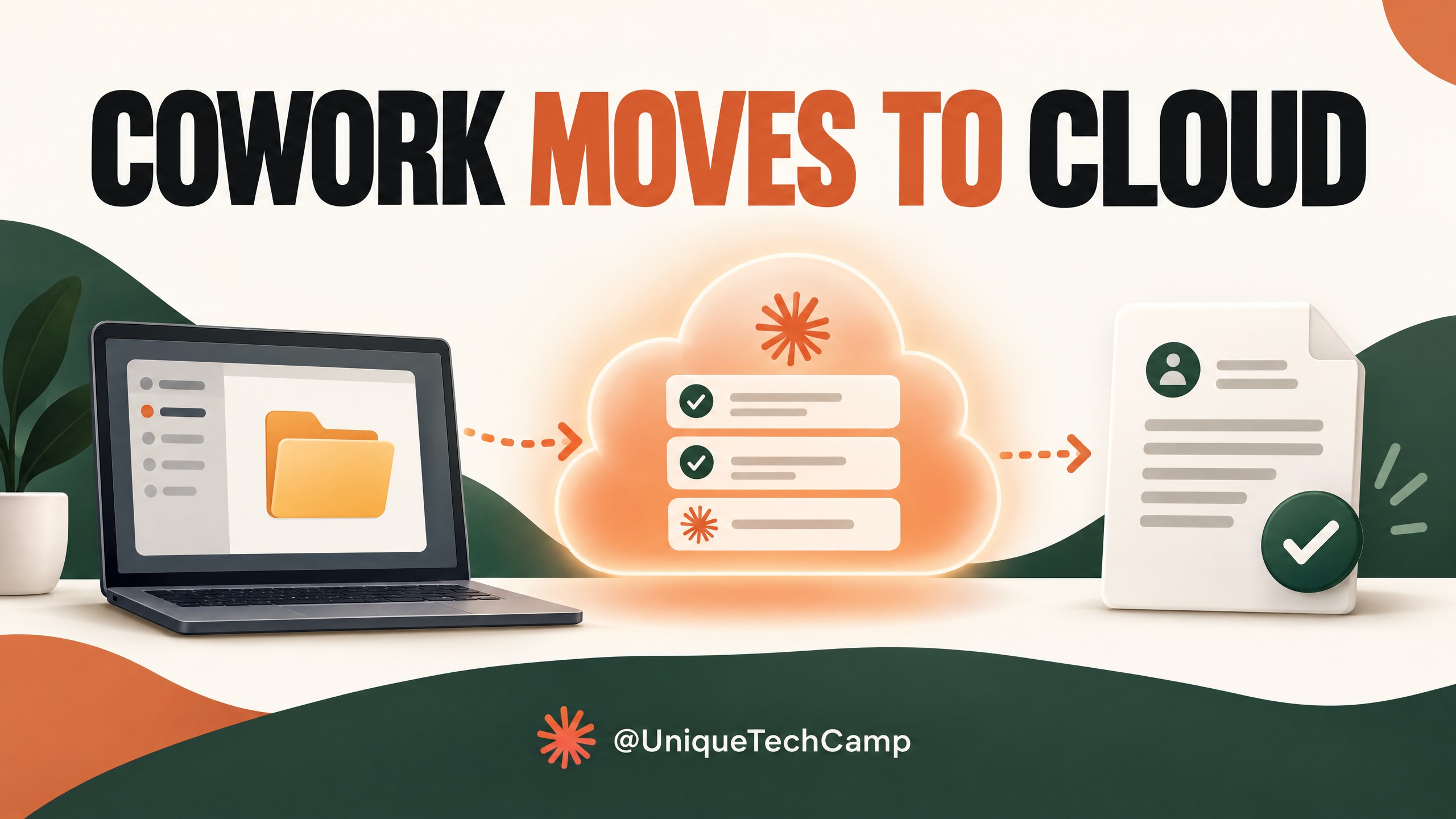
Claude Cowork has changed where some business tasks run. From 6 October 2026, new Cowork tasks on individual Pro and Max plans run in Anthropic’s cloud; the former “Only on your computer” setting is gone. The important distinction is that Cowork itself is not a brand-new October product. Anthropic first introduced it as a research preview in January. The recent change affects execution, file access and how a small team should test it before using it for client work.
For a small agency, retailer or professional-services firm, a task might turn approved discovery notes into a proposal outline or a first draft of a client update. Cloud execution can let work continue after a laptop is closed, but it also means files fetched for that work are processed on Anthropic’s servers. The sensible question is not whether an agent can make a polished document. It is whether a carefully bounded workflow saves effort after human checking, without exposing material the team did not intend to share.
What changed on 6 October
Anthropic’s current cloud and availability guidance says that new Cowork tasks on Pro and Max run in the cloud. Tasks already started on a computer before the change remain there, but there is no longer a setting for a new Pro or Max task to run only on that computer. Anthropic points users who need a local task to Claude Code in the desktop app, which is a different workflow and should be checked against the work in question.
“Cloud” does not mean Cowork can quietly browse every file on a laptop. Connected folders remain on the user’s computer. The desktop app acts as a bridge when Claude needs a file from one of those folders, and the task can access only folders the user has connected. Anthropic says it fetches a copy of a needed file into the cloud task and removes that copy when the user deletes the session, subject to its data-retention practices. For tasks that rely on local files, the desktop app must stay online while Claude needs to reach them.
Once a cloud task has the material it needs, it can continue in the background; closing the laptop does not stop it, and scheduled tasks run without a device online. Sessions and files follow the Claude account across supported surfaces. Local files, browser use and computer use still depend on the desktop app and vary by surface.
The rollout is gradual. Cowork runs on desktop, web and mobile; web and mobile cloud access for Team is beta, and Enterprise requires administrator enablement. Browser-side functions vary by plan. Separately, Anthropic announced on 16 September that chat and Cowork would gradually become one Claude experience for Pro and Max. That interface transition is distinct from 6 October’s move to cloud execution; check the separate product announcement and your account before setting staff deadlines.
Where a cloud task could support growth
For a business, the useful opportunity is often a repeatable piece of preparation that sits between customer information and a person’s decision. Examples include turning approved sales-call notes into an internal opportunity brief, organising a small set of project documents into a handover draft, or preparing a weekly pipeline summary for a manager to check. These tasks can support faster, more consistent follow-up, but that is a hypothesis to test, not an earnings promise.
Choose work with a clear start, an agreed set of source files and an output that a colleague can compare with those sources. A first pilot should stop at a draft. Do not begin by asking Cowork to set prices, approve discounts, make hiring decisions, send a quotation, change a customer record or publish a campaign. Each added permission creates another way for a mistake to affect a customer or a business system.
A practical seven-step pilot for a small team
1. Select one bounded client-work task
Choose a task that happens often enough to measure but is not so risky that a flawed draft would cause immediate harm. A suitable example is preparing an internal proposal brief from an approved meeting summary, a current service description and one or two authorised case studies. The expected result might contain the client’s stated goal, the requested scope, open questions, relevant proof points and a draft next-step email. It should not make a price or delivery commitment.
2. Record the manual baseline
Before testing Cowork, ask the staff member who normally does the task to complete a few comparable examples using the existing process. Record the elapsed time from receiving the notes to having a checked draft, the minutes spent correcting it, and the common omissions. Keep the samples comparable: a short call summary should not be measured against a complex proposal with several reviewers. This gives the owner a fair point of reference instead of relying on one impressive demonstration.
3. Prepare a dedicated working folder
Make a temporary folder containing only the materials the task needs. Remove credentials, personal records and unnecessary customer details. Use a sanitised test example first, then move to approved real material only after the owner has checked the account settings and data-handling requirements. Do not connect an entire shared drive or inbox to save a few minutes. Narrow access makes the task easier to inspect and reduces the amount of unrelated information it can encounter.
Before enabling any connector or browser access, ask whether the workflow needs it. For a first proposal brief, a folder with meeting notes and approved service facts may be enough. Keep web browsing, email access, computer control and write access switched off unless a specific test requires them. If the work must remain local, pause and evaluate an alternative rather than assuming the cloud setting can be reversed.
4. Write instructions that set limits
Give Cowork a specific goal and tell it what not to do. For example: “Use only the files in this connected folder. Prepare an internal draft with the client’s stated need, scope requested, supporting evidence, unresolved questions and a proposed next step. Do not invent prices, dates, results or commitments. If the notes conflict or a fact is missing, flag it for the account owner. Do not send messages or edit source files.” This instruction does not guarantee correctness; it makes the intended boundary easier to review.
5. Run the task while an owner can supervise
Start with one task on the account and device that will be used in normal work. Watch what files it opens and whether it asks for permission before a consequential action. Keep the desktop app online while the task needs connected local files. When it returns a draft, save the output in a separate review location rather than overwriting the source material. An owner should be able to stop the task, reject an action or ask for a correction.
If your team needs help turning an informal hand-off into a defined, human-reviewed workflow, UniqueTechCamp’s AI Solutions Desk is the relevant route to scope the process before automating it.
6. Check every material claim
The account owner should compare the draft with the meeting notes and service description. Check names, requested scope, deadlines, quantities, exclusions and any statement that could sound like a promise. Ask the model to identify the source for each important point, but do not treat a citation or a confident explanation as proof. If a claim cannot be traced to an approved source, remove it or mark it for confirmation. The human reviewer—not the tool—owns the client-facing version.
7. Decide whether to keep, change or stop
Repeat the same task on a small set of cases. If checking takes longer than the original preparation, the workflow may not be useful yet. If the draft is consistently sound but misses the same information, update the instructions or the source folder and retest. Stop the pilot if it exposes an unapproved file, invents a client commitment, takes an action outside its scope or creates rework the team cannot justify. Delete unneeded sessions and review Anthropic’s published data-retention information ; do not assume deleting a session answers every retention question.
Plan access and subscription cost carefully
Anthropic’s current Cowork product page says Cowork is included in the individual Pro and Max plans rather than sold as a separate Cowork licence. The official subscription pricing page lists Pro at $20 per month (US) when billed monthly, or $17 per month with annual billing ($200 billed upfront). Max 5x is $100 per month and Max 20x is $200 per month. The listed prices exclude applicable tax; regional currency and mobile-store prices may differ. Check the plan shown in the account that will run the pilot, not a USD headline as a Kenyan quote.
Those subscriptions are individual plans, not a substitute for centrally administered team access. Anthropic describes cloud Cowork on Team as beta on some surfaces and Enterprise access as dependent on an administrator. The product documentation also says Cowork can consume usage limits faster than ordinary chat, with plan limits shared across features. Start by testing on an eligible account the business already has; do not upgrade simply because the task runs in the cloud. Review actual usage, availability and required admin controls before expanding.
Subscription is not the whole pilot cost: include file preparation, instruction design, review, corrections and maintenance. A fast first draft is not a saving if senior review takes longer; assess total effort and approved-output quality.
Cloud execution still needs safeguards
Anthropic’s Cowork safety guidance says the agent can read and write files, use connected apps and the browser, run code and, with permission, permanently delete files. It also warns that malicious instructions can appear in material the agent reads. This is known as prompt injection: a webpage or document can contain text that attempts to redirect the agent. A connected folder or browser session is therefore a real access boundary, not just a convenience.
Anthropic describes cloud sessions as isolated and temporary, and says they cannot reach a private company network by default. That reduces some infrastructure risks, but it does not decide what data the user shares or prevent every mistaken action. A cloud task still processes the work it receives on Anthropic’s servers, including a file fetched from a connected local folder. Anthropic says consumer conversations’ use for model improvement follows the “Help improve our AI models” privacy setting. Review the relevant settings and the official architecture overview before deciding whether a particular file belongs in a task.
For a first pilot, use a dedicated folder, draft-only output and a named reviewer. Keep credentials, sensitive personal or financial records, and accounts able to move money or change customer data out of scope. Require approval for external actions, and do not test computer-use access in billing, payroll or customer-admin accounts. If data must not enter cloud processing, choose another workflow rather than trying to bypass the boundary.
Measure the whole job, not the first draft
Compare Cowork with the manual baseline using the same task and approval standard. Track the time spent preparing inputs, running the task, reviewing the output and correcting it. Also record factual errors, missing questions, unsupported claims, escalations and the share of drafts accepted after only minor edits. For a client follow-up, a useful operational measure might be the time from an approved meeting summary to an approved next-step draft—not the number of messages the tool can generate.
Keep a short log for each attempt and have the same person assess quality where possible. If one employee accepts drafts more readily than another, that difference can distort the comparison. Include cases that are incomplete or contradictory, not only tidy examples. A tool that handles a clean sample but fails on the ordinary exceptions in a small business may be unsuitable until its source process improves.
Do not claim that Cowork caused more revenue because a proposal went out sooner. A business can watch whether approved follow-ups meet its existing service target, but the result may also depend on lead quality, staff availability, pricing and the customer’s decision. Treat improved response time as an operational observation, and test any revenue effect separately with a credible comparison. Expand only when quality, access controls and total review effort are acceptable together.
Frequently asked questions
Is Claude Cowork a new product from October 2026?
No. Anthropic originally introduced Cowork as a research preview in January 2026. VentureBeat’s original-launch report and Axios’s coverage describe its early folder-based office-work tasks. The October update is the move of new Pro and Max tasks to cloud execution, not Cowork’s initial release.
Can Claude still use files on my computer?
Yes, if you connect the folder and use the desktop app as the bridge. Anthropic says the folder stays on the computer, but the cloud task can fetch a copy of a file it needs. The desktop app must be online while local files are needed. A task may continue in the cloud after the laptop closes, but it cannot reach a disconnected computer during that time.
Is Cowork available to every business, and is it separately priced?
Anthropic lists Cowork in Pro and Max, with cloud availability on those plans. Some Team and Enterprise surfaces are in beta or require an administrator to enable them. Cowork is included in the paid individual plans rather than listed as a separate licence, but usage limits apply and regional prices can vary. Check your account and plan before setting a rollout date.
Should a small team let Cowork send proposals or update its CRM?
Not as the first pilot. Use Cowork to prepare a draft from approved material, then have an accountable colleague verify the facts and take the customer-facing action. If the team later tests writes or sends through connected tools, treat that as a separate automation: limit permissions, test exception cases, keep approvals and define a stop procedure.
Conclusion: treat the cloud shift as a workflow decision
Claude Cowork’s October change can make a bounded task easier to continue across devices, but it also changes where the task runs and how local files reach it. A small business should begin with one approved, low-risk workflow, narrow the connected folder, keep a person responsible for every client-facing decision and compare total review effort with the existing process. Expand only if the evidence from your own work justifies it.
Need this built for your business?
If you want to turn a repeatable client hand-off into a scoped, human-reviewed workflow, start with UniqueTechCamp’s AI Solutions Desk , book a discussion through the appointments page , or review the relevant Workflow Automation service . Begin with the process, the files it needs and the person who approves its output—not with a promise of automatic revenue.
Deploy An Autonomous AI Lead Gen System Today
We engineer high-converting web applications with integrated 24/7 WhatsApp qualification bots and multi-channel follow-up drips.
Related Strategy Articles
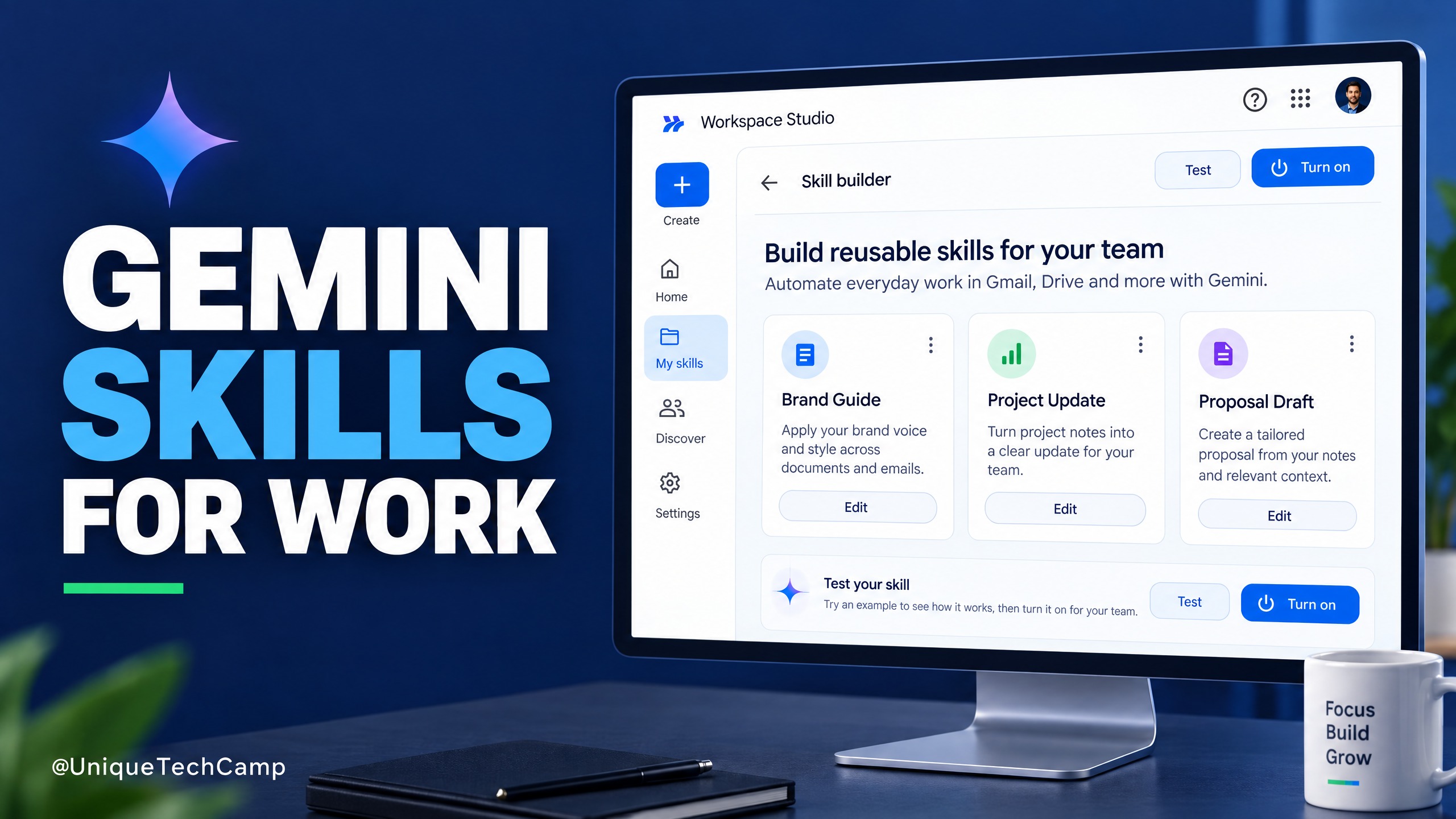
Google Workspace Skills: A Practical Guide for SMEs
Google Workspace Skills let teams reuse custom instructions across supported Workspace apps. This practical guide explains the rollout, eligibility checks, a safe pilot workflow and what to measure before expanding.

Cloudflare Clef: A Practical AI Triage Guide for SMEs
Cloudflare Clef turns support messages into bounded decisions rather than free-form answers. Here is a practical way for SMEs to test it, measure value and keep a human in control.
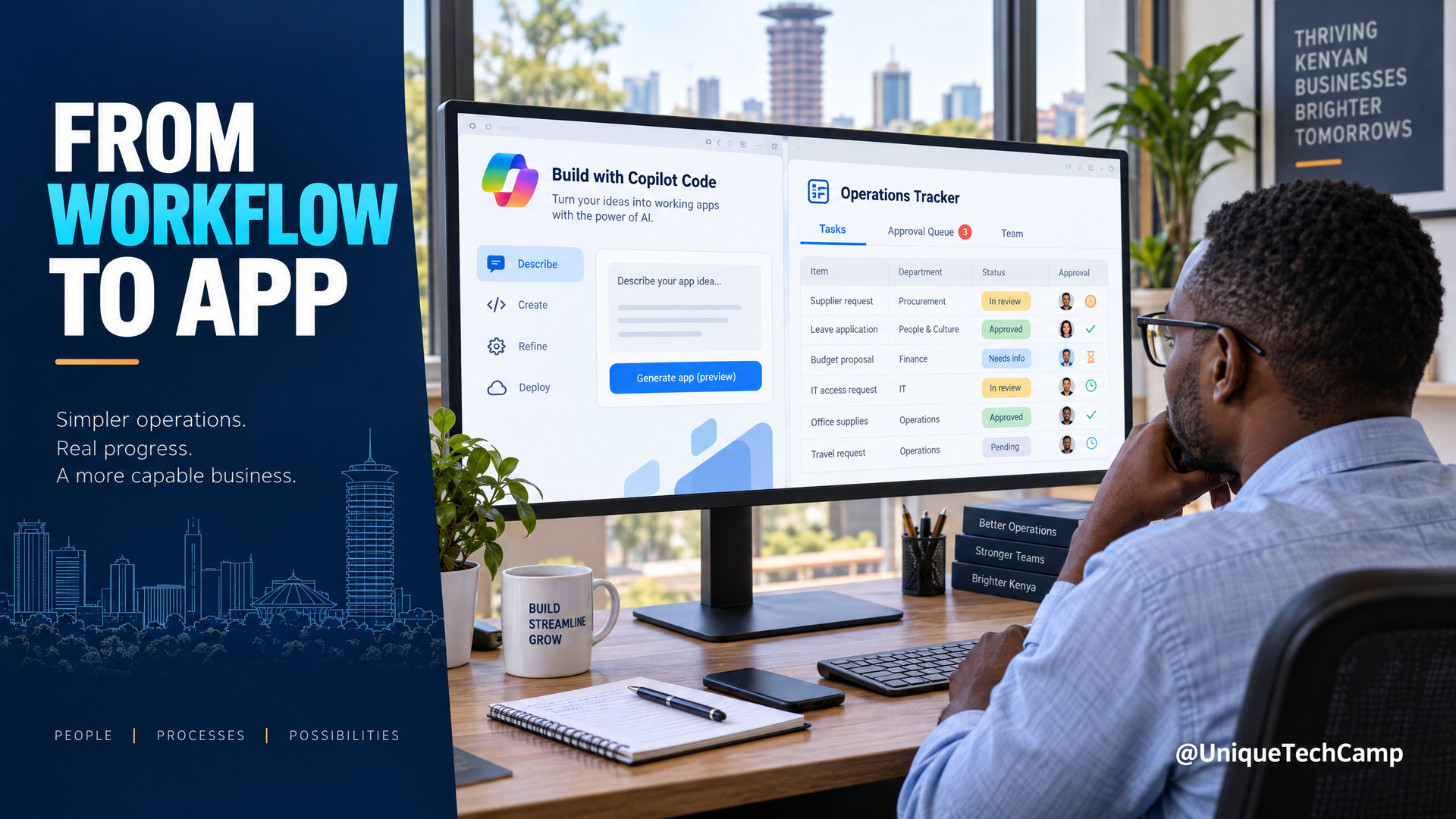
Microsoft Copilot Code for SMEs: A Practical Workflow-to-App Offer
Microsoft Copilot Code is still rolling out. Learn a practical workflow-to-app service for Kenyan SMEs, with verified pricing, usage limits and a safe pilot plan.
UniqueTechCamp Desk
Online • Reply < 5 mins