
AI Integration Security: OpenAI–Hacktron Lessons for Kenyan SMEs
AI integration security for Kenyan SMEs: lessons from OpenAI and Hacktron, permission checks, human approvals, realistic costs and safer workflows.
UniqueTechCamp Editorial
Lead Systems Architect • UniqueTechCamp Engineering Unit
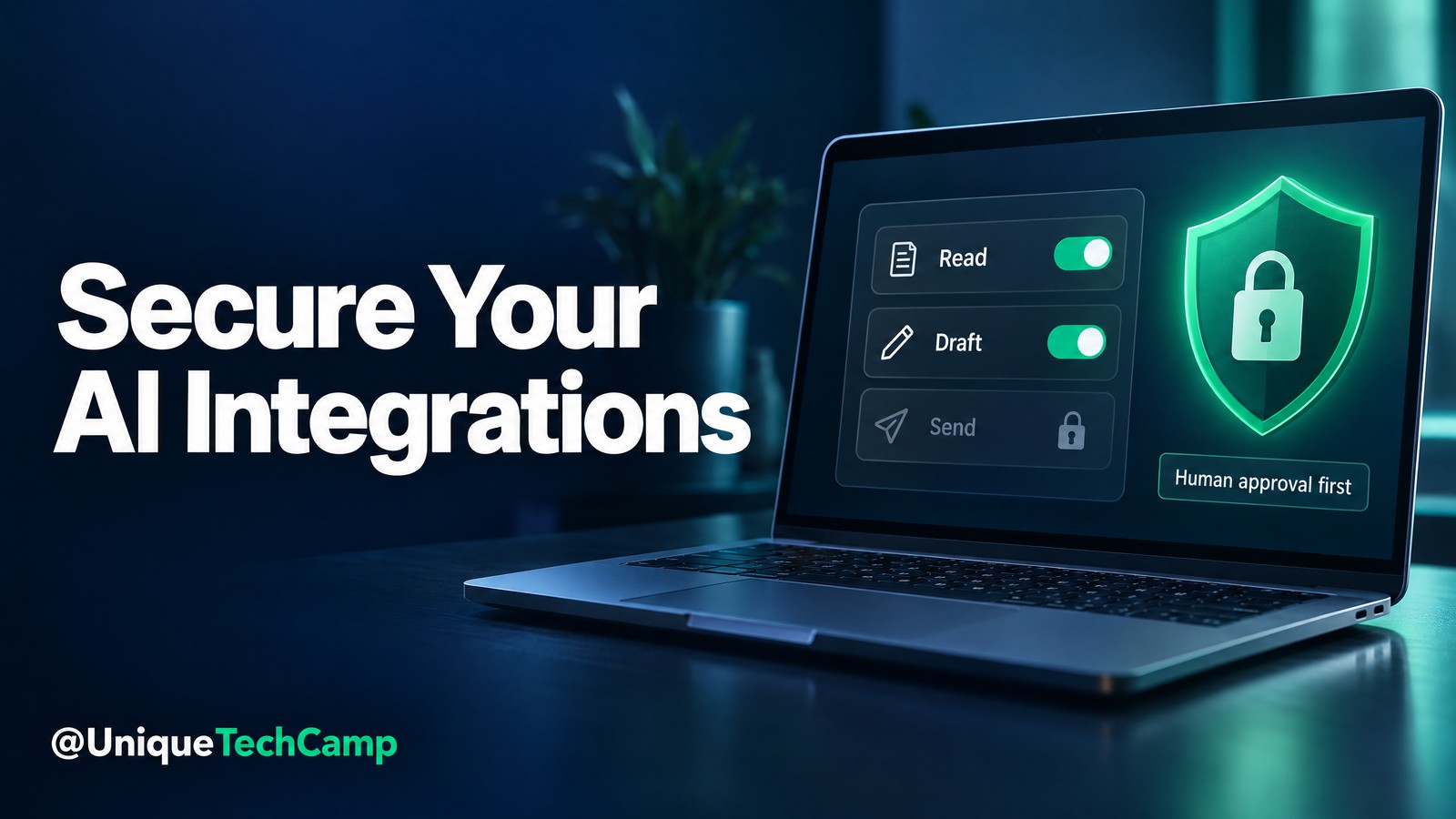
A customer enquiry arrives through your website. An AI assistant reads it, checks a customer record and prepares a reply. The useful part is obvious: less copying between tools. The dangerous part is less visible. Which records can it open? Can it send a message without approval? Could text inside an attachment be mistaken for an instruction?
These are business questions, not just engineering details. AI integration security is about controlling what happens when an assistant crosses from conversation into your email, customer database, booking system or other software. A fluent answer does not prove that those connections are safe.
On 6 November 2026, OpenAI announced a partnership with Hacktron ↗ focused on finding vulnerabilities, particularly where its systems interact with third-party services. Hacktron’s own announcement ↗ confirms the collaboration. For a Kenyan SME, the practical lesson is not to copy a frontier laboratory’s security programme. It is to examine the boundaries of one useful automation before granting it wider access.
What is new, and what the announcement does not mean
The announcement describes joint work between OpenAI engineers and Hacktron security researchers to select high-priority areas for testing. OpenAI is also expanding its research partner’s access to frontier models. The emphasis on third-party connections matters because an assistant’s real-world impact depends on the systems it can reach, not merely the text it generates.
This is not an announcement that every business has received a new security product, a Kenyan launch or unrestricted access to the frontier models mentioned in the announcement. Nor does it certify your existing chatbot, website or CRM. A partnership between two companies does not provide assurance about an unrelated implementation.
Use the news as a prompt to ask your implementer for evidence: a permission map, a test record, named approval owners and a way to stop the workflow. The following process is a proposed owner’s checklist, not a report of results achieved by the partnership or a substitute for a professional security assessment.
Why integration boundaries affect customer trust and revenue
Consider a Nairobi service business that wants an assistant to summarise enquiries and draft appointment replies. It needs selected customer details and current service information. It does not automatically need the complete customer database, authority to change invoices or permission to email everyone in the address book.
An overpowered connection can turn a small mistake into a larger operational incident. A draft may contain another customer’s details. An outdated document may produce an unauthorised discount. A retry may create duplicate tasks. Even without an attacker, unclear permissions and weak handoffs can undermine the customer journey.
The commercial opportunity is therefore disciplined automation: reduce repetitive handling while preserving accurate commitments and accountable customer support. Possible benefits include less rework and more consistent follow-up. They are outcomes to measure, not guaranteed savings, additional income or proof that more autonomy is always better.
A six-step AI integration security checklist
1. Map one workflow before connecting more tools
Choose one narrow task, such as turning a website enquiry into a draft callback summary. Write down the trigger, the information read, the proposed output and the person who accepts it. Include the ordinary customer route and the exception route when information is missing or contradictory.
List every connected system and the identity used to access it. For each connection, distinguish reading, creating drafts, changing records, sending externally and deleting. Ask the implementer to show actual granted permissions rather than relying on a description such as “CRM access”. Record who owns the connection and how it can be revoked.
2. Separate customer content from operating instructions
Customer messages, attachments, retrieved documents and website text should be treated as information to interpret, not authority to change the assistant’s rules. An attachment telling the assistant to bypass review should remain attachment content. It should not grant access to another customer’s records or approve an external message.
OWASP’s prompt-injection guidance ↗ explains that direct or indirect inputs can change model behaviour and that prevention is not foolproof. Ask for constrained outputs: for example, a service category, an enquiry summary and a review flag. Validate those fields before another system acts on them.
3. Grant the smallest useful set of permissions
A reporting assistant should not inherit an administrator’s ability to modify everything. Prefer dedicated identities and narrowly scoped connections. If the task only requires reading one approved knowledge collection, do not connect unrelated folders merely because a broad connection is easier to configure.
OWASP calls this excessive-agency risk ↗: unnecessary functionality, permissions or autonomy can amplify harm. Permissions must also be checked by the receiving application. A prompt saying “do not edit invoices” is weaker than a connection that cannot edit invoices in the first place.
4. Put a meaningful human gate before consequential actions
Start with drafts rather than automatic sends. The reviewer should see the intended recipient, the exact proposed message, the records used and any uncertainty. An approval button is not meaningful if staff cannot inspect what they are approving or if the output changes after approval.
Keep payment changes, refunds, sensitive exports, access changes and production deployments outside a simple enquiry pilot. Where later work needs such actions, define separate controls and responsible approvers. For bookings, distinguish a request from a confirmed appointment, and ensure the customer receives an accurate status rather than an optimistic assumption.
5. Test safe failures in a separate environment
Use synthetic customers and a staging system. Check an attachment containing irrelevant instructions, a request for another customer’s details, missing service information, a disconnected integration and a repeated submission. Agree the expected result before testing: refusal, no action, a clear error or a human handoff.
Do not run intrusive tests against systems you do not own or have explicit authority to test. The owner’s exercise is to verify boundaries using benign fixtures, not to improvise penetration testing on a supplier’s platform. Specialist testing needs an agreed scope, competent supervision and rules that protect availability.
6. Keep evidence, a stop switch and an accountable owner
Retain a proportionate record of the input reference, proposed action, approval, execution result and exception. Protect those logs because they can contain personal information. Record identifiers and decisions where sufficient; do not indiscriminately store full conversations, credentials or customer documents for convenience.
Test the stop procedure. Can a named person disable the workflow, revoke its connection and route enquiries to staff? Confirm what happens to queued actions when it stops. Repeat selected checks after changes to permissions, prompts, tools or business rules; a successful initial test is not permanent assurance.
A practical pilot for a Kenyan service team
For a first pilot, let the assistant read an approved service FAQ and a synthetic enquiry, then produce a callback brief in a staff-only queue. The brief should identify the requested service, the customer’s stated area, unanswered questions and a suggested next step. It should not invent prices, availability or commitments.
Have a staff member compare the brief with the original enquiry before using it. Log corrections and rejected suggestions, not just successful completions. If the connection fails, show a visible exception with an owner rather than silently dropping the enquiry or repeatedly attempting an action with uncertain results.
UniqueTechCamp ↗ can help scope this as a controlled customer-workflow discussion: what the assistant may read, what remains a draft and where a person takes over. Bring one real process and difficult examples, with personal details removed, instead of requesting a broadly connected “do everything” agent.
Review the pilot against your current manual process. Track preparation time, reviewer time, incorrect details, duplicate actions, missed handoffs and completed customer follow-ups over a defined period. Faster drafting is not a commercial improvement if checking and correcting it takes longer or customers receive less reliable information.
Agree the launch decision in advance
Write acceptance checks that staff can observe. The assistant must stay within the approved customer record, identify uncertainty, leave external communication unsent until review and show a recoverable exception when a connection is unavailable. Test each condition deliberately rather than accepting a smooth demonstration using only easy enquiries.
Give each unresolved issue an owner and a retest date. If a failure exposes another customer’s information or bypasses the approval gate, pause expansion while it is investigated. A low average error rate is not a reason to accept a serious boundary failure. Review the original input and the actual tool action, not only the final wording.
Keep a manual route available throughout the pilot. Staff should know how to find an enquiry, correct its details and contact the customer without depending on the assistant. That fallback protects continuity while you establish whether the automation is useful enough to maintain.
Realistic costs: distinguish security products from implementation work
The partnership itself is not a public SME price list. Separately, the Hacktron homepage’s published pricing ↗ lists several different services. These are vendor-displayed starting points and ranges, checked for this article, not a recommendation or a quotation for a Kenyan business.
- Whitebox application penetration testing ↗ is listed at USD 50–25,000 per pentest, with an indicative USD 500 per 100,000 lines of code. Scope and the price shown before testing matter more than assuming every application fits an average.
- Review Pro pull-request security review ↗ starts from USD 40 per developer per month. The product page includes 50 pull requests per developer, pooled across the organisation, and USD 1 per additional pull request if overage is enabled.
- Red continuous red teaming ↗ is custom priced. It is a different purchase from reviewing code changes or testing one application.
A business that buys no specialist security subscription still has implementation costs: documenting permissions, configuring identities, preparing test data, fixing defects, training reviewers and maintaining logs. Existing AI, CRM, messaging and hosting charges may also apply. Separate one-off setup, recurring platform charges, human review and incident support in any proposal.
Do not convert those vendor prices into a supposed local all-inclusive total. Confirm billing currency, taxes, exchange costs, contractual scope and regional onboarding directly with the supplier. The verified Hacktron contact route ↗ is an enquiry option, not evidence that a particular Kenyan deployment has already been accepted.
Limitations, privacy and responsible testing
Neither a capable model nor a security scanner removes every integration risk. A test can miss a failure, permissions can drift, and an authorised action can still be inappropriate for the customer situation. A report must lead to remediation and a retest; collecting findings is not the same as closing them.
OpenAI’s prompt-injection safety guidance ↗ supports limited access, specific instructions and careful review of consequential actions. Layer these controls with application permissions, validation and monitoring. Do not advertise an implementation as “prompt-injection proof” or treat a vendor partnership as endorsement of your own security claims.
Before sharing customer data or source code with any supplier, check the processing purpose, data categories, access, retention, deletion, subprocessors and incident arrangements. Ask where data is processed and what contractual safeguards apply. A demonstration account is not a reason to upload a production database or private customer correspondence.
The Office of the Data Protection Commissioner’s regulatory framework ↗ provides Kenya’s official legislation and regulations. Obtain qualified advice on obligations relevant to your organisation and any cross-border processing. This article is operational guidance, not legal advice. Sensitive or regulated workflows require appropriate specialist review before production.
Frequently asked questions
Does the OpenAI–Hacktron partnership secure my existing chatbot?
No. The announcement concerns work on OpenAI’s systems and their third-party interactions. Your own implementation still needs permission checks, testing, appropriate contracts and accountable operation. Ask for evidence specific to the workflow you actually use.
Must a small business buy a penetration-testing product immediately?
Not necessarily. Begin by identifying the information and actions exposed by your integration. Whether specialist testing is appropriate depends on the application, sensitivity and risk. A narrow draft-only pilot is not equivalent to a customer portal with broad production access.
Can a prompt alone prevent unauthorised actions?
No. Clear instructions are useful but cannot replace controls in connected applications. Restrict permissions, validate requests and require meaningful approval for consequential actions. Test what actually happens when an input conflicts with the intended task.
What should an owner ask for before approving launch?
Request a workflow map, connection-permission list, test results, unresolved issues, approval rules, data-handling decisions and a tested stop procedure. Name the operational owner and review date. If a critical boundary remains unclear, keep the workflow in a restricted pilot.
Conclusion: make the boundary visible before adding autonomy
The timely lesson from the November partnership is straightforward: connections deserve deliberate testing. Start with one customer task, reduce access to what that task needs and keep consequential actions reviewable. Expand only when the evidence supports it. Responsible automation should make the business process clearer, not hide it behind an impressive demonstration.
Need this built for your business?
Business owners can bring a current enquiry process and a list of connected tools to UniqueTechCamp’s AI Solutions Desk ↗. Review the relevant Workflow Automation service ↗ and request a consultation ↗ to scope permissions, staff approvals, exceptions and measurable acceptance checks before a wider build.
Deploy An Autonomous AI Lead Gen System Today
We engineer high-converting web applications with integrated 24/7 WhatsApp qualification bots and multi-channel follow-up drips.
Related Strategy Articles

CrowdStrike AI Kill Switch: SME Team Reviewing an Agent Safety Dashboard
A practical SME playbook for reviewing CrowdStrike’s AI Kill Switch, testing agent containment safely, measuring trade-offs and checking Kenya eligibility.

Microsoft Agent 365 Business Analytics: An SME Readiness and Value-Validation Guide
Microsoft Agent 365 Business Analytics is in Frontier preview. Here is how Kenyan and East African SMEs can validate access, usage cost, value, privacy and readiness before buying licences for a dashboard.

Canva AI Controls: SME Design Review and Human Approval on a Laptop
A practical Canva AI Controls workflow for Kenyan and global SMEs: control settings, human review, asset provenance, measurements, costs and limitations.

UniqueTechCamp Desk
Online • Reply < 5 mins